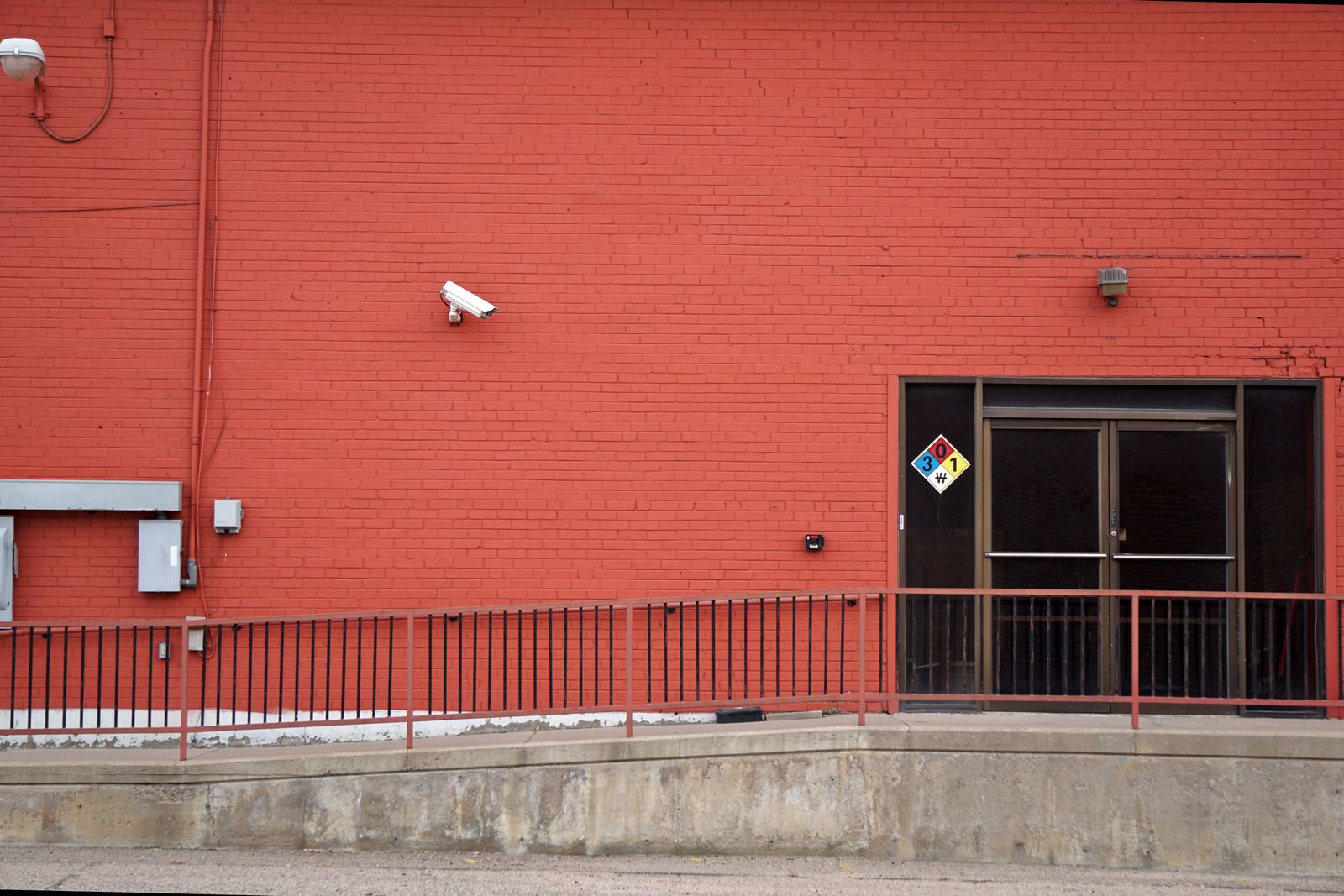
Winter Solar Security Camera Battery Performance & Fixes (-4°F)
Is your remote 4G solar camera shutting down or showing 'Charging Paused' during sub-zero winter freezes? Freezing temperatures increase battery internal resistance, reducing available capacity by up to 40% and triggering internal Battery Management System (BMS) cutoffs that pause solar charging below 32°F (0°C). To keep it running down to -4°F (-20°C), mount the solar panel at Latitude + 15°, enable AI human detection to reduce power draw, and let the camera's thermal safety circuitry regulate charging.
Winter Power Diagnostic Flowchart
- Does the camera app report 'Charging Paused' or shows 0% battery during daytime? → Yes: Check ambient temperature. If below 32°F (0°C), built-in BMS protection has halted charging to prevent lithium plating. Proceed to sun exposure inspection.. No: Is the camera completely unresponsive with no indicator lights?.
- Is the camera completely unresponsive with no indicator lights? → Yes: Internal battery voltage has dropped below operational threshold (<3.2V). Bring unit to a warm environment (>50°F) for 2 hours before wall charging.. No: Is the solar panel covered in snow, ice, or positioned at a shallow summer angle (<45°)?.
- Is the solar panel covered in snow, ice, or positioned at a shallow angle? → Yes: Clear panel with a soft microfiber cloth and re-tilt to steep winter angle (Latitude + 15°, typically 55°–65° in the US) facing true South.. No: High winter power drain detected. Switch motion detection from standard PIR to AI Human & Vehicle filter and reduce recording length to 10s..
Winter Failure Modes & Immediate Field Remedies
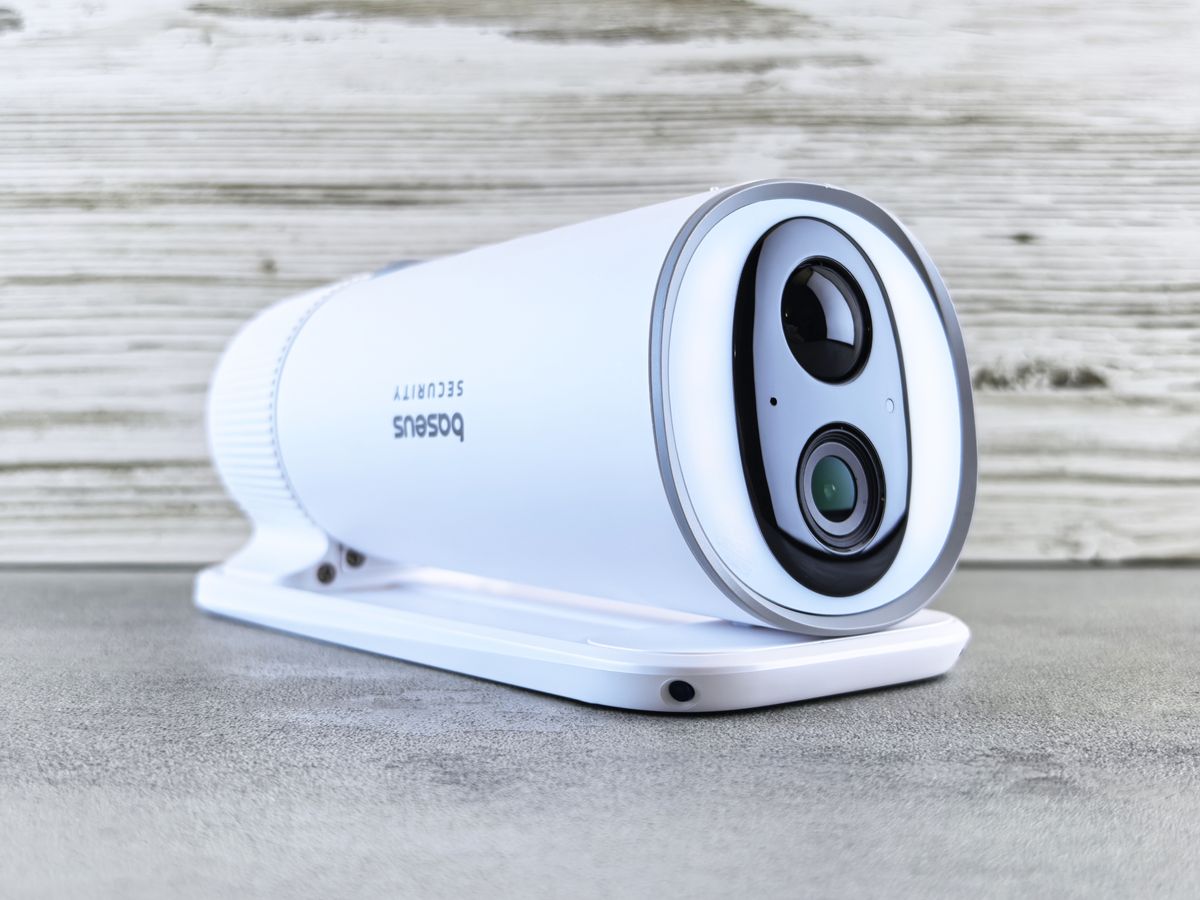
Photo by Andrey Matveev on Pexels
| Failure Mode | Observed Symptom | Underlying Chemical / Hardware Cause | Immediate Field Remedy |
| --- | --- | --- | --- |
| Sub-Zero Voltage Sag | Camera offline during coldest hours (4 AM–7 AM), recovers mid-afternoon. | Electrolyte viscosity increases at low temps, causing severe voltage drops under load. | Reduce night spotlight duration and set cellular transmission mode to power-saving intermittent sync. |
| BMS Low-Temp Charge Cutoff | App shows sunny skies but reports 'Charging Paused' or 0mA current. | BMS protection disables charge intake below 32°F (0°C) to prevent permanent battery destruction. | Do not heat manually with torch. Rely on direct solar radiation to naturally warm the panel and housing. |
| PIR False-Trigger Drain | Battery depletes from 100% to 0% in under 48 hours during snowstorms. | Swirling snowflakes and wind-blown branches trip uncalibrated passive infrared sensors continuously. | Enable AI Human & Vehicle Detection filter to ignore environmental movement and suppress notifications. |
| Snow Surface Occlusion | Solar panel output stays at 0W for several consecutive sunny days. | Shallow panel angle allows heavy, wet snow or ice crust to freeze solid over photovoltaic cells. | Adjust mounting bracket to a steep 60° winter tilt; apply hydrophobic silicone seal spray to glass panel face. |
Review the most common winter operational failures experienced by off-grid cellular security cameras across US rangelands, job sites, and mountain properties.
Pre-Winter Off-Grid Security Hardening Checklist
- Reposition solar panel tilt angle to winter setting (Latitude + 15 degrees) facing true South.
- Inspect silicone seal boots, gland caps, and rubber gaskets around 4G antennas and microSD slots.
- Switch motion detection settings from standard PIR to AI Human & Vehicle filtering in the app.
- Trim overhanging evergreen tree branches that cast extended low-angle winter shadows.
- Wipe solar panel glass face clean of dust, sap, and bird droppings with a soft microfiber cloth.
- Verify 4G cellular signal strength shows at least 2 out of 4 bars in the camera companion app.
Managing Internal Resistance in Sub-Zero Climates
In extreme cold (-4°F / -20°C), lithium-ion battery chemistry experiences a rapid drop in ion mobility within the liquid electrolyte. This increases internal resistance dramatically. When the camera's 4G LTE modem powers on to transmit 2K HD video, the sudden current spike causes a temporary 'voltage sag'. The camera controller interprets this drop as a dead battery and shuts down prematurely—even if the actual stored energy is at 50%. You can prevent these false low-voltage cutoffs by switching your camera's live-stream quality setting to SD during sub-zero cold snaps and limiting live viewing sessions to under 60 seconds.
Winter Solar Panel Angle and Snow Shedding Diagram
Understanding how solar tilt geometry impacts winter energy generation and snow shedding.
Winter Power Recovery Decision Path
- Is ambient air temperature currently below 32°F (0°C)? → Yes: Expect solar charge intake to pause until solar radiation warms the panel. Do not force wall-charging outdoors.. No: Is the camera receiving at least 2 hours of direct, unshaded sunlight daily?
- Is the camera receiving at least 2 hours of direct sunlight daily? → Yes: Camera should resume charging automatically. If battery fails to hold charge, perform an indoor thermal re-conditioning cycle.. No: Relocate solar panel using an extension lead to a south-facing roofline or unshaded pole mount.
Crucial Winter Battery & Solar Realities
Key facts every off-grid property owner must know about operating cellular solar cameras in winter:
Hardware Built for Extreme Sub-Zero Operation
For total peace of mind on off-grid US ranches, job sites, and remote rural properties, select surveillance hardware specifically engineered for sub-zero weather resistance.
Evaluating Off-Grid Power Support During Deep Freezes
Selecting the right physical placement and operating profile depends heavily on winter sun hours and minimum regional temperatures.
Best choice for
- Solar Watch Cam Pack with steep 65° tilt and AI Human Only filtering. — Maximizes natural snow clearing and prevents battery exhaustion from sub-zero voltage sag.
- Solar Watch Cam Pack with 10-second clip limits and spotlight disabled. — Allows rapid battery recovery during bright sunny periods between winter storms.
- Do not mount solar panels flat or at summer angles (<35°) in regions that receive snowfall.
- Avoid using continuous video recording mode in winter off-grid deployments.
- Auxiliary Solar Extension Cord — Allows mounting the camera in a shaded security location while positioning the solar panel 15 feet away in full, uninterrupted sunlight.
Side-by-Side: Battery Efficiency & Charging Cutoffs Across Temperatures
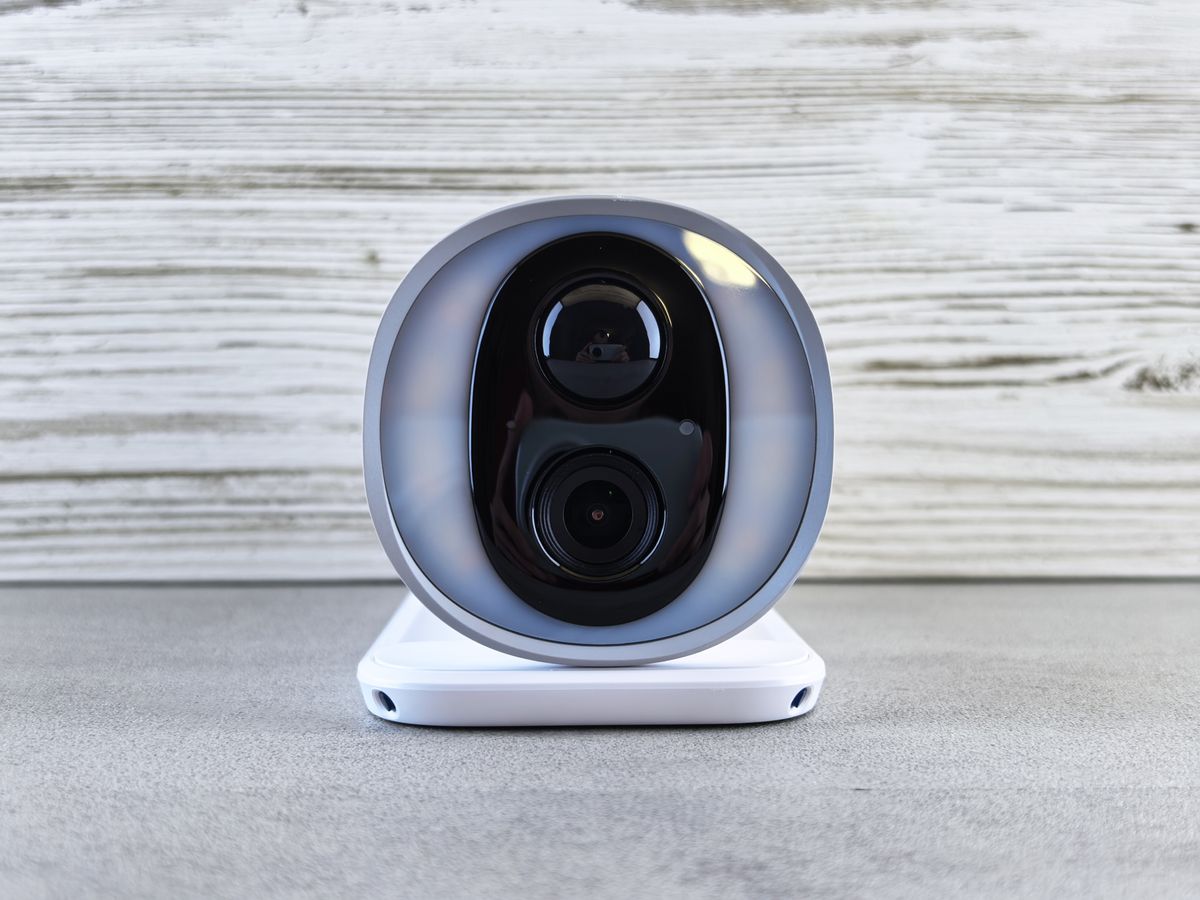
Photo by Andrey Matveev on Pexels
| Ambient Temperature Range | Usable Battery Capacity | Solar Charging Intake Status | BMS Protection Action | Recommended Camera Operational Mode |
| --- | --- | --- | --- | --- |
| 68°F to 110°F (Ideal) | 100% | Normal High-Efficiency Charging | Standard monitoring | All features active (2K HD, 30s clips, Spotlights) |
| 32°F to 50°F (Mild Cold) | 85% - 90% | Reduced Charging Efficiency | Monitors cell balance | Standard AI detection mode |
| 14°F to 31°F (Freezing) | 65% - 75% | PAUSED (BMS Temperature Cutoff) | Blocks charging current to prevent lithium plating | Disable spotlight, reduce clip length to 10s |
| -4°F to 13°F (Extreme Cold) | 50% - 60% | PAUSED (BMS Protection Active) | Blocks charge; regulates discharge voltage sag | AI Human Only filter, low bitrate transmission |
This comparative breakdown demonstrates how ambient temperature directly alters lithium battery discharge efficiency, charging status, and safety controller behavior.
Step-by-Step: Restoring a Deep-Discharged Frozen Camera
If extreme cold and prolonged cloud cover have completely drained your remote 4G camera to 0%, follow this safe restoration procedure to revive the battery without causing thermal shock.
Fatal Winter Errors That Destroy Remote Solar Cameras
Avoid these critical mistakes commonly made by remote property owners during winter freezes:
Frequently Asked Questions About Winter Solar Camera Performance
Direct answers to common technical questions regarding cold-weather off-grid surveillance.
Immediate Action Plan for Winter Off-Grid Surveillance
Your decision: Determine if your 4G solar camera is suffering from low-temperature charge protection (requires sunlight warming/panel steepening) or total voltage exhaustion (requires brief indoor warming).
Do this next: Adjust solar panel mount angle to Latitude + 15°, clear any ice from the lens housing, and set AI filtering to 'Human Only' to suppress battery drain from winter wind/snow triggers.
- Read next: Troubleshooting Solar Camera Battery Drain: Overcoming Shade, Snow, and Debris
- Read next: Off-Grid Solar Security Camera Winter Charging Guide: Powering Through Snow and Dark Months
Solar Watch Cam Pack (4G LTE, -4°F Operating Range, Intelligent Thermal Management)
Take these steps today to guarantee uncompromised security across your remote property through the winter months.