How to Activate & Refill 4G Solar Camera SIM Cards Step-by-Step
To activate your 4G solar security camera, apply the 180-second rule: Scan the camera's QR code in the app, toggle the power switch to ON, and allow 180 seconds for the internal modem to complete an automatic multi-carrier handshake across Verizon, AT&T, or T-Mobile. Activate your 7-day free data trial inside the app immediately—no carrier store visit, phone contract, or technician required.
Essential Rules for Off-Grid Cellular Activation
- 180-Second Auto-Handshake: The pre-installed SIM scans local towers and locks onto the strongest signal between Verizon, AT&T, and T-Mobile automatically.
- Zero Carrier Store Visits: Full SIM activation, trial setup, and monthly refills occur 100% inside the mobile companion app.
- 7-Day Free Trial: Every new device includes 7 days of complimentary cellular data to baseline daily MB consumption before selecting a monthly refill tier.
- Auto-Refill Uptime Protection: Enabling auto-renew in settings prevents camera disconnections when data thresholds exceed 90%.
Technical Specifications: Multi-Carrier SIM & Network Hardware
| Hardware Parameter | Technical Specification | Operational Impact |
| --- | --- | --- |
| Cellular Modem | Cat-1 4G LTE Multi-Carrier Module | Auto-switches across Verizon, AT&T, and T-Mobile networks based on real-time dBm signal strength. |
| LTE Frequency Bands | B2 / B4 / B5 / B12 / B13 / B14 / B25 / B26 / B66 / B71 | Ensures broad rural penetration across timberland, mountain valleys, and agricultural plains. |
| SIM Card Form Factor | Pre-installed Industrial Micro-SIM (3FF) | Vibration-proof, climate-sealed rubber gasket housing rated from -4°F to 122°F. |
| Signal Threshold Handshake | -70 dBm (Optimal) to -105 dBm (Fringe Limit) | Modem selects the carrier delivering the highest signal-to-noise ratio during cold boots. |
| Data Consumption Encoding | H.265 High-Efficiency Video Coding (HEVC) | Reduces cellular data footprint by 45% compared to legacy H.264 streams while maintaining 2K HD resolution. |
| Solar Battery System | Integrated Solar Panel + Lithium Storage Core | Provides continuous year-round power with zero electric bills, zero manual recharges, and zero wiring. |
Review the core modem, frequency band, and power specifications governing cellular auto-provisioning and remote video transmission.
Network Handshake & SIM Activation Workflow
This diagram illustrates the automated 5-stage provisioning sequence executed when the camera boots in a rural environment.
4G Security Camera Monthly Data Estimator
Use this tool specification to calculate your exact monthly gigabyte requirements based on trigger volume, video resolution, and live stream duration.
Cellular Status LED Diagnostic Matrix
| LED Pattern | System State | Root Cause | Immediate Remediation Step |
| --- | --- | --- | --- |
| Flashing Blue (Slow) | Network Scanning | Searching for local cellular tower signals. | Wait up to 180 seconds. If flashing persists, elevate camera or re-orient panel antenna. |
| Solid Green | Fully Provisioned | Active 4G LTE session established on strongest carrier. | System operational. Proceed with in-app 7-day trial confirmation. |
| Flashing Red (Fast) | Data Depleted or Trial Expired | SIM card active but active cellular data balance is 0 MB. | Open mobile app -> Data Management -> Purchase Data Refill or enable Auto-Refill. |
| Solid Red | Hardware / SIM Error | SIM card missing, loose, or inserted incorrectly into micro-SIM slot. | Power OFF device, unseat weather gasket, re-insert micro-SIM until it clicks, seal gasket, power ON. |
Identify connection issues instantly by comparing your device's LED status light pattern with the technical resolution steps below.
First 30 Days Activation & Refill Timeline
- Day 1 (Unboxing & Mounting) — Charge internal battery via USB-C for 4 hours. Download app, scan QR code, switch power to ON. Confirm solid green LED within 180 seconds. Claim 7-day free data trial.
- Day 3 (Usage Baseline Check) — Open Data Management in the mobile app. Review consumed megabytes across your first 72 hours to gauge daily motion trigger rates.
- Day 6 (Refill Tier Selection) — Select your recurring monthly data refill plan (e.g., 2GB Standard vs. 5GB Pro) before the 7-day trial expires to prevent connectivity dropouts.
- Day 30 (Automated Renewal) — Verify auto-refill execution in app settings. Confirm solar charging equilibrium (battery remaining at 95%-100% capacity).
Pre-Activation Field Preparation Checklist
- Unbox Solar Watch Cam and confirm pre-installed SIM card is securely seated in the SIM slot.
- Charge the internal lithium battery via USB-C for at least 4 hours before initial setup.
- Download the official Solar Watch Cam mobile app on your iOS or Android smartphone.
- Verify 4G LTE cellular coverage on your smartphone at the intended mounting site.
- Scan the camera UID QR code on the camera body using the mobile app.
- Power on the device and wait 180 seconds for the LED to switch from flashing blue to solid green.
- Confirm the 7-day free data trial is active in the App Data Management tab.
Pro Tip: Signal dBm Optimization & Data Buffer Safety
To maximize cellular battery life and prevent unexpected disconnections on remote ranches or jobsites, aim for a minimum signal strength of -85 dBm. When a camera operates in fringe coverage zones (-100 dBm to -105 dBm), the modem increases transmission wattage by up to 300% to maintain connection, accelerating battery draw during live streams. Furthermore, always configure an Auto-Refill buffer inside the app; setting an auto-top-up trigger when remaining data hits 10% guarantees your property remains protected even during high-traffic security incidents.
Choosing the Right Monthly Data Refill Tier
Cellular security camera data plans are consumption-based, driven primarily by live viewing duration and daily AI motion alert uploads.
Best choice for
- 1GB - 2GB Monthly Refill Tier — Sufficient for 15-30 daily motion triggers and 10 minutes of live 2K HD checks per month.
- 3GB - 5GB Monthly Refill Tier — Handles 50-100 daily AI alerts (vehicles, livestock) plus 30 minutes of monthly live monitoring.
- 10GB+ / Unlimited Refill Tier — Accommodates constant worker movement, vehicle ingress/egress, multi-user live monitoring, and cloud backup.
- Attempting to use standard voice-only smartphone SIM cards without dedicated M2M/IoT data profiles.
- Operating without auto-refill enabled on unstaffed job sites located hours away from primary headquarters.
- MicroSD Card Local Storage (up to 128GB) — Allows full 2K video recording locally to eliminate cloud storage upload bandwidth while retaining 4G app alerts.
Recommended Off-Grid Hardware & Accessories
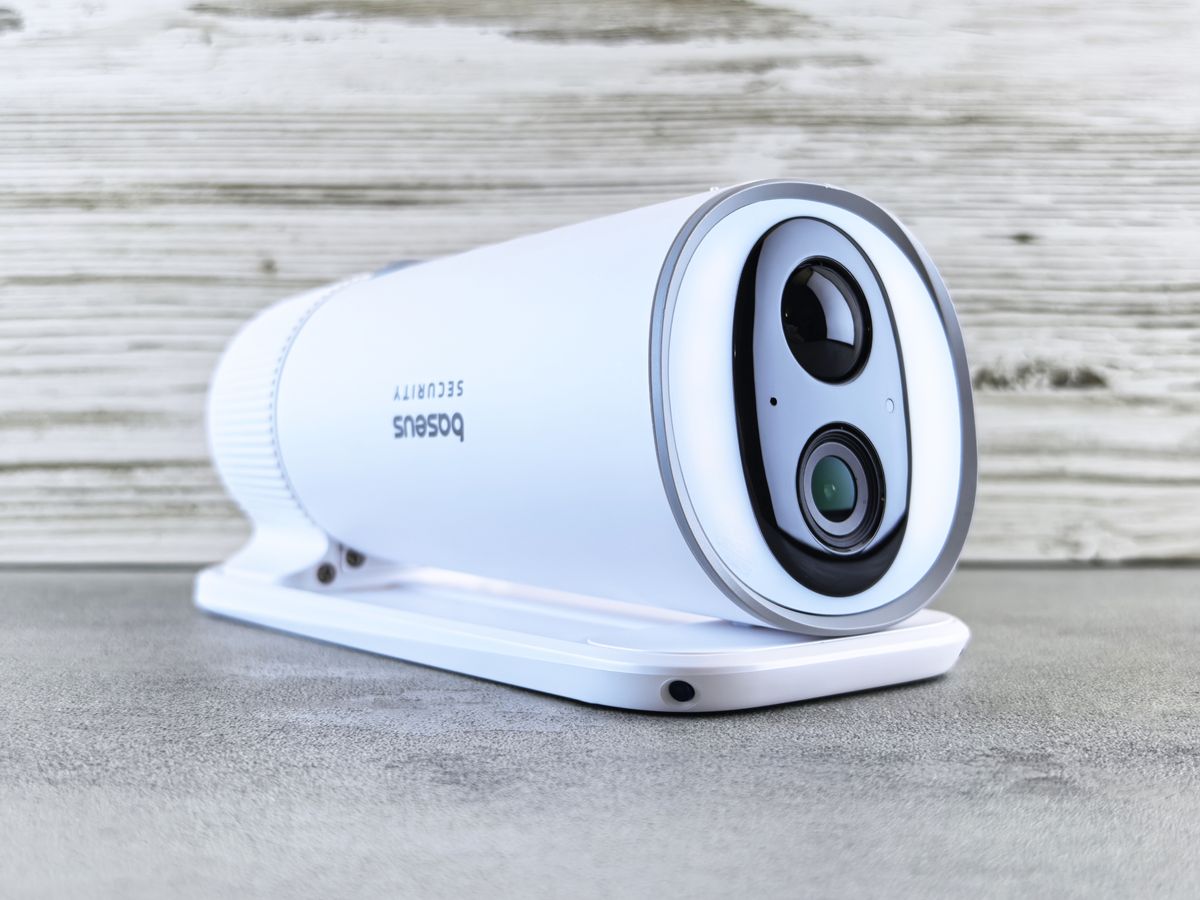
Photo by Andrey Matveev on Pexels
Deploy a complete zero-maintenance security setup engineered specifically for locations without Wi-Fi or electrical grid access.
Operating security cameras on remote ranches, agricultural parcels, job sites, and off-grid cabins requires absolute independence from fixed Wi-Fi infrastructure and utility AC power. The Solar Watch Cam solves off-grid connectivity by pairing a Cat-1 4G LTE cellular module with an industrial pre-installed multi-carrier micro-SIM card. Understanding the underlying mechanics of carrier provisioning, data encoding, and network auto-handshakes ensures your deployment remains online 365 days a year.
The Math Behind 4G LTE Data Consumption
Unlike residential Wi-Fi cameras that stream uncompressed video continuously across flat-rate broadband, cellular security cameras operate on metering models tailored for IoT (Internet of Things) devices. Data consumption is governed strictly by three variables: stream resolution, compression codec, and session duration.
How Multi-Carrier Auto-Handshake Works Out of the Box
Standard single-carrier SIM cards bind a security camera exclusively to one cellular network. If Verizon drops signal in a canyon, or if an AT&T tower undergoes maintenance, a single-carrier camera disconnects permanently until manually rebooted.
The pre-installed SIM inside the Solar Watch Cam operates on an M2M multi-carrier profile. During the initial 180-second power boot, the internal modem executes a cell-tower frequency sweep across LTE bands B2, B4, B5, B12, B13, B14, B25, B26, B66, and B71. The firmware evaluates the Received Signal Strength Indicator (RSSI) and Reference Signal Received Quality (RSRQ) from local Verizon, AT&T, and T-Mobile towers. It automatically establishes an encrypted tunnel with whichever carrier delivers the highest dBm signal quality.
Because activation occurs at the SIM/app level, property owners never need to visit a phone carrier store, sign multi-year cellular contracts, or negotiate individual line additions with wireless providers. Everything is managed seamlessly within the companion mobile application.
Data Plan Refill Scenarios & Usage Caps
| Deployment Scenario | Daily Activity Level | Estimated Monthly MB/GB | Recommended Refill Plan Tier | Auto-Refill Recommendation |
| --- | --- | --- | --- | --- |
| Remote Vacation Home Gate | 5 - 15 AI triggers / day; 2 mins live view / week | 800 MB - 1.5 GB | 2GB Standard Tier | Optional (Low depletion risk) |
| Rural Cattle Ranch / Barn | 30 - 50 AI triggers / day; 10 mins live view / week | 3.0 GB - 4.5 GB | 5GB Pro Tier | Recommended |
| Active Commercial Job Site | 100+ AI triggers / day; 30+ mins live view / week | 8.0 GB - 12.0+ GB | 10GB / Unlimited Tier | Mandatory (High traffic zone) |
| Off-Grid Equipment Yard | 20 - 40 AI triggers / day; 5 mins live view / week | 2.2 GB - 3.5 GB | 5GB Pro Tier | Recommended |
Compare monthly data usage requirements across distinct real-world deployment scenarios.
5 Critical Mistakes That Cause 4G Camera Disconnections
Avoid these common setup errors to ensure continuous off-grid reliability.
Related Technical Guides for Off-Grid Security
- The Ultimate 4G LTE Data Plan & Refill Guide for Off-Grid Solar Security Cameras
- Best Data Plans for Cellular Security Cameras: 2025 Off-Grid Buyer's Guide
- How Much Data Does a 4G Solar Security Camera Use Each Month?
Frequently Asked Questions About 4G SIM Activation
Do I need to go to a carrier store (Verizon, AT&T, T-Mobile) to activate the SIM card?
No. You do not need to visit a carrier store, sign a contract, or call a phone company. The pre-installed multi-carrier SIM card is activated entirely inside the Solar Watch Cam companion mobile app in under 3 minutes.
What happens when my 7-day free data trial ends?
When the 7-day trial period concludes, cellular data transmission pauses automatically until you select a data refill plan inside the mobile app. Once a refill package is selected, your camera automatically restores full 4G LTE connectivity within 180 seconds.
Can I swap the pre-installed SIM card for my own personal cellular SIM card?
While the hardware supports custom micro-SIM cards in specific setups, using the pre-installed multi-carrier SIM is strongly recommended. The pre-installed SIM automatically roams across Verizon, AT&T, and T-Mobile networks to find the strongest signal, a feature standard single-carrier consumer SIM cards cannot provide.
How do I ensure my camera never goes offline due to data depletion?
To guarantee 100% uptime, navigate to the Data Management tab in the mobile app and enable Auto-Refill. This feature automatically renews your selected monthly data package or tops up your balance whenever remaining data drops below 10%.
Next Steps to Lock in 24/7 Off-Grid Coverage
Your decision: Determine your property's daily activity level to choose between the 2GB Standard or 5GB+ Pro data plan tier.
Do this next: Complete the 3-step in-app SIM activation, start your 7-day free trial, and enable Auto-Refill in your profile settings before deploying the camera to a remote location.
- Read next: How Much Data Does a 4G Solar Security Camera Use Each Month?
- Read next: 4G Solar Camera Antenna Placement Guide
Solar Watch Cam (Pack) - Includes pre-installed multi-carrier 4G LTE SIM card, 2K HD camera, and integrated solar panel.
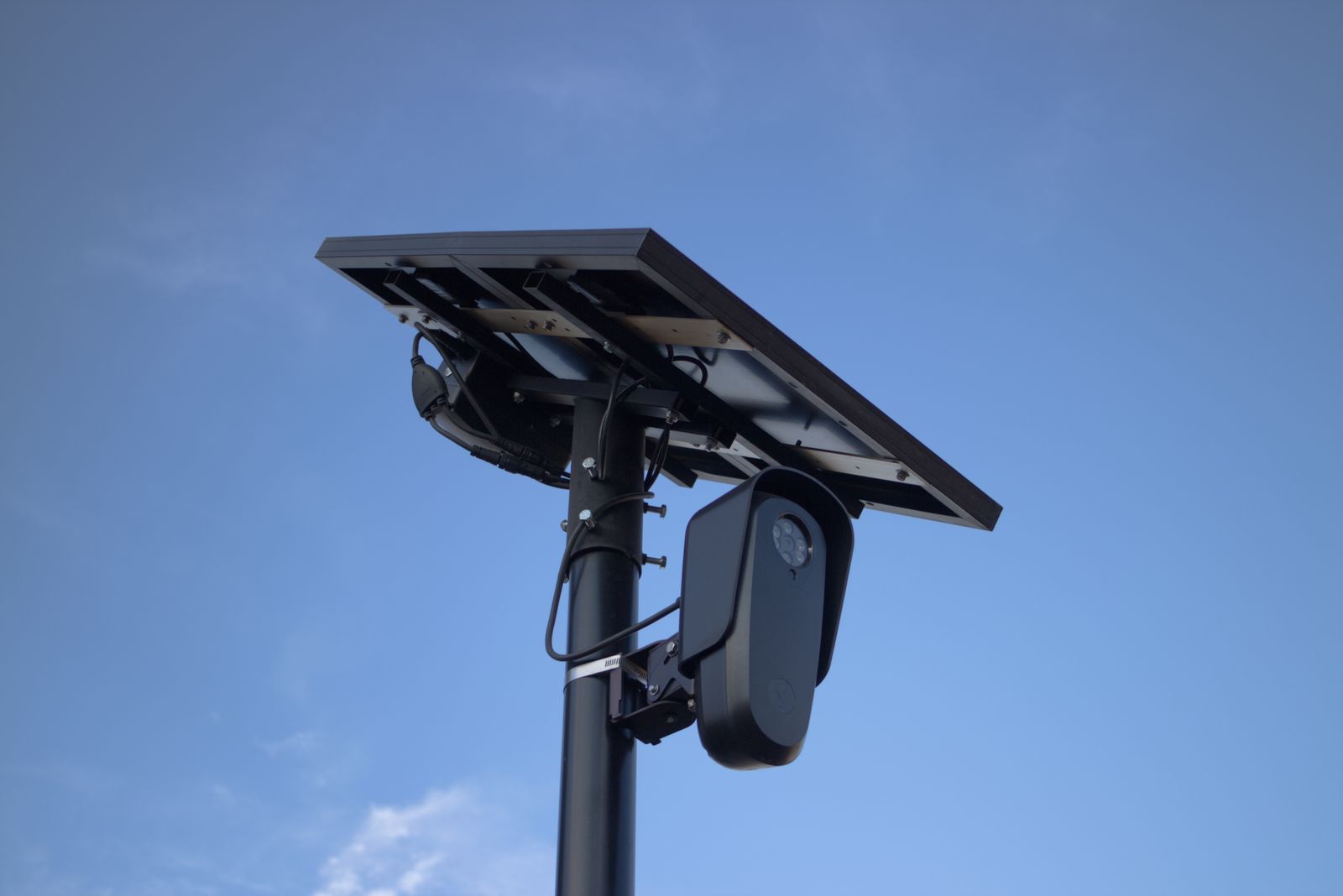
Cover photo by Will Freeman on Pexels.