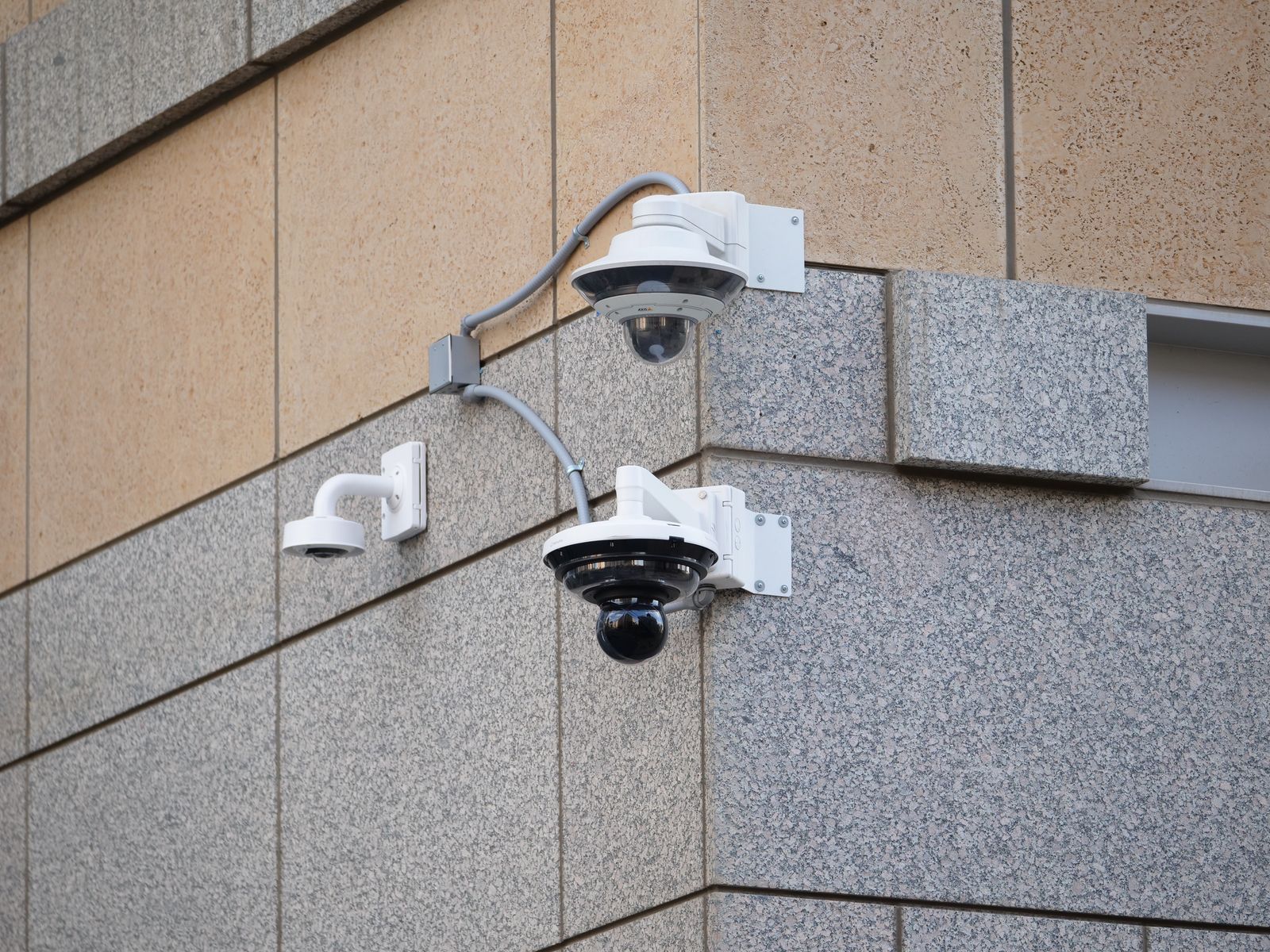
How to Mount Off-Grid Security Cameras to Prevent Theft and Tampering
Mount your off-grid 4G solar security camera 9 to 12 feet high using anti-tamper Torx screws and steel hose clamps. Angle the camera downward at 15–20 degrees to cover approach zones while keeping the solar panel facing true South at a 30–45 degree tilt, routing all power cables inside conduit to prevent cutting or physical vandalism.
Pre-Installation Anti-Tamper Tool & Hardware Checklist
- Solar Watch Cam unit with pre-installed 4G LTE SIM card
- Rugged solar panel with adjustable mounting arm
- Security Torx TR bit set (Pin-in-Torx) and cordless driver
- 1/2-inch Flexible Metallic Conduit (FMC) or split armor sleeving
- Stainless steel worm-drive band clamps or U-bolts (for metal poles)
- 3-inch stainless steel lag bolts (for timber, posts, and structures)
- Silicone weatherproof sealant for cable entry ports and hatch gaskets
- Cordless drill with high-speed masonry and wood bits
- Smartphone with active cellular connection for live app framing checks
Step-by-Step Guide to Hardening Off-Grid Camera Mounts
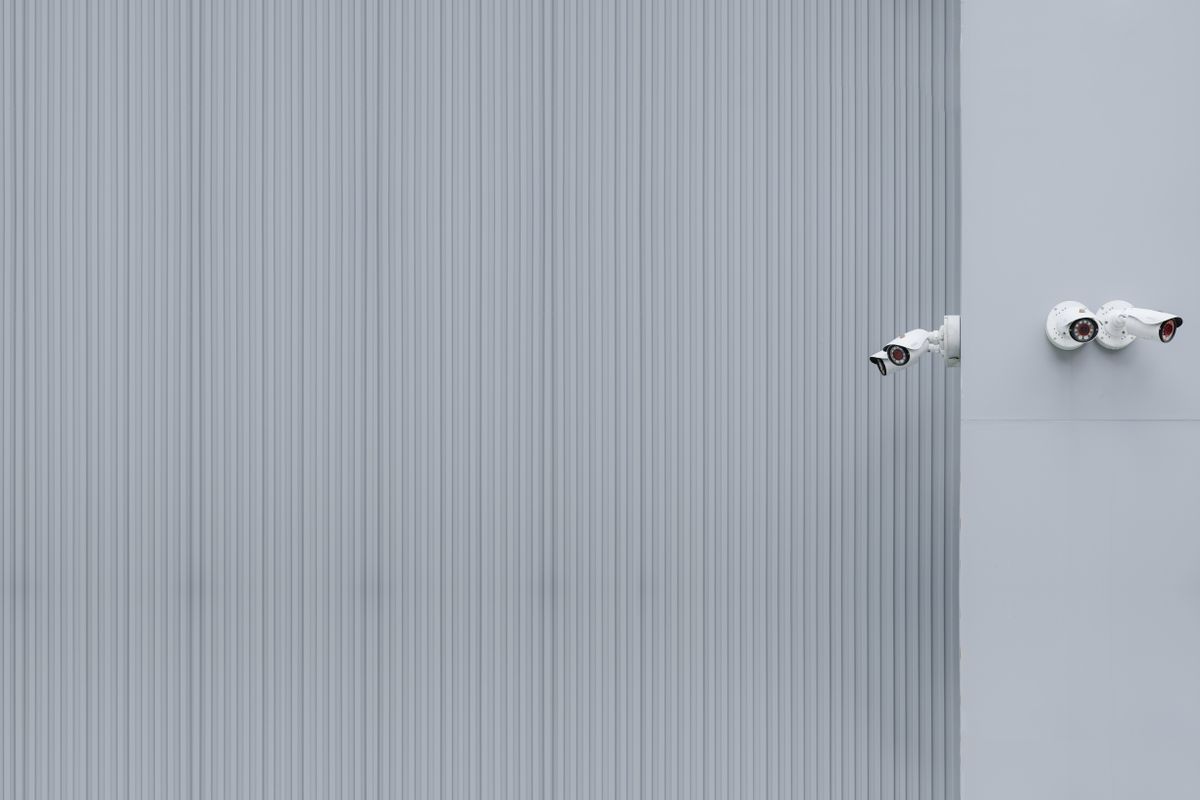
Securing a remote cellular camera requires physical resistance against opportunistic thieves, vandal wire cutters, and extreme North American weather conditions. Follow this step-by-step process to harden your installation.
Step 1: Select an Optimal Anti-Tamper Location
Position the unit near primary approach bottlenecks—such as main entry gates, driveways, or heavy machinery parking areas. Avoid low-hanging branches or foot-accessible structures that allow an intruder to climb or strike the unit with hand tools.Step 2: Establish Height and Downward Pitch Angle
Mount the main camera body between 9 and 12 feet above ground level. This height places the camera out of arm's reach while preserving the 30-foot Passive Infrared (PIR) motion detection range. Pitch the 2K lens downward by 15 to 20 degrees to maximize facial recognition and license plate identification.Step 3: Secure the Mounting Base with Tamper-Resistant Hardware
Avoid standard Phillips or flathead wood screws, which can be unbolted in seconds. Fasten the mounting bracket using stainless steel Security Torx (Pin-in-Torx) lag bolts for wood posts, or heavy-duty stainless steel band clamps for pipe poles.Step 4: Shield Solar Power Cables inside Metallic Conduit
Exposed power cords invite destruction from vandal wire cutters and gnawing rodents. Pass the solar panel power cable through 1/2-inch Flexible Metallic Conduit (FMC) or steel split armor tubing. Flush-mount the conduit directly against the post and seal entry points with outdoor silicone.Step 5: Position and Tilt the Solar Panel True South
Mount the solar panel directly above the camera unit or on an unshaded side of the pole. Angle the panel toward true South at a 30 to 45-degree pitch angle (adjusting for regional latitude) to ensure year-round trickle charging even during winter months.Step 6: Verify 4G LTE Signal and Cloud Transmission
Before tightening the final lock screws, open the mobile app on your smartphone to verify live 2K HD video streaming and 4G signal strength across Verizon, T-Mobile, or AT&T networks. Confirm that cloud event recording uploads immediately upon detected motion.Recommended Off-Grid Equipment
For total security across remote property where electrical power and Wi-Fi are completely unavailable, we recommend deploying high-definition cellular units built for extreme outdoor environments.
Installer Insights: Deterrence vs. Concealment Strategy
Field security experts strongly advocate for overt physical deterrence on high-value perimeter entries. Mounting a high-visibility, 2K camera at 10 to 12 feet signals active surveillance and deters 85% of trespassers before a crime occurs.
If you face elevated risks of organized vandalism, employ a two-tiered layer: place an overt camera in plain view with conduit-shielded wiring, and position a secondary hidden unit overlooking the primary camera. Any attempt to tamper with the main unit is captured clearly by the secondary feed.
Substrate Mounting Decision Tree: Poles, Posts, Trees, and Walls
- What structure are you mounting the camera on? → Yes: Square Timber Post or Wood Structure -> Use 3-inch Stainless Security Torx Lag Bolts.. No: Check Metal Pipe / Pole or Living Tree options.
- Is it a Round Metal Pipe, T-Post, or Scaffold Pole? → Yes: Use Heavy-Duty Stainless Steel Worm-Drive Band Clamps or U-Bolt Brackets.. No: Check Living Tree or Masonry Wall options.
- Are you mounting directly to a Living Tree Trunk? → Yes: Use Weatherproof Heavy-Duty Tree Straps or Stainless Hanger Bolts with split armor conduit to protect wiring from bark expansion.. No: Use Concrete Expansion Anchors for brick/stone or Lag Bolts for structural wood fascia.
Hardware Systems for Remote Property Protection
Explore complete off-grid protection packs designed for plug-and-play installation on job sites, ranches, and remote acreage.
Key Principles of Anti-Tamper Off-Grid Installation
Keep these five essential security rules top-of-mind when installing remote cellular cameras:
- Mount Height: Maintain 9 to 12 feet elevation to prevent hand-reach theft while retaining face-level clarity.
- Conduit Enclosure: Always encase solar power cords in flexible metal conduit to prevent cord-cutting.
- Tamper-Proof Fasteners: Replace standard screws with Pin-in-Torx hardware or steel hose clamps.
- True South Orientation: Angle solar panels 30–45 degrees South to maintain continuous zero-bill solar power.
- Instant Cloud Storage: Rely on cellular cloud backup so captured video is secured off-site in real time.
Visual Specification: Anti-Theft Mounting Height & Solar Alignment
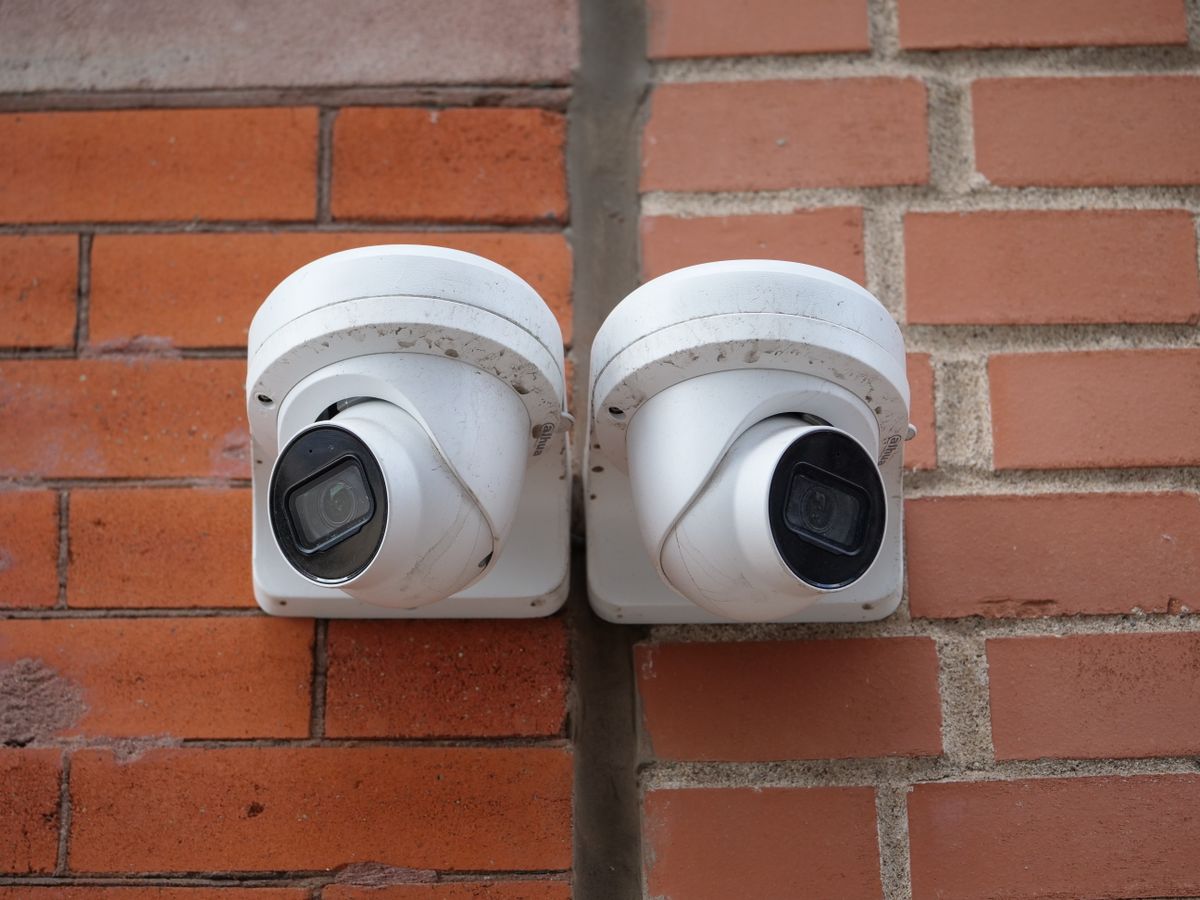
Photo by Giant Asparagus on Pexels
Detailed specifications for visual installation diagrams depicting mounting geometry, PIR motion angles, and conduit protection.
Common Off-Grid Mounting Errors That Invite Theft
Avoid these critical installation mistakes that leave off-grid security cameras vulnerable to theft, wire cutting, and battery depletion.
Installation & Maintenance Timeline
- Pre-Installation (15 mins) — Insert SIM card, charge battery fully via micro-USB, pair unit with mobile app, and test 4G connection.
- Field Mounting (30 mins) — Attach base bracket at 9-12 ft with Torx screws, mount camera, run cable inside metal conduit, align solar panel South.
- Post-Mounting Verification (10 mins) — Perform walk test across 30ft zone, check push notifications, and confirm live 2K streaming in app.
- Bi-Annual Maintenance (Every 6 Months) — Wipe solar glass, inspect conduit entry seals, and verify Torx mounting screw tightness.
Frequently Asked Questions About Off-Grid Camera Mounting
Answers to common reader questions about preventing theft, protecting solar cords, and maintaining cellular security coverage.
Next Steps: Protect Your Off-Grid Property
Your decision: Identify your mounting structure (wood post, steel pipe, or tree) and acquire Security Torx fasteners and 1/2-inch flexible metallic conduit.
Do this next: Mount the camera at 9-12 feet facing your entry point, angle the solar panel true South at 30-45 degrees, insert cable into conduit, and perform a 4G live-view check.
- Read next: Best Mounting Solutions for Remote Solar Cameras: Trees, Fence Posts, and Job Site Poles
- Read next: How Smart AI Threat Filtering Stops False Alarms from Wind, Bugs, and Wildlife
Deploy the Solar Watch Cam (Pack) for complete off-grid protection without Wi-Fi or electrical wiring.
Take these concrete steps to ensure your job site, farm, ranch, or remote cabin remains fully protected year-round without Wi-Fi or electrical grid power.