
How to Reduce Cellular Camera Data Usage with AI Motion Detection
Enabling onboard AI edge processing cuts 4G cellular security camera data consumption by 70% to 85%. By processing motion triggers locally on the camera CPU to detect only humans and vehicles, setting cloud clip lengths to 15 seconds, and streaming live previews in SD (256 kbps), monthly cellular data drops from over 15GB down to 1.5GB–2.0GB.
Core Strategies for Off-Grid Data Optimization
- Process Triggers on the Edge: Onboard AI filters out 90%+ of false motion triggers (wind, leaves, small animals) before video packets reach the 4G network.
- Cap Event Upload Durations: Restricting cloud event clip uploads to 15 seconds reduces file sizes from ~16MB (60s at 2K) down to ~4MB per event.
- Leverage Local MicroSD Storage: Offloading continuous or full-length event recordings to an onboard microSD card (up to 128GB) bypasses cellular data transfer entirely.
- Optimize Live Stream Resolution: Defaulting mobile app live viewing to SD (256 kbps) instead of full 2K HD (2048 kbps) saves up to 13.5MB per minute of active remote viewing.
- Mask Exclusion Zones: Drawing precise motion boundaries removes active roads, swaying branch lines, and body of water reflections from the hardware PIR sensor path.
4G Camera Configuration & Data Output Benchmark Matrix

Photo by tommy picone on Pexels
| Configuration Profile | Stream Resolution | Target Bitrate (kbps) | AI Edge Filtering | Data per 15s Event | Est. Monthly Data (30 events/day) |
| --- | --- | --- | --- | --- | --- |
| Unoptimized Default | 2K HD (2048x1536) | 2048 kbps | Disabled (PIR Only) | 3.84 MB | 17.28 GB (450 triggers/day) |
| Standard High-Res AI | 2K HD (2048x1536) | 2048 kbps | Enabled (Human/Vehicle) | 3.84 MB | 3.45 GB (30 triggers/day) |
| Optimized Balanced Mode | 1080p Full HD | 1024 kbps | Enabled (Human/Vehicle) | 1.92 MB | 1.72 GB (30 triggers/day) |
| Ultra-Low Data Mode | SD (640x360) | 256 kbps | Enabled (Human/Vehicle) | 0.48 MB | 0.43 GB (30 triggers/day) |
The table below outlines technical parameters across typical resolution, encoding, and detection configurations, showing exact cellular data consumption per event and per month.
Visualizing AI Motion Detection vs. PIR Triggers
Visual blueprint detailing how traditional thermal PIR motion sensors trigger massive false data uploads compared to precision AI edge zone filtering.
Recommended Default Settings for Off-Grid Ranches & Remote Sites
For optimal 4G performance on farms, construction sites, and remote acreage, apply these baseline app settings immediately upon installation:
- Detection Type: AI Human & Vehicle Detection ONLY (Generic Motion OFF)
- PIR Hardware Sensitivity: Medium (5–8 meter trigger range)
- Cloud Clip Length: 15 Seconds
- Re-Trigger Cooldown: 15 Seconds
- Default Stream Quality: SD (Fluent / 256 kbps)
- Onboard Storage: 128GB High-Endurance MicroSD Card Installed
Cellular Data Usage & Savings Estimator
Interactive calculation model designed to project exact monthly bandwidth requirements based on field environment variables.
Step-by-Step AI Motion Calibration Checklist
- Enable Onboard AI Detection: Toggle 'Human' and 'Vehicle' detection ON; turn off generic 'All Motion' alerts.
- Set Custom Motion Detection Zones: Mask out background trees, tall grass, roads, and water bodies.
- Adjust PIR Sensitivity: Set hardware PIR to Medium or Smart Auto to prevent false thermal wake-ups.
- Shorten Recording Cooldown: Set re-trigger interval to 15–30 seconds to block repeated triggers from the same target.
- Lower Cloud Video Clip Length: Reduce automated event clip uploads from 60 seconds down to 15 seconds.
- Configure Sub-Stream Live Viewing: Set default live preview resolution to SD (Fluent) rather than 2K HD.
- Install Local MicroSD Card: Direct full-length event recordings to local storage (up to 128GB) rather than cellular cloud uploads.
Pro Tip: Bitrate Throttling and Sub-Stream Management
Modern 4G LTE cameras utilize dual-stream video encoders: a Main Stream (high bitrate 2K HD) and a Sub-Stream (low bitrate SD). When monitoring off-grid locations, always set your companion app preview preference to Sub-Stream (SD). Opening the live view in 2K HD consumes ~15MB per minute, whereas SD consumes only ~1.9MB per minute. If an actual security threat is identified on the live sub-stream preview, you can manually toggle 2K HD resolution with a single tap to view high-definition license plate details or facial features without wasting data on casual check-ins.
Data Optimization Strategy by Property Scenario
Tailoring camera bandwidth settings to match physical property traffic prevents data overages while maintaining rapid alert response times.
Best choice for
- Cloud AI Alerts + 15s Clips — Infrequent human traffic means AI triggers stay low (<10 per day). 15-second 2K HD cloud clips provide instant remote evidence without burning monthly data.
- Local MicroSD Recording + High PIR Cooldown — Heavy worker movement will exhaust cloud data plans in hours. Local SD storage logs all video, while AI sends notifications only for after-hours activity.
- Strict Exclusion Masking + Sub-Stream Preview — Wind blowing tree branches causes continuous PIR wake-ups. Masking foliage lines ensures the camera only activates when someone approaches the cabin door.
- Do not set cloud upload duration to continuous or 60+ seconds on 4G cellular connections.
- Do not disable AI human filtering on properties surrounded by high winds or heavy vegetation.
- Hybrid Cloud & Local MicroSD Storage — Stores 2K video locally on the 128GB SD card while transmitting lightweight SD thumbnails and 15s AI video clips over 4G LTE.
Hardware Built for Efficient 4G Cellular Optimization
Deploy security equipment designed specifically for off-grid US locations with integrated AI edge filtering and zero electrical wiring requirements.
Solar Watch Cam (Pack)
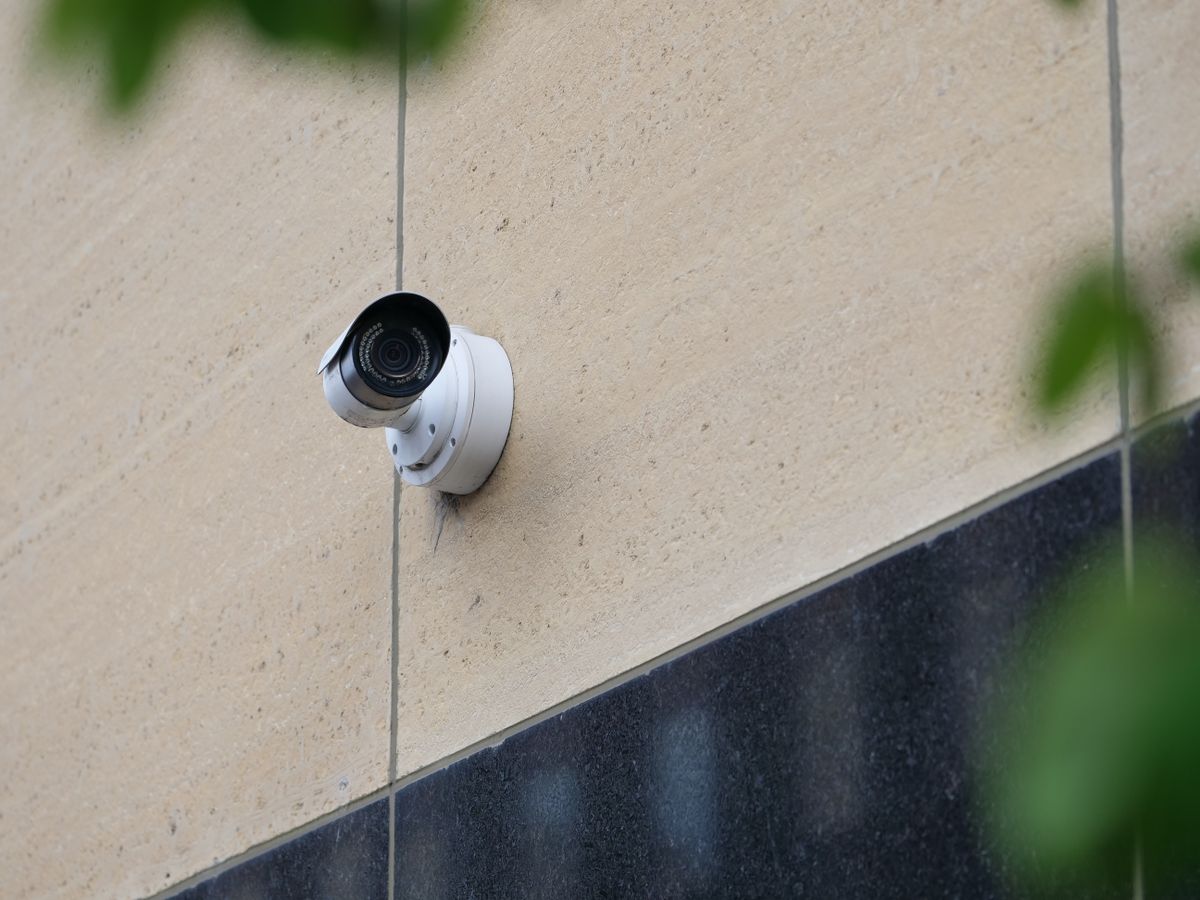
Photo by Giant Asparagus on Pexels
The ultimate off-grid security solution for US ranches, job sites, farms, and remote cabins. Auto-connects out of the box to the strongest 4G LTE network across Verizon, T-Mobile, or AT&T with no Wi-Fi needed.
- AI Edge Processing: Onboard system filters out leaves, wind, and insects—only alerting you to genuine human, vehicle, and animal activity.
- Continuous Solar Power: Self-charging solar panel keeps internal batteries powered year-round without electrical bills or ladder climbing.
- 2K HD + Color Night Vision: Ultra-clear resolution with integrated spotlight captures crisp facial details and license plates.
- Dual Storage Options: Includes 30 days of secure US cloud storage with support for up to 128GB microSD local storage.
- Weatherproof Construction: Rated IP65 to withstand extreme US climates from -4°F to 122°F.
The Mechanics of Edge AI Threat Filtering
Modern cellular cameras resolve this data drain through AI Edge Computing. Instead of sending raw video data straight to the cellular modem, the camera routes the sensor feed into an onboard System-on-Chip (SoC) equipped with a dedicated Neural Network Processing Unit (NPU).
By executing object classification locally on the hardware architecture rather than relying on cloud-based AI servers, total cellular data transmissions are reduced by up to 85%. Furthermore, because H.265 (High-Efficiency Video Coding) compresses 2K video streams up to 50% more efficiently than legacy H.264 formats, each verified alert clip consumes approximately 3.5MB to 4MB of cellular data.
Data Consumption Comparison: Scenario Analysis
| Property Scenario | Environment & Noise Factors | Standard PIR Usage (No AI) | AI-Optimized Usage | Monthly Data Savings |
| --- | --- | --- | --- | --- |
| Remote Ranch Main Gate | High wind, tall grass, passing highway traffic 50ft away | 18.5 GB / month (420 triggers/day) | 2.1 GB / month (25 triggers/day) | 88.6% Reduction (16.4 GB Saved) |
| Rural Farm Barn & Equipment Yard | Barn swallows, farm dogs, tree foliage, shadow shifts | 14.2 GB / month (310 triggers/day) | 1.6 GB / month (18 triggers/day) | 88.7% Reduction (12.6 GB Saved) |
| Active Commercial Job Site | Heavy machinery, worker movement during business hours | 28.0 GB / month (650 triggers/day) | 3.8 GB / month (Local SD + After-Hours AI) | 86.4% Reduction (24.2 GB Saved) |
| Mountain Cabin Perimeter | Pine tree swaying, deer, falling snow flakes | 11.4 GB / month (240 triggers/day) | 0.9 GB / month (10 triggers/day) | 92.1% Reduction (10.5 GB Saved) |
Real-world monthly data usage metrics comparing unoptimized standard PIR camera operation against AI-optimized configuration across varied US remote property scenarios.
5 Misconfigurations That Drain 4G Data Plans in Days
Avoid these critical installation and app configuration errors to keep your off-grid security camera operating on budget.
Frequently Asked Questions About Cellular Camera Data Usage
Detailed answers to standard technical questions regarding cellular data consumption, storage strategies, and AI filtering parameters.
Immediate Actions to Lock In Low Data Bills
Your decision: Choose whether to store footage locally on a microSD card or upload high-priority AI clips to the cloud based on your monthly cellular data budget.
Do this next: Access your camera companion app, turn on AI Person & Vehicle Detection, set cloud clip upload lengths to 15 seconds, default your preview stream to SD, and mask out background vegetation.
Related resource: Consult your network carrier portal (Verizon, T-Mobile, or AT&T) to verify your current monthly cellular data pool allocation.
Deploy the Solar Watch Cam (Pack) featuring built-in AI edge processing, IP65 weatherproofing, and multi-carrier 4G LTE transmission designed for off-grid US properties.
Follow these final recommendations to secure your off-grid property with optimized hardware and cellular connectivity.
Expand Your Off-Grid Security Knowledge
Provide internal links to relevant cluster guides.
Cover photo by tommy picone on Pexels.