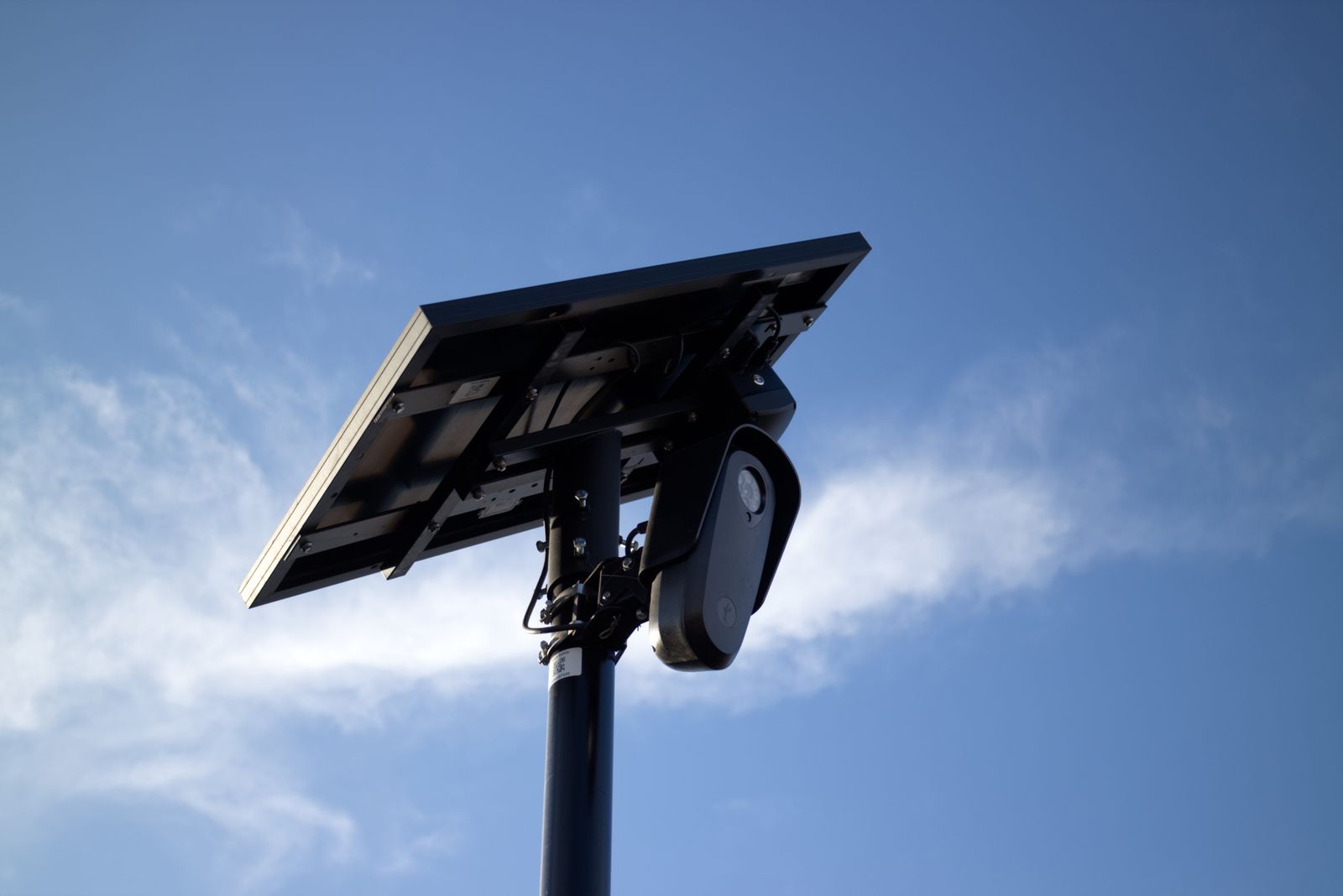
How to Manage and Optimize Cellular Data Usage on Your 4G Solar Camera
Rule of thumb: A typical 4G solar security camera consumes 2GB to 5GB of cellular data monthly under normal AI-filtered operation. Standard 2K live streaming consumes roughly 15 MB per minute, whereas SD (Standard Definition) mode consumes only 3 MB per minute. Saving primary 2K footage directly to a local 128GB MicroSD card and setting motion clip durations to 15 seconds reduces monthly cellular data usage by up to 75% without compromising real-time security alerts on US ranches, job sites, or remote properties.
Key Takeaways: Data Optimization Rules at a Glance
- Average Monthly Footprint: Standard off-grid monitoring uses 2GB to 5GB of 4G LTE data per month under normal event activity.
- Resolution Bitrate Impact: 2K HD live streaming uses ~15 MB/min, while SD (640x360) streams consume just ~3 MB/min—an 80% reduction.
- Local Storage Efficiency: Recording motion events directly to a 128GB MicroSD card consumes zero cellular data; 4G data is only used when remotely viewing or downloading clips via the mobile app.
- AI Threat Filtering Savings: Enabling AI detection for human, vehicle, and animal targets eliminates up to 90% of false motion triggers caused by wind, blowing foliage, or insects.
- Carrier Bandwidth Overhead: Weak cellular signals (1-2 bars) force packet re-transmissions, increasing data consumption by 15% to 25% compared to strong signal connections on Verizon, T-Mobile, or AT&T.
4G Security Camera Data Consumption Benchmarks Matrix
Photo by Giant Asparagus on Pexels
| Activity / Quality Level | Resolution & Codec | Bitrate (Average) | Data Consumption (Per Min) | Data Per 15-Sec Event Clip | Est. Monthly Data (20 Clips/Day) |
| --- | --- | --- | --- | --- | --- |
| 2K HD Live Stream | 2560 x 1440 (H.265) | 2.0 - 2.5 Mbps | 15.0 MB / min | 3.75 MB | 2.25 GB |
| 1080p Full HD Stream | 1920 x 1080 (H.265) | 1.0 - 1.2 Mbps | 7.5 MB / min | 1.88 MB | 1.13 GB |
| SD Preview Stream | 640 x 360 (H.265) | 0.3 - 0.4 Mbps | 2.5 - 3.0 MB / min | 0.65 MB | 0.39 GB |
| Two-Way Audio Talk | AAC / G.711 Audio | 64 kbps | 0.5 - 0.8 MB / min | N/A | 0.02 GB |
| Cloud Thumbnail Sync | JPG Image Snapshot | N/A | N/A | 0.05 MB | 0.03 GB |
The table below outlines technical data consumption rates across video resolution tiers, streaming functions, and event durations based on H.265 compression over US 4G LTE carrier bands.
Data Optimization Flowchart: From High Usage to Lean Operation
Follow this logic flow to systematically diagnose high cellular data consumption and configure your camera for minimal data overhead.
Troubleshooting Sudden 4G Data Spikes
| Observed Symptom | Probable Technical Cause | Diagnostic Step | Corrective Action |
| --- | --- | --- | --- |
| Data depleted within 3-5 days of plan renewal | Continuous live streaming left active in app or multi-user viewer concurrent sessions | Check mobile app background activity and account viewer list | Close app fully after viewing; restrict simultaneous live viewing across shared users. |
| 50+ cloud clips per day during windy weather | Generic PIR motion sensing triggered by tree branches, shadows, or tall grass | Inspect clip history for non-threat motion triggers | Enable AI Smart Detection for Human and Vehicle targets only; lower motion PIR sensitivity. |
| High data usage despite low motion activity | Weak cellular signal (1 bar) causing continuous TCP packet loss and re-transmissions | Check RSSI cellular signal strength meter in camera settings app | Reposition solar panel and camera module to achieve at least 3 bars on Verizon, AT&T, or T-Mobile. |
| Rapid data consumption during night hours | Spotlight activation triggering continuous full-color HD stream uploads to cloud | Verify night vision mode and cloud backup settings | Set night vision to Infrared mode or limit spotlight event clips to local MicroSD card storage. |
If your monthly 4G data refill plan is exhausting faster than anticipated, use this diagnostic key to resolve the underlying cause.
Interactive Tool Brief: Cellular Data Usage Estimator
Use the inputs below to calculate your estimated monthly 4G LTE data requirement based on daily site traffic, stream settings, and viewing habits.
Data Savings Configuration Checklist for Off-Grid Properties
- Set default live view playback stream to SD (Standard Definition) instead of 2K HD.
- Enable AI Smart Detection (People, Vehicles, Animals) and disable generic PIR motion detection.
- Set motion trigger recording clip length to 15 seconds.
- Insert a high-end endurance MicroSD card (up to 128GB) for local event storage.
- Turn off full-time automatic cloud video syncing; upload event thumbnails only.
- Configure motion alert schedules to bypass high-traffic work hours on job sites.
- Limit simultaneous live viewing across shared users.
- Ensure solid 4G signal (3+ bars) to prevent cellular packet re-transmission overhead.
Expert Field Tip: Local SD Storage vs. Cloud Stream Data Costs
A common misconception among off-grid security camera owners is that recording 2K high-definition video consumes massive cellular data. In reality, writing video footage directly to an installed MicroSD card uses zero 4G cellular data. The physical camera writes high-resolution video streams directly to the onboard solid-state memory card without touching the cellular module.
Cellular data is only consumed when data packets cross the wireless LTE network. This occurs exclusively during three events:
To maximize efficiency on remote construction sites or agricultural gates, install a quality 128GB MicroSD card. Set the camera to write full 2K HD resolution locally to the card while sending only small AI push notifications and picture thumbnails over the 4G network. You maintain pristine 2K video evidence for critical incidents while keeping monthly carrier data usage under 1.5GB.
Decision Support: Choosing the Right Monthly Data Plan (2GB vs 5GB vs Unlimited)
Match your monthly 4G LTE data plan allocation to your property traffic patterns and user monitoring routines.
Best choice for
- 2GB Monthly Data Plan — Properties averaging 5-10 motion triggers daily with local MicroSD recording and quick SD live previews operate comfortably under 1.5GB per month.
- 5GB to 10GB Monthly Data Plan — Sites with 20-40 daily vehicle or worker movements and frequent live stream checks by multiple team members require a broader bandwidth ceiling.
- Avoid reliance on 2K HD cloud uploading when the cellular signal strength is below 2 bars, as high packet loss doubles network data overhead.
- MicroSD Local Storage + SD Live Stream Mode — Eliminates up to 90% of cellular transmission volume while retaining full 2K HD video evidence stored securely inside the camera hardware.
Optimized Hardware: Solar Watch Cam 4G LTE Pack
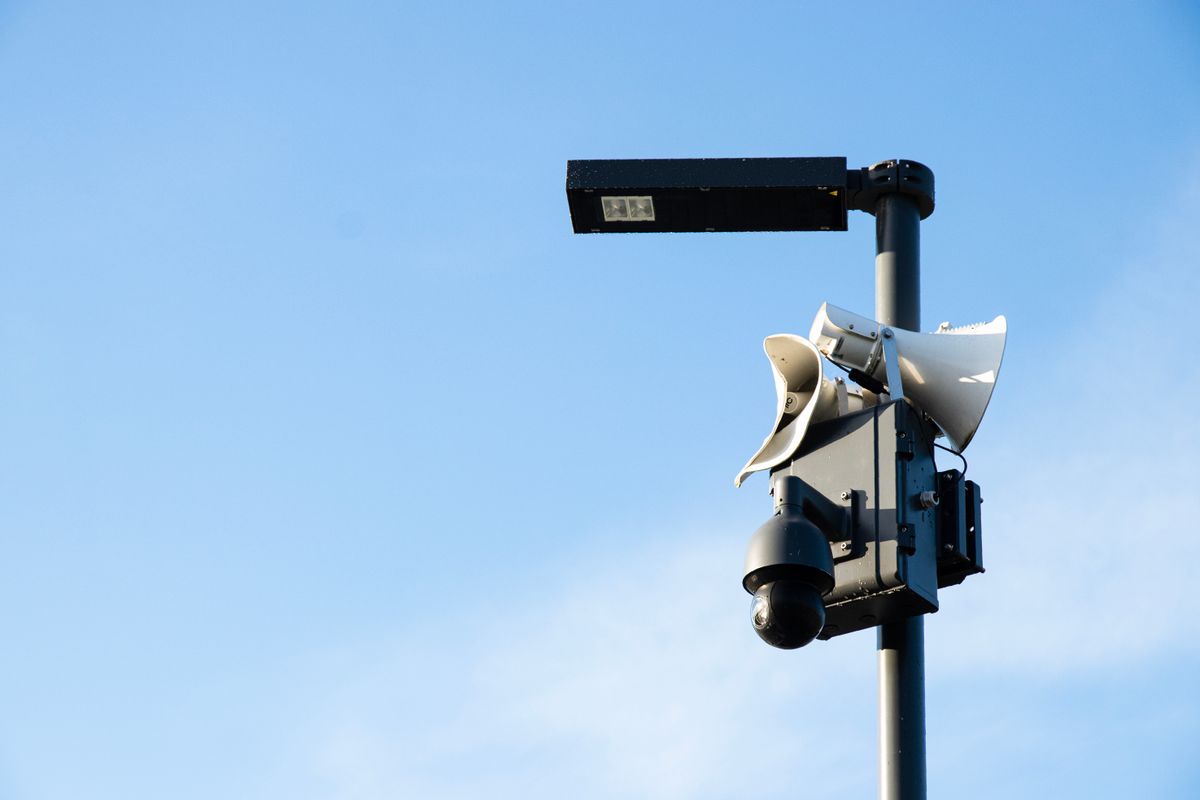
Photo by Lauma Beļska on Pexels
Stop stressing over security for your off-grid property. The Solar Watch Cam is built specifically for remote US ranches, rural farm homes, job sites, cabins, and commercial yards where Wi-Fi and power outlets do not exist.
Key Technical Highlights:
- Multi-Carrier 4G LTE Auto-Connect: Pre-configured to automatically lock onto the strongest cellular signal from Verizon, T-Mobile, or AT&T right out of the box—no manual network configuration required.
- Integrated Solar Power Module: Heavy-duty solar panel keeps the internal battery charged year-round in all US weather conditions (-4°F to 122°F, IP65 rated weatherproofing).
- 2K HD Resolution + Full Color Night Vision: Integrated spotlight and sensor capture clear facial features, license plates, and detail day or night.
- Smart AI Threat Filtering: Advanced onboard AI distinguishes between humans, vehicles, and animals—ignoring swaying branches, wind, shadows, and bugs to prevent false alerts and conserve cellular data.
- Dual Storage Architecture: Supports local MicroSD cards up to 128GB (zero data consumption for recording) plus 30 days of secure US-based cloud storage.
- Multi-User Live Sharing: Share live viewing access with up to 4 team members or family members simultaneously.
1. The Physics of Bitrate: 2K HD vs. SD Streaming
Video data rate is measured in Megabits per second (Mbps). A 2K HD video stream (2560 x 1440 resolution) encoded using standard H.265 compression requires a continuous bitrate of approximately 2.0 to 2.5 Mbps to maintain video clarity. When translated to storage and data transmission:- 2.0 Mbps bitrate = ~15 Megabytes (MB) per minute of streaming.
- 0.35 Mbps bitrate = ~2.6 Megabytes (MB) per minute of streaming.
2. Multi-User Streaming Bandwidth Multiplication
Cellular cameras transmit live video via point-to-point unicast or cloud relay sessions. When multiple users open the app simultaneously to watch a live stream, the camera's 4G cellular module must push independent stream packets for each active connection.- 1 Viewer watching 2K HD for 5 minutes: 15 MB/min × 5 min = 75 MB
- 4 Viewers watching 2K HD simultaneously for 5 minutes: 75 MB × 4 = 300 MB
3. The Hidden Data Cost of Weak Cellular Signals
In remote rural areas, cellular signal strength significantly impacts data usage efficiency. Cellular networks use TCP/IP protocols to ensure complete data transmission. When signal strength drops to 1 or 2 bars (high RSSI noise ratio), network data packets become corrupted in transit and are dropped.The camera module is forced to re-transmit those missing packets repeatedly until the cloud server receives them intact. Benchmark tests show that operating a cellular camera in a low-signal area can add a 15% to 25% data overhead burden purely from packet re-transmission retries. Mounting the camera in an unobstructed elevated location to secure 3 or more bars on Verizon, AT&T, or T-Mobile ensures maximum data efficiency.
4. Smart AI Detection vs. Legacy PIR Motion Sensors
Legacy motion security cameras rely strictly on passive infrared (PIR) heat sensors. On sunny days with wind, blowing trees, thermal reflections off gravel roads, or flying insects trigger constant recordings. 50 false motion alerts per day uploading 15-second 2K cloud clips will exhaust over 5GB of data in under 3 weeks.Modern smart 4G cameras utilize onboard AI processing. The visual algorithm evaluates pixel changes before engaging the cellular transmitter, suppressing alerts caused by non-threatening environmental motion. Alerts are only generated—and data is only transmitted—when a human, vehicle, or designated animal crosses the detection threshold.
Scenario Comparison: Heavy Traffic vs. Optimized Off-Grid Property Data Usage
| Deployment Scenario | Daily Event Clips | Live Stream Routine | Storage Target | Est. Monthly Data | Recommended Plan |
| --- | --- | --- | --- | --- | --- |
| Scenario A: Active Construction Job Site (Unoptimized) | 60+ clips/day (Wind/Workers) | 20 mins/day in 2K HD (Multiple Users) | Cloud Sync Only (No SD Card) | 12.5 GB / month | 15GB+ Heavy Data Plan |
| Scenario B: Rural Farm Gate / Equipment Shed (Optimized) | 15 clips/day (AI Human/Vehicle Filter) | 5 mins/day in SD Mode (1 Admin User) | 128GB MicroSD Card + Cloud Thumbnails | 1.8 GB / month | 2GB - 3GB Standard Plan |
| Scenario C: Remote Hunting Cabin / Seasonal Property | 5 clips/day (AI Filter Active) | 2 mins/day in SD Mode (Occasional Check) | 128GB MicroSD Local Storage | 0.6 GB / month | 1GB - 2GB Basic Plan |
This table compares monthly cellular data consumption across three common deployment scenarios on US properties.
5 Critical Mistakes That Silently Drain Your 4G Data Plan
Avoid these setup oversights to prevent running out of 4G data mid-month or paying unnecessary data refill charges.
Frequently Asked Questions About 4G Solar Camera Data Management
Next Steps for Off-Grid Data Management
Your decision: Determine your site traffic level and select whether to record primary footage to a local MicroSD card or rely on cloud uploads.
Do this next: Audit your camera app settings: lower live preview to SD mode, set AI detection to human/vehicle only, limit video clip duration to 15 seconds, and install a 128GB MicroSD card.
Related resource: https://solarwatchcam.com/support/data-calculator
Solar Watch Cam (Pack) — Includes auto-connecting multi-carrier 4G LTE SIM card, AI human/vehicle threat filtering, and local MicroSD card support up to 128GB.