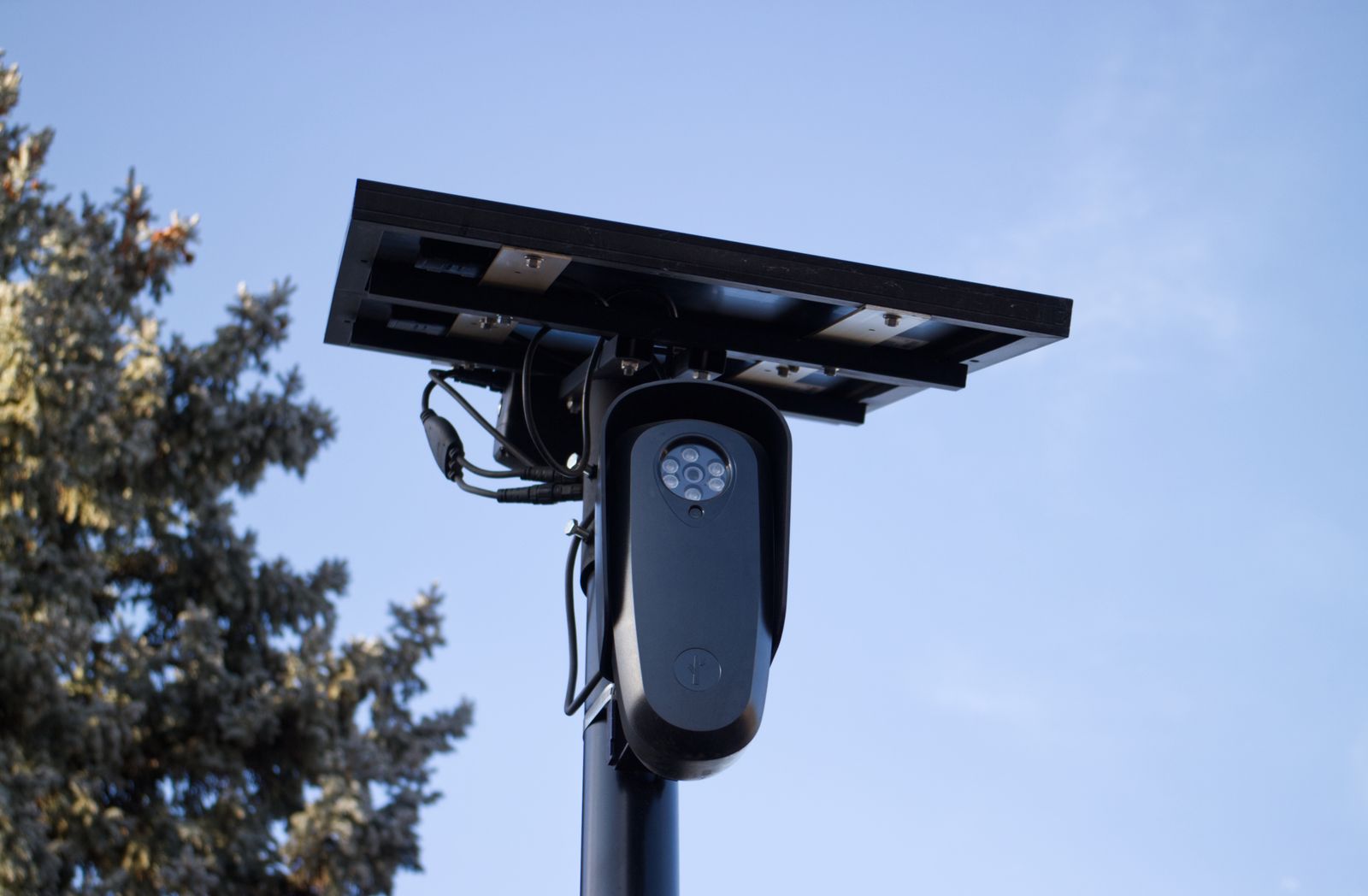
How to Share 4G Solar Camera Access with Remote Teams and Family
Share 4G solar camera access with remote teams and family by inviting named sub-users from one master login—not by texting the password. Solar Watch Cam is a cellular solar security camera with a 10,000 mAh battery; mount it 8–10 feet high, then give remote teams view rights and keep settings at home. Access sharing is an operations habit.
Rule of Thumb for Multi-User 4G Camera Sharing
If they should not change the SIM, they are not an admin. Remote teams and family get live view and event alerts. The owner keeps billing, storage, and device settings.
Core Principles of Multi-User Access Management
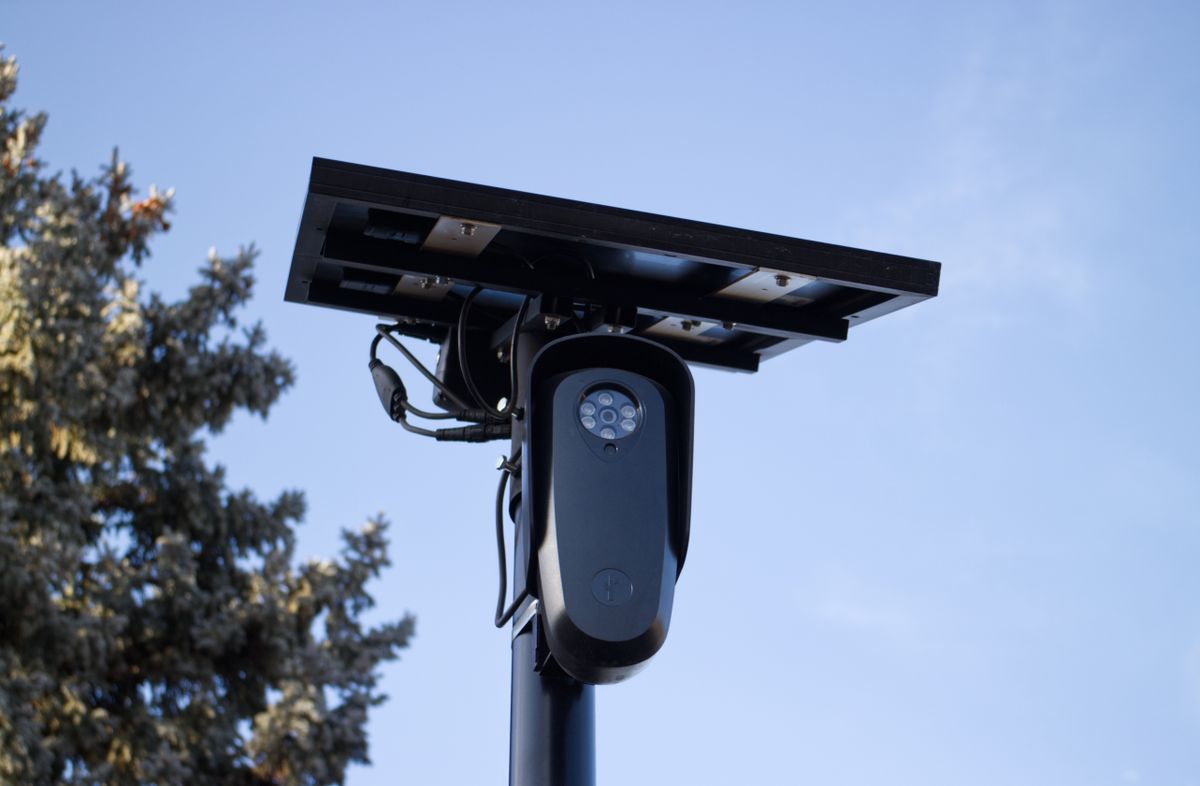
Photo by Will Freeman on Pexels
Named people. Least privilege. Time limits for contractors. No public URLs. 4G is a narrow pipe: extra watchers mean extra radio time on the 10,000 mAh pack.
Multi-User Technical Bandwidth & Stream Specifications
| Watchers | Typical 4G effect | Owner move | | --- | --- | --- | | 1 live view | Baseline | Fine | | 2–3 concurrent | Congestion risk | Lower resolution or take turns | | Event clips only | Lowest | Default for family | | All-day TV | Plan + battery death | Ban it |
Exact megabytes vary by codec; behavior does not: more streams cost more.
Architecture: How Cloud Relays Prevent Multi-User Data Multiplication
A cloud relay lets several phones watch without each phone opening a separate raw uplink from the camera. It still costs something. It is not an excuse for a watch party. See the how 4G cellular security cameras work guide.
Troubleshooting Multi-User Access & Connection Drops
Drops during sharing are often concurrent live views, a weak coverage-map location, or an expired invite. Reboot last. Check who is streaming first.
Step-by-Step Onboarding Checklist for Sub-Users
- [ ] Confirm one master account
- [ ] Invite remote teams and family by unique email or phone
- [ ] Assign cameras by site, not “all devices” unless needed
- [ ] Viewer role only
- [ ] Explain no password forwarding
- [ ] Test one live view, then exit
- [ ] Set a revoke date for contractors
- [ ] Record the user list in the property folder
Field Strategy: Managing Multi-User Two-Way Audio Lockouts
If two people press talk, the speaker becomes chaos. Give audio to the owner or a night watch only. Remote teams usually need eyes, not a PA system.
Immediate Execution Steps for Property Owners
Open the user list today. Delete ghosts. Invite people the right way. Mount still 8–10 feet so “access” is not a ladder theft.
Selecting the Right Sharing Protocol for Your Property Scenario
Family cabin: two viewers. Ranch crews: seasonal guests. Construction remote teams: superintendent plus safety lead. Do not clone the same protocol blindly.
Recommended Off-Grid Security Hardware with Multi-User Support
Photo by Erik Mclean on Pexels
Solar Watch Cam pack with 10,000 mAh batteries. Multi-user support is worthless if the camera is on Wi-Fi you do not have. Use 4G solar.
Deep-Dive Technical Analysis: Permission Hierarchies, Cloud Relaying, and Bandwidth Control
Hierarchies keep settings in one pair of hands. Relaying shares a session. Bandwidth control is you telling family to watch a clip instead of a stream. The how off-grid security cameras work guide covers why the radio is the scarce resource.
Master vs. Sub-User Permission Capability Matrix
| Action | Master | Sub-user | | --- | --- | --- | | Live view | Yes | Yes | | Audio | Optional | Default off | | Firmware / SIM | Yes | No | | Add users | Yes | No | | Export / delete | Yes | No |
Top 5 Multi-User Sharing Errors on Off-Grid Cellular Cameras
Further Technical Resources for Off-Grid Camera Management
See the essential features job site security cameras guide if remote teams are contractors, and the off-grid cabin security FAQ if they are family.
Frequently Asked Questions About 4G Solar Camera Multi-User Access
How do I share 4G solar camera access with remote teams and family?
Invite named sub-users from one master. Never text the password.
Can remote teams see live view without settings?
Yes. That is the correct split.
Does family viewing drain the 10,000 mAh battery?
Live view does. Clips do less.
How many people can watch?
As many as the app allows, but 4G will protest. Take turns.
Do I need Wi-Fi to share?
No. The camera is 4G; phones use whatever internet they have.
What to do next
Invite remote teams and family as viewers on the Solar Watch Cam, keep one master, and cap concurrent live streams. Share 4G solar camera access on purpose, then revoke it when the job or visit ends.
Cover photo by Will Freeman on Pexels.