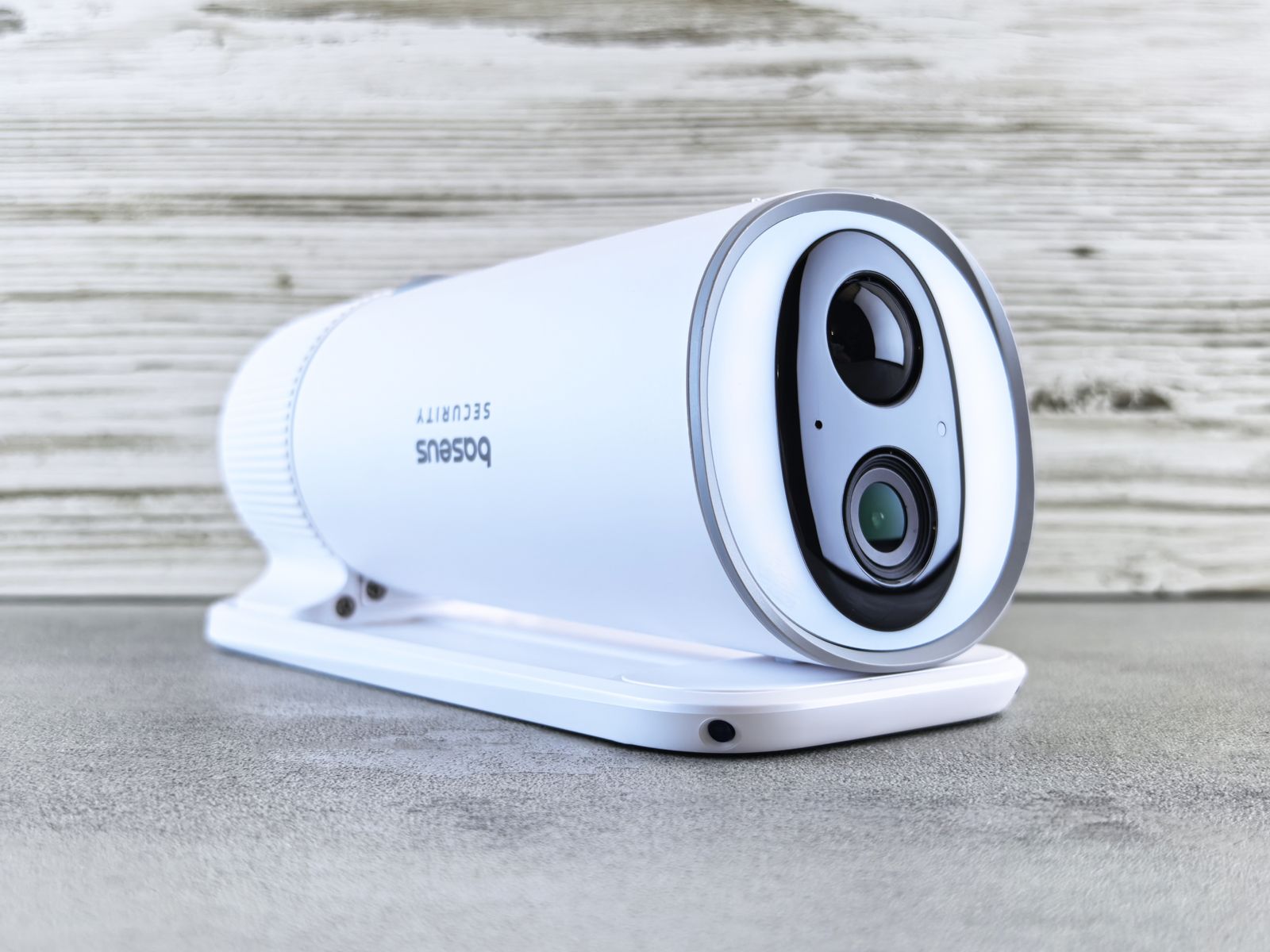
128GB SD Card vs. Cloud Storage for 4G Solar Security Cameras
Should you store your 4G solar camera video locally on a 128GB microSD card or stream it to cloud storage? For remote properties, cloud storage is essential to safeguard footage if a camera is stolen, while a 128GB microSD card provides offline backup during cellular outages without monthly fees. Combining both in a hybrid strategy yields maximum security, retaining 2K clips locally while instantly offloading critical AI alerts offsite.
SD Card vs. Cloud Storage: Off-Grid Feature & Scenario Matrix
| Scenario / Threat Environment | 128GB MicroSD Card Only | 4G Cloud Storage Only | Hybrid Strategy (SD + Cloud) |
| --- | --- | --- | --- |
| Remote High-Theft Construction Site (Low Mounting Height) | High Risk: Intruders who steal or smash the camera destroy all recorded evidence. | Protected: Motion clips upload to secure cloud instantly before camera damage. | Optimal: Cloud captures immediate intruder footage; local SD logs redundant local high-bitrate clips. |
| Rural Ranch Gate with Weak Cell Signal (1 Bar LTE) | Optimal: Video records locally at full 2K resolution without dropped frames. | Moderate Risk: Weak signal causes delayed uploads or clip buffering failures. | Protected: Camera records to SD card reliably during cell drops and syncs cloud alerts when signal restores. |
| Unmonitored Vacation Cabin (Long Intervals Between Visits) | Moderate Risk: Card overwrites after 30–45 days; requires physical visit to retrieve video. | Optimal: Live view and remote cloud playback available anytime from your smartphone. | Optimal: Full remote cloud access with local SD backup ensuring zero gap in recording history. |
| Active Farm Barn (High Daily Motion Triggers) | Optimal: Unlimited local recording without consuming monthly cellular data allowances. | High Data Use: 50+ daily uploads consume significant cellular data bandwidth. | Optimal: AI threat filtering limits cloud uploads to people/vehicles while SD stores all activity. |
The table below outlines how local 128GB microSD storage, 4G cloud backup, and hybrid configurations perform across specific remote property deployment scenarios.
Failure Modes & Critical Trade-Offs of Off-Grid Storage Methods
Pros
- MicroSD Cards: Work 100% offline with zero monthly subscription fees or data plan strain.
- MicroSD Cards: Retain maximum 2K video bitrate without cellular bandwidth compression.
- Cloud Storage: Protects evidence offsite instantly even if the physical camera is stolen or destroyed.
- Cloud Storage: Enables immediate remote smartphone playback without removing hardware or visiting the site.
- Hybrid Setup: Provides dual-redundancy against both cellular network drops and physical equipment theft.
- MicroSD Card Failure Mode (Physical Destruction): If a trespasser steals the camera, all locally stored evidence is permanently lost.
- MicroSD Card Failure Mode (Card Wearout): Cheap or standard consumer cards degrade rapidly under continuous outdoor overwrites.
- Cloud Storage Failure Mode (Cellular Dropouts): Severe weather or cell tower outages temporarily prevent offsite clip transmission.
- Cloud Storage Failure Mode (Data Caps): Unfiltered motion alerts stream excessive data, burning through cellular data refills.
Our Recommendation: The Dual-Layer Hybrid Strategy
For total off-grid peace of mind, never rely on local SD card storage alone if your camera is mounted below 10 feet, and never rely on cloud storage alone if your site experiences cell signal fluctuations.
The optimal setup for US ranches, construction sites, and remote homes is a Hybrid Configuration: install a High Endurance Class 10 U3 128GB microSD card inside the camera for local offline recording, and pair it with an AI-filtered cloud storage plan for instant offsite alerts. The camera records full-resolution 2K video locally while offloading critical 10-to-15-second human and vehicle detection clips to secure cloud servers.
5 Off-Grid Camera Storage Mistakes That Leave Footage Vulnerable
Avoid these critical errors when deploying cellular solar security cameras on remote properties:
Off-Grid Video Storage Decision Flowchart
- Is the camera mounted low (<10 ft) or in an easily accessible high-theft location? → Yes: Cloud Storage Required (or Hybrid). Physical theft risk makes local-only SD storage too dangerous.. No: Evaluate cellular signal strength at the mounting point.
- Is cellular signal strong (2 to 4 bars on Verizon, T-Mobile, or AT&T)? → Yes: Deploy Hybrid Storage (128GB SD Card + Cloud Backup) for dual redundancy.. No: Deploy 128GB High-Endurance MicroSD Card primary storage. Use Cloud as secondary sync when signal permits.
Key Takeaways: Local MicroSD vs. Remote Cloud Storage
- Local 128GB microSD cards store roughly 30 to 45 days of AI event clips (approx. 20,000 to 30,000 fifteen-second 2K clips) without monthly fees.
- Cloud storage safeguards evidence offsite instantly, ensuring video remains accessible even if intruders steal or smash the camera.
- 4G LTE cellular cameras use efficient H.265 compression, averaging 1.5MB to 2.5MB per 10-second 2K video clip upload.
- Smart AI threat detection (person, vehicle, animal) is vital for cloud plans to prevent false triggers from consuming cellular data allocations.
- The most secure off-grid configuration is a Hybrid setup combining local High-Endurance SD hardware with encrypted cloud backup.
Decision Support Matrix: Matching Risk Profile to Storage Type
Local SD storage eliminates ongoing subscription costs but carries physical theft risk. Cloud storage secures evidence offsite but depends on cellular connectivity. A hybrid approach provides maximum reliability for high-value assets.
Best choice for
- Cloud Backup (or Hybrid) — If intruders vandalize or steal tools and security cameras, cloud video provides law enforcement with instant evidence.
- 128GB MicroSD Card — Records 2K motion events locally without buffering or frame drops caused by weak 1-bar cellular coverage.
- Hybrid (128GB SD + Cloud) — Delivers real-time smartphone alerts and remote playback along with an offline local recording safety net.
- Avoid SD-only storage if the camera is installed at eye level along an unmonitored fence line where an intruder can reach it.
- Avoid cloud-only storage if the installation point has zero cellular service or frequent multi-day tower outages.
- Manual Card Swapping — Suitable for non-critical wildlife monitoring where property owners visit monthly to exchange microSD cards manually.
Recommended Off-Grid Camera Hardware
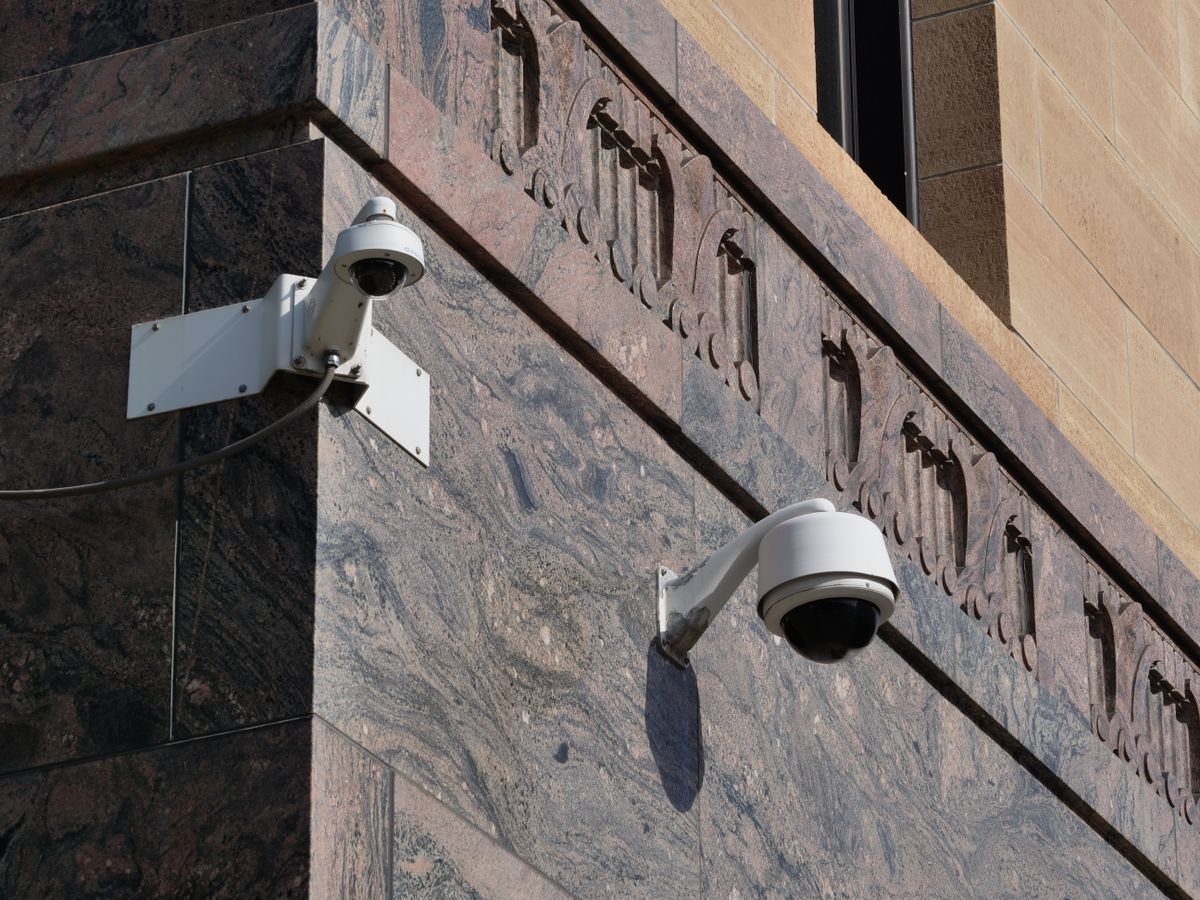
Photo by Giant Asparagus on Pexels
The Solar Watch Cam Pack is designed specifically for remote US properties, featuring auto-connecting 4G LTE cellular connectivity, integrated solar charging, and flexible dual-storage support.
Real-World Off-Grid Scenarios: Storage in Action
Nighttime Intrusion at a Remote Job Site — A trespasser approaches fuel tanks with bolt cutters. With Cloud Backup enabled, the camera's AI identifies a person and uploads a 2K clip to the cloud within 4 seconds. Even if the intruder spots the camera spotlight and knocks it down, the owner has clear video proof on their phone.
Severe Winter Storm Drops Cell Coverage on a Cattle Ranch — A blizzard knocks out a rural cell tower for 36 hours. Because the camera has a 128GB MicroSD card installed, it continues detecting motion, lighting up its spotlight, and saving 2K video locally powered by its battery and solar panel. No footage is lost during the network blackout.
Monitoring a Remote Barn Gate for Delivery Drivers — Using a Hybrid Setup, daily livestock motion is recorded to the local SD card without burning cellular data. When a delivery truck arrives, smart AI recognizes the vehicle, triggers a real-time smartphone notification, and uploads a quick cloud clip for remote two-way talk.
Here is how different storage configurations perform under actual field conditions on US rural properties:
Understanding Video Compression and File Sizes
Modern 4G solar security cameras utilize H.265 (High Efficiency Video Coding) compression. Compared to older H.264 codecs, H.265 reduces file sizes by approximately 40% to 50% without degrading visual clarity. This efficiency is crucial when operating on off-grid solar power and cellular data plans.
A standard 2K HD (2048x1080 / 3MP) video clip recorded at 15 frames per second averages a bitrate of 1.5 Mbps to 2.0 Mbps.
- 10-Second 2K Motion Clip: ~1.8 Megabytes (MB)
- 15-Second 2K Motion Clip: ~2.7 Megabytes (MB)
- 1 Minute of Continuous 2K Recording: ~11 Megabytes (MB)
How Long Does a 128GB MicroSD Card Last?
A 128GB microSD card provides approximately 119GB of usable storage after formatting and file system overhead. Assuming the camera is configured for smart AI motion detection (recording 15-second event clips rather than continuous non-stop video):
- Low Activity Site (10 events/day): Uses ~27 MB/day. A 128GB card will store over 4,000 days of video history before overwriting older files.
- Moderate Activity Site (50 events/day): Uses ~135 MB/day. A 128GB card will store over 880 days of video history.
- High Activity Site (200 events/day): Uses ~540 MB/day. A 128GB card will store over 220 days of video history.
Cellular Data Consumption for Cloud Uploads
When cloud storage is active, the camera only uploads short AI-verified event clips over the 4G LTE network. It does not stream 24/7 video.
If your site averages 20 AI-detected human or vehicle events per day, the monthly cellular upload volume calculation is:
`20 events/day × 2.7 MB/event × 30 days = 2,620 MB (~2.6 GB per month)`
By leveraging smart AI threat filtering—which ignores blowing leaves, shadows, and rain drops—cellular data consumption remains well within standard off-grid 4G camera data refill budgets.
Related Resources for Off-Grid Security Optimization
- Cloud Storage vs SD Card for 4G Security Cameras: Data Usage & Cost
- Cloud vs. Local SD Card Storage for Off-Grid Cameras: Privacy & Data Security Compared
- Cloud Storage vs. Local MicroSD Card for 4G Cameras: Which Storage Option Wins Off-Grid?
Frequently Asked Questions About Cellular Camera Storage
Common questions regarding microSD cards, cloud backup, and data management for off-grid solar security cameras.
Next Steps to Secure Your Off-Grid Property
Your decision: Choose the Hybrid Storage Strategy (128GB High Endurance MicroSD Card paired with AI Cloud Backup) for comprehensive off-grid security.
Do this next: Equip your 4G solar camera with a rated Class 10 U3 high-endurance microSD card, format it inside the app, and activate cloud backup for instant threat notifications.
- Read next: How Much Data Does a 4G Solar Security Camera Use Each Month?
- Read next: Off-Grid Video Data Security FAQ: Protecting Cloud & Local Storage
Order the Solar Watch Cam Pack—featuring auto-connecting 4G LTE on Verizon, T-Mobile, and AT&T networks, 2K HD color night vision, 128GB microSD card support, and 30 days of included cloud backup.
Ready to protect your property without Wi-Fi or electrical wires? Follow these action steps to deploy a reliable dual-layer security storage system.
Cover photo by Andrey Matveev on Pexels.