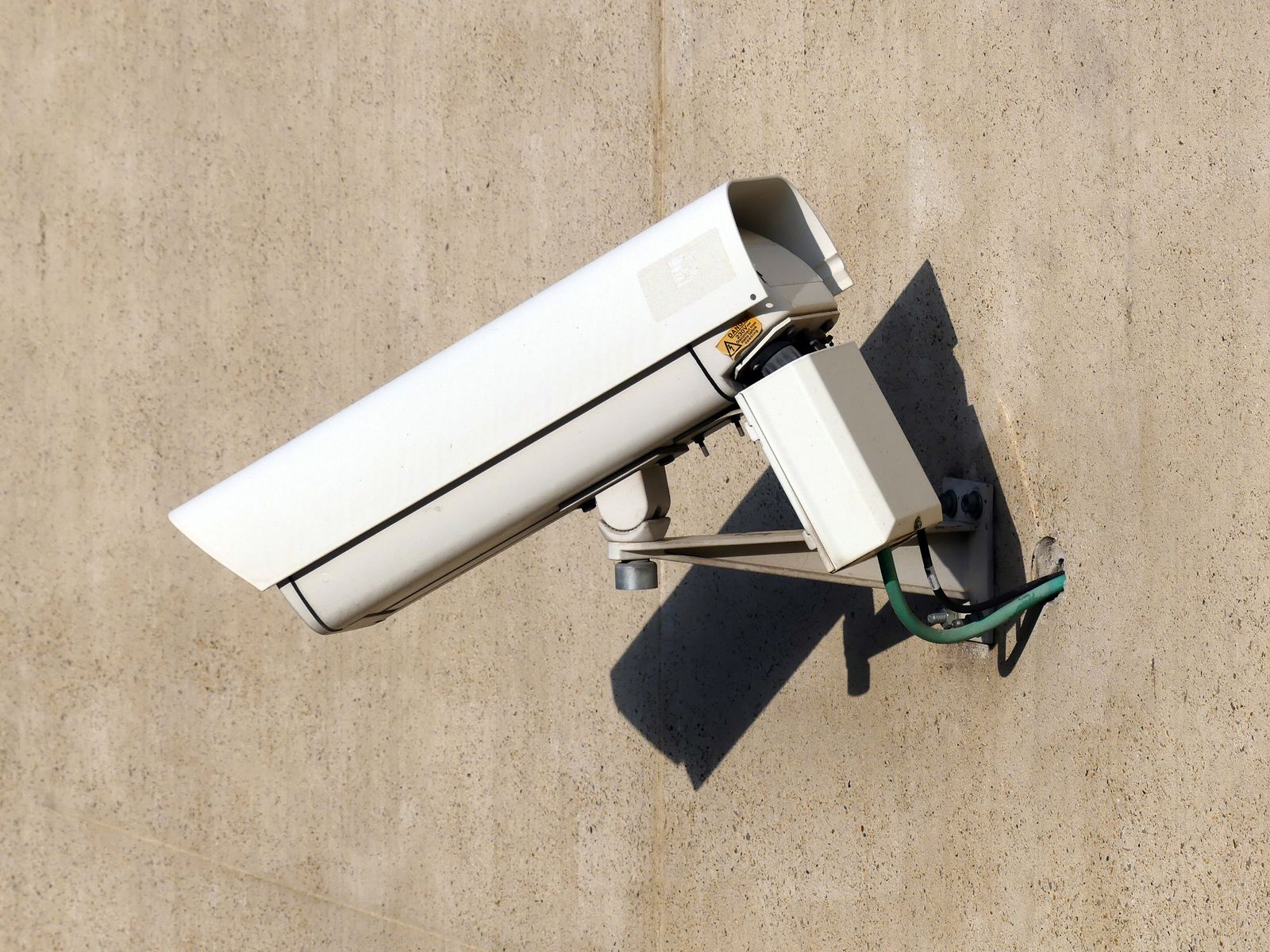
Solar Panel Security Camera Not Charging? Step-by-Step Fix Guide
Is your solar security camera failing to charge despite being exposed to direct sunlight? First, verify the ambient air temperature: lithium battery management systems (BMS) automatically block charging below 32°F (0°C) to prevent permanent cell damage. If temperatures are above freezing, wipe dust or snow off the glass, seat the USB-C weather boot firmly, tilt the panel 45° true South, and switch motion detection from raw PIR to AI filtering.
Solar Camera Battery Drain Diagnostic Flowchart
- Is ambient temperature below 32°F (0°C)? → Yes: BMS Cold Lockout active. Camera will freeze charge cycles to prevent lithium plating. Bring indoors to warm up and bench-charge via AC adapter.. No: Proceed to cable and physical hardware inspection..
- Is the silicone USB-C weather boot fully seated and dry inside? → Yes: Cable connection is secure. Proceed to solar panel surface inspection.. No: Reseat cable firmly. Dislodge moisture/dust, seal silicone sleeve tightly, and re-test voltage..
- Is the panel covered in pollen, dust, snow, or blocked by tree branch shade? → Yes: Clean glass with a damp microfiber cloth. Trim branches blocking direct southern exposure.. No: Proceed to energy consumption audit..
- Does the camera trigger more than 50 PIR motion wake-ups per day over 4G LTE? → Yes: Cellular modem transmission is exceeding daily solar yield. Enable AI Human/Vehicle detection and lower PIR sensitivity.. No: Solar panel or internal battery cell is degraded. Perform bench charge diagnostic test..
Solar Camera Charging Failure Modes & Rapid Remedies
Photo by Jan van der Wolf on Pexels
| Failure Mode | Observed Symptom | Root Cause | Immediate Remedy |
| --- | --- | --- | --- |
| Sub-Freezing BMS Lock | App shows 0% charge or 'Charging Paused' during bright, sunny winter days. | Battery Management System circuit locks current below 32°F (0°C) to protect lithium cells. | Unmount camera, bring indoors above 50°F, bench-charge via 5V/2A AC wall plug for 6 hours before remounting. |
| Micro-Shading Voltage Drop | Battery slowly drops 2–5% daily despite 6+ hours of partial daylight. | A single tree branch shadow across one solar cell breaks the series circuit, reducing output by up to 80%. | Reposition panel away from eaves and limbs; ensure unobstructed exposure to southern sky between 10 AM and 3 PM. |
| Corroded / Unseated USB Boot | Solar icon flickers on and off, or app reports panel disconnected. | Moisture or dust entered the USB-C port due to loose silicone weatherproofing boot. | Inspect port, clear debris with dry air, apply dielectric grease to rubber gasket, and press until flush. |
| Cellular Modem Over-Wakeup | Battery drops rapidly overnight; app records 100+ clips of blowing grass or bugs. | PIR sensor wakes 4G LTE modem continuously; high transmission power draws more mAh than panel generates. | Switch motion mode to AI Human/Vehicle Detection, reduce sensitivity to Medium, and set clip length to 10–15s. |
| Deep Discharge Circuit Sleep | Camera goes completely offline; solar panel will not turn power LED back on. | Battery fell below 3.0V safety threshold; integrated solar charge controller cannot initiate wake-up pulse. | Remove camera from pole, plug into high-amp AC wall adapter for 8 uninterrupted hours to force-wake the BMS. |
Match your camera's specific symptom to its underlying failure mode and immediate field fix.
Field Expert Insight: The Low-Temperature Lithium Charge Lock
Off-grid property owners often assume their solar panel or camera hardware died when the first winter cold snap hits. In reality, modern high-grade security cameras utilize protective lithium-ion Battery Management Systems (BMS). Charging a lithium cell at temperatures below 32°F (0°C) causes permanent lithium metal plating on the anode, creating short circuits and destroying the pack. If your camera app reports 'Not Charging' during sub-zero mornings, the circuit is functioning correctly to save your battery. Power generation will resume automatically once ambient solar heating warms the internal housing above freezing.
6-Point Off-Grid Solar Panel Inspection Checklist
- Wipe glass face with a damp microfiber cloth to strip off pollen film, dirt crust, bird droppings, or salt haze.
- Check the silicone USB-C weather boot at the camera base; confirm it is completely flush with no visible gap or trapped moisture.
- Verify compass heading with a smartphone: ensure the panel faces true South in the Northern Hemisphere (not Magnetic South).
- Set vertical panel angle to 45° (or your local latitude + 15° for optimal winter sun interception).
- Inspect the solar line from panel to camera for rodent chew marks, pinched wire clips, or stretched insulation.
- Check for micro-shading cast by roof overhangs, tall grass, or newly leafed tree branches during midday hours.
Diagnostic Decision Tree: Is It Environmental or Settings-Based?
- Is the camera battery dropping while solar app icon shows 'Active Charging'? → Yes: Energy consumption exceeds solar generation. High 4G data transmission or frequent spotlight activation is draining power faster than panel input. Adjust settings.. No: No current is reaching the battery. Focus on physical connections, panel angle, shading, or thermal cutoff.
- Settings Path: Are PIR motion wake-ups exceeding 30 events per day? → Yes: Enable Smart AI threat filtering (Human/Vehicle only) to ignore wind, shadows, and insects. Reduce PIR detection range.. No: Disable continuous live-view streaming and lower night spotlight duration from 60 seconds to 15 seconds.
- Hardware Path: Does camera hold 100% charge when bench-charged indoors via USB for 24 hours? → Yes: Camera internal battery is healthy. Problem is strictly panel orientation, shade, or cold BMS lockout at the mount location.. No: Battery cells have degraded or lost retention capacity. Hardware replacement required.
Summary: Core Principles of Off-Grid Solar Power Management
- Lithium batteries will not accept charge below 32°F (0°C); this is a BMS safety feature, not a component failure.
- Monocrystalline solar panels require unobstructed, direct sunlight—even 10% partial shade can drop panel output by 80%.
- 4G LTE cellular modems consume significantly more power during video transmission than Wi-Fi units; AI filtering is vital.
- True South orientation at a 45° tilt yields maximum annual milliamp-hour (mAh) replenishment in US latitudes.
- A completely drained lithium battery (<3.0V) often requires an AC wall charger to wake up the internal charge controller.
Seasonal Off-Grid Maintenance Schedule
- Spring (March) — Wash winter road dust and salt haze off panel glass. Adjust panel tilt angle up 15° flatter for higher spring sun arc.
- Summer (June) — Trim fast-growing foliage, tree branches, and tall weeds around panel sightlines. Check USB rubber boot for heat drying.
- Autumn (September) — Clear fallen leaves from panel surface. Increase vertical panel tilt to 45°–60° in preparation for lower winter sun angles.
- Winter (December) — Clear accumulated snow crust and ice build-up from panel edge. Verify AI motion filtering is active to conserve battery during low-sun hours.
Heavy-Duty All-in-One Solar Hardware for Off-Grid Reliability
If your existing camera system continually fails due to poor panel integration, weak cellular signals, or small battery capacity, upgrading to purpose-built off-grid hardware eliminates power anxiety.
Monocrystalline vs. Polycrystalline Panels for Remote Surveillance
| Feature / Benchmark | Monocrystalline (High Efficiency) | Polycrystalline (Standard) |
| --- | --- | --- |
| Cell Efficiency Rating | 20% – 24% conversion rate | 15% – 17% conversion rate |
| Low-Light & Overcast Performance | Superior; generates current from diffuse ambient daylight | Poor; requires direct, unfiltered rays to produce usable voltage |
| Cold Weather Voltage Output | Maintains high voltage efficiency in sub-freezing conditions | Experiences thermal voltage drops and reduced efficiency |
| Surface Area Required | Compact footprint; ideal for top-of-pole camera mounts | Larger footprint required to deliver equivalent watt rating |
| Best Application | Critical 4G LTE security cameras operating in northern US climates | Low-draw devices in high-sun southern regions |
Understand how panel chemistry dictates power generation under overcast, winter, or low-light conditions.
Power Optimization Matrix: Settings Recalibration vs. Hardware Adjustments
Photo by Matthew Jesús on Pexels
Balancing daily energy generation against 4G transmission draw requires distinct tactics depending on site environment.
Best choice for
- Software AI Filtering + Shortened Clip Length — Restricts cellular modem wake-up events to verified vehicles and personnel, eliminating hundreds of false triggers.
- Steep 60° Southern Panel Angle + Monocrystalline Panel — Sheds heavy snow naturally while capturing ultra-low winter sun trajectories across southern horizons.
- Do not mount solar panels flat (0° horizontal tilt)—water will pool, dust will cake, and winter charging will drop to zero.
- Do not use non-weatherproofed USB extension cables over 10 feet without verifying voltage drop.
- Dual Panel Setup or Higher Wattage Panel (6W+) — Required if camera must stream live footage frequently over 4G networks in shaded forest cabins.
Solar Panel & Battery Diagnostic Technical Benchmarks
| Parameter | Standard Operational Value | Critical Failure Threshold |
| --- | --- | --- |
| USB Input Charging Voltage | 5.0V DC (±0.25V) | <4.2V DC (Panel cable degradation or loose seal) |
| BMS Low Temp Cutoff | 32°F (0°C) | <28°F (-2°C) (Charging completely locked) |
| BMS High Temp Cutoff | 113°F (45°C) | >122°F (50°C) (Thermal protection lock) |
| Minimum Daily Peak Sun Hours | 2.5 to 4.0 hours direct sunlight | <1.5 hours (Daily net power deficit) |
| Full AC Bench Charge Time | 6 to 8 hours (at 5V/2A) | <2 hours (Indicates battery capacity decay) |
Technical operational thresholds for standard 4G off-grid solar surveillance hardware.
Step-by-Step Battery Recovery & Panel Re-Alignment Guide
If your solar security camera has gone offline due to a completely dead battery, follow this exact recovery process.
5 Critical Mistakes That Drain Off-Grid Solar Camera Batteries
Avoid these common setup errors that sabotage solar power generation and accelerate battery depletion.
Frequently Asked Questions About Solar Camera Charging
Why is my solar security camera showing 0% charge even in full sunlight?
This is typically caused by low-temperature BMS charge locks below 32°F (0°C), an unseated/corroded USB-C cable boot, micro-shading on the solar panel cells, or a battery that was completely depleted below 3.0V and requires high-amp AC wall power to wake up the circuit.
Will snow on my solar panel completely stop it from charging?
Yes. Even a thin, opaque layer of snow or ice blocks nearly 100% of light rays from reaching the photovoltaic cells. Mount your panel at a steep 45° to 60° vertical angle so snow slides off naturally as sunlight warms the dark aluminum frame.
How do I know if the problem is a bad solar panel or a dead battery?
Perform an indoor bench test: Charge the camera indoors using a 5V/2A AC wall plug for 8 hours. If the camera charges to 100% and stays powered online for 24 to 48 hours off solar, the camera battery is healthy and the issue is panel alignment, shading, cable seating, or winter temperature lockouts.
How many hours of direct sunlight does a 4G solar camera need daily?
High-efficiency monocrystalline solar panels typically require 2 to 4 hours of direct, unobstructed peak sunlight daily to replenish the power consumed by standard standby draw, AI processing, and 4G LTE cellular clip uploads.
Answers to common operational questions regarding off-grid solar surveillance power.
Immediate Action Plan for Restoring 24/7 Power
Your decision: Determine whether your camera battery failure is caused by physical shading, sub-freezing BMS lockouts, or excessive 4G trigger frequency.
Do this next: If camera is at 0%, remove it from the mount and bench-charge indoors via USB for 6-8 hours to reset the BMS. Wipe panel clean, re-mount facing true South at a 45° angle, and set PIR detection to AI Human/Vehicle mode.
Related resource: Inspect your camera settings in the app and set motion clip length to 10–15 seconds to maximize 4G battery efficiency.
For remote ranches, job sites, and off-grid acreage needing 100% self-sustaining power, explore the Solar Watch Cam 4G Pack featuring high-efficiency solar charging, 2K color night vision, and heavy-duty weatherproofing.
Take these concrete steps right now to recover your offline system or upgrade to robust, self-sustaining off-grid hardware.
Explore Related Off-Grid Security Guides
Provide contextual internal links to related guides in the cluster.
Cover photo by Atypeek Dgn on Pexels.