4G Cellular Security Camera Connectivity FAQ: Dead Zones, Carriers, and Placement
Many property owners believe cellular security cameras require strong smartphone signal bars to stream 2K video. In reality, 4G cameras equipped with multi-carrier SIM cards (Verizon, AT&T, T-Mobile) connect to low-frequency LTE bands (B12, B13, B71) that penetrate foliage and terrain better than phone hand-sets. When elevated 8 to 12 feet off the ground, a multi-carrier solar camera maintains stable connectivity even in areas where personal cell phones display zero or one bar.
4G Cellular Signal Trajectory & Height Matrix
Proper camera mounting height is the single most critical factor for overcoming rural signal dead zones. Ground foliage, wooden fences, and vehicle bodies absorb low-band cellular radio frequencies. Elevating the camera above ground-level obstructions establishes a clear Fresnel zone for 4G LTE radio waves.
Common Off-Grid Property Signal Scenarios & Solutions
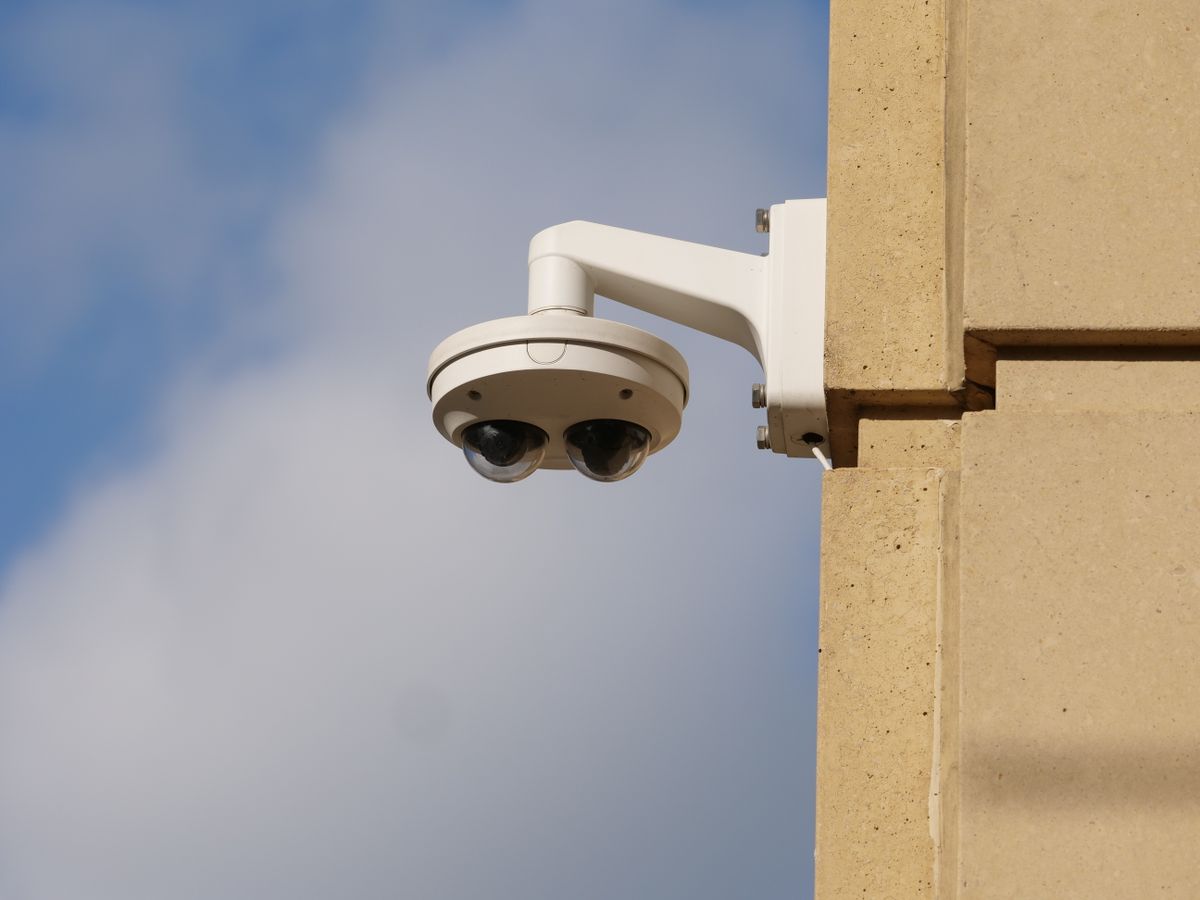
Photo by Giant Asparagus on Pexels
Dense Pine Forest / Timberland — Mount camera 10–12 feet high on an outer fence pole or clear south-facing trunk. Low-frequency 700MHz/600MHz bands pass through pine needles, but moisture on thick bark attenuates 1900MHz signals. Elevation clears ground brush.
Low-Lying Canyon or River Basin — Position the camera on the upper slope or elevated ridge line of your perimeter fence. If mounting deep in a ravine, utilize a multi-carrier SIM that automatically picks up sky-reflected signals from nearby ridge towers.
Flat Open Ranch / Perimeter Gate — Mount on a 2-inch steel pipe 8–10 feet above ground. Open terrain allows 4G LTE signals to travel 10+ miles unobstructed; multi-carrier auto-switching guarantees connection if one carrier undergoes tower maintenance.
Metal Barn or Pole Building Exterior — Mount the camera directly onto external timber posts or corner trim rather than flush against corrugated metal sheets, which can act as a Faraday cage. Maintain 6 inches of clearance from large sheet metal surfaces.
Every off-grid location presents unique physical barriers to cellular reception. Here is how low-frequency 4G LTE radio signals behave across distinct remote property topographies:
Recommended Off-Grid Multi-Carrier Camera System
For total reliability without Wi-Fi, electricity, or manual signal configuration, the Solar Watch Cam provides instant multi-carrier switching across America's major networks out of the box.
Dead Zone Troubleshooting Decision Tree
- Does smartphone display at least 1 bar of 4G/LTE from ANY carrier on-site? → Yes: Proceed to Height & Orientation Check. No: Elevate phone 6-10 feet; if signal appears, camera will function at elevated mounting position.
- Is the camera mounted lower than 8 feet or directly flush against metal wall siding? → Yes: Raise camera to 9-12 feet and offset 6 inches from metal panels using wooden mounting block.. No: Proceed to SIM & Carrier Network Verification.
- Is the camera using a single-carrier SIM card tied to one specific mobile provider? → Yes: Replace with multi-carrier auto-switching SIM card (Solar Watch Cam Pack) to access alternate towers.. No: Verify cellular data plan balance/refill status in companion mobile app.
Carrier Selection & Connectivity Decision Matrix
Multi-carrier auto-switching SIM cards eliminate carrier dead zone anxiety by scanning Verizon, AT&T, and T-Mobile frequencies simultaneously upon power-up.
Best choice for
- Multi-Carrier Auto-Switching SIM (Solar Watch Cam) — Topography shifts across large land areas; auto-switching ensures the camera always picks the strongest tower.
- Multi-Carrier Auto-Switching SIM (Solar Watch Cam) — As cameras move from job site to job site, network availability changes without needing SIM swaps.
- Single-carrier SIM lock cards when deployed in remote rural valleys with spotty carrier service.
- Dedicated Fixed Wireless Broadband + Wi-Fi Camera — Requires expensive monthly broadband subscriptions ($80+/mo), dedicated utility power, and high equipment overhead.
Off-Grid Security Solutions for Weak Coverage
Deploy absolute protection anywhere in the United States without running power lines or setting up internet routers.
Visual Field Guide: Optimal Mounting & Antenna Angles
Proper installation angles ensure maximum solar charging efficiency and unhindered cellular tower communication.
How to Prepare Your Property for 4G Camera Deployment
Your decision: If your property has at least minimal signal from Verizon, AT&T, or T-Mobile, a multi-carrier 4G LTE solar camera will operate reliably when properly elevated.
Do this next: Verify cell signal at your planned installation site using Field Test Mode, then order the multi-carrier Solar Watch Cam Pack.
Related resource: Downloadable Field Testing & Installation Card (PDF)
Solar Watch Cam (Pack) - Multi-Carrier Auto-Switching 4G LTE Solar Camera
Follow these practical field steps to deploy your 4G cellular camera setup for maximum reliability.
Summary: Core Rules of 4G Security Camera Connectivity
- Multi-carrier SIMs automatically switch between Verizon, T-Mobile, and AT&T to find the strongest local tower.
- Mounting 8 to 12 feet off the ground bypasses foliage absorption and doubles effective cellular range.
- Smart AI human and vehicle detection reduces unnecessary data consumption by ignoring wind and bugs.
- Low-frequency LTE bands (B12/B13/B71) travel miles further through rural terrain than high-band smartphone signals.
- Solar panel charging keeps internal batteries topped up year-round with zero electrician bills.
Printable Signal Checklist & Mounting Card
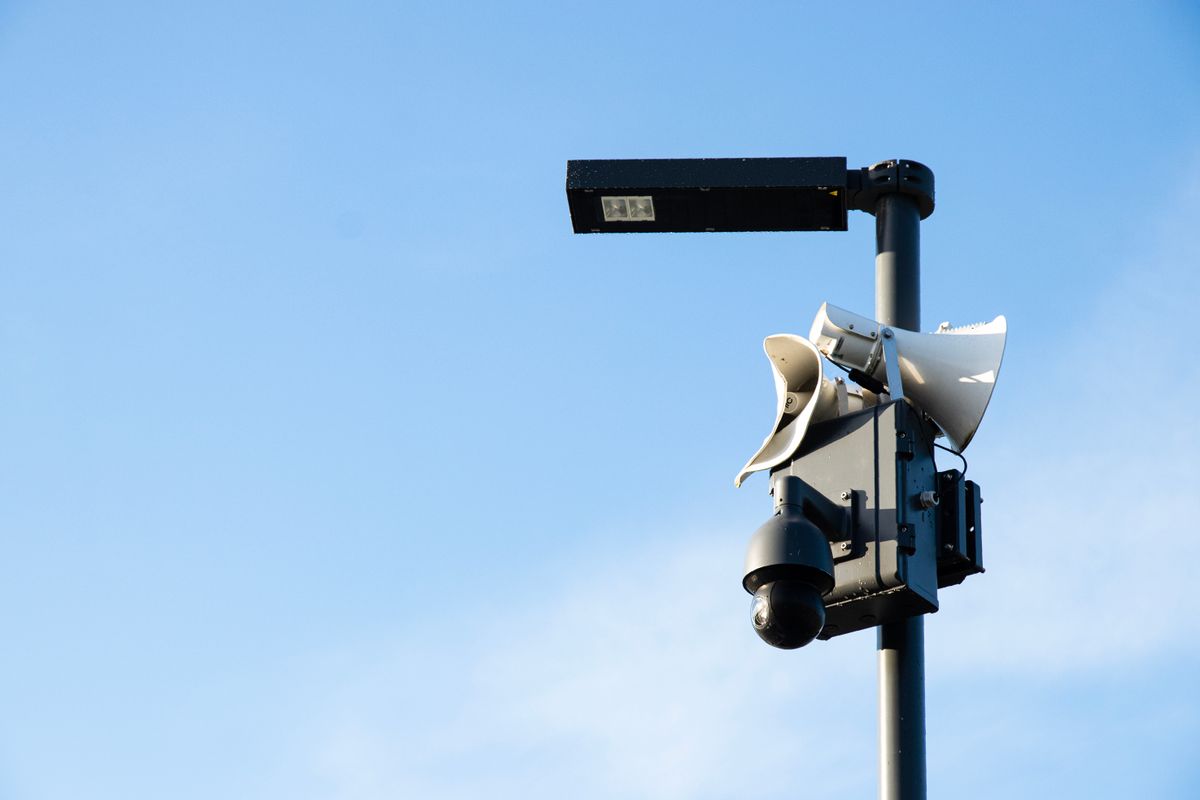
Photo by Lauma Beļska on Pexels
- Check target site with smartphone: verify at least 1 bar on any major carrier network.
- Measure mounting pole or tree: plan for 8 to 12 feet of elevation above ground level.
- Check south face: ensure solar panel mounting location receives 3-5 hours of unshaded daylight.
- Insert pre-activated multi-carrier SIM card into Solar Watch Cam before mounting hardware.
- Perform 30-second live view test on companion app to confirm signal lock prior to tightening mounting brackets.
Cellular Signal Elevation & Coverage Estimator Brief
Use this mathematical propagation model to estimate the ideal camera height for your property terrain.
US Major Carrier Rural LTE Band Comparison
| Property Terrain Scenario | Verizon (Band 13 / 700MHz) | AT&T (Band 12/17 / 700MHz) | T-Mobile (Band 71 / 600MHz) | Solar Watch Cam Auto-Switching Advantage |
| --- | --- | --- | --- | --- |
| Flat Open Prairie / Farmland | Excellent long-range reach | Strong rural signal footprint | Extremely wide coverage radius | Locks onto strongest signal band instantly out of the box. |
| Dense Timber / Forested Hills | Good trunk penetration | High penetration through heavy leaf canopy | Superior foliage diffraction at 600MHz | Automatically failovers if timber blocks one carrier's tower. |
| Mountain Valleys & Canyons | Requires line of sight to ridge | Strong reflection off rock faces | Deep valley penetration capabilities | Scans all 3 networks to catch secondary reflected signals. |
| Remote Construction / Shift Sites | Varies by regional tower density | Varies by local tower density | Varies by local tower density | Eliminates need to swap SIM cards when moving equipment between counties. |
Understanding how national cellular carriers deploy low-frequency bands in rural America highlights why multi-carrier switching outperforms single-provider lock-in.
Field Pro Tip: Using Smartphone Field Test Mode for Signal Mapping
Don't rely on signal bars, which are arbitrary visual graphics that differ between phone manufacturers. Instead, check exact raw signal strength in decibels (dBm):
iOS (iPhone): Dial `3001#12345#*` and press call to enter Field Test Mode. Navigate to Serving Cell Measurements and inspect RSRP (Reference Signal Received Power).
- Android: Navigate to Settings > About Phone > Status > SIM Status to view exact dBm.
- -50 dBm to -90 dBm: Excellent 2K streaming performance.
- -91 dBm to -105 dBm: Good continuous video streaming.
- -106 dBm to -115 dBm: Acceptable for alerts and snapshots (mounting elevation highly recommended).
- Below -118 dBm: Critical dead zone; camera must be elevated 3 to 6 feet higher to connect.
Deep Dive: Further Signal & Data Management Resources
To learn more about optimizing off-grid security setups, review the following field topics:
- 4G Solar Camera Antenna Placement Guide: Maximizing Signal on Remote Properties
- How to Activate and Refill Your Solar Camera 4G Data Plan Step-by-Step
- 4G Cellular Boosters vs. Multi-Carrier Solar Cameras: Best Solution for Weak Signal Areas
- Troubleshooting 4G Solar Security Camera Connectivity and Power on Remote Work Sites
Frequently Asked Questions About 4G Camera Connectivity
Detailed answers to common questions about cellular signals, data plans, and remote camera mounting.
Cover photo by Danial ZH on Pexels.