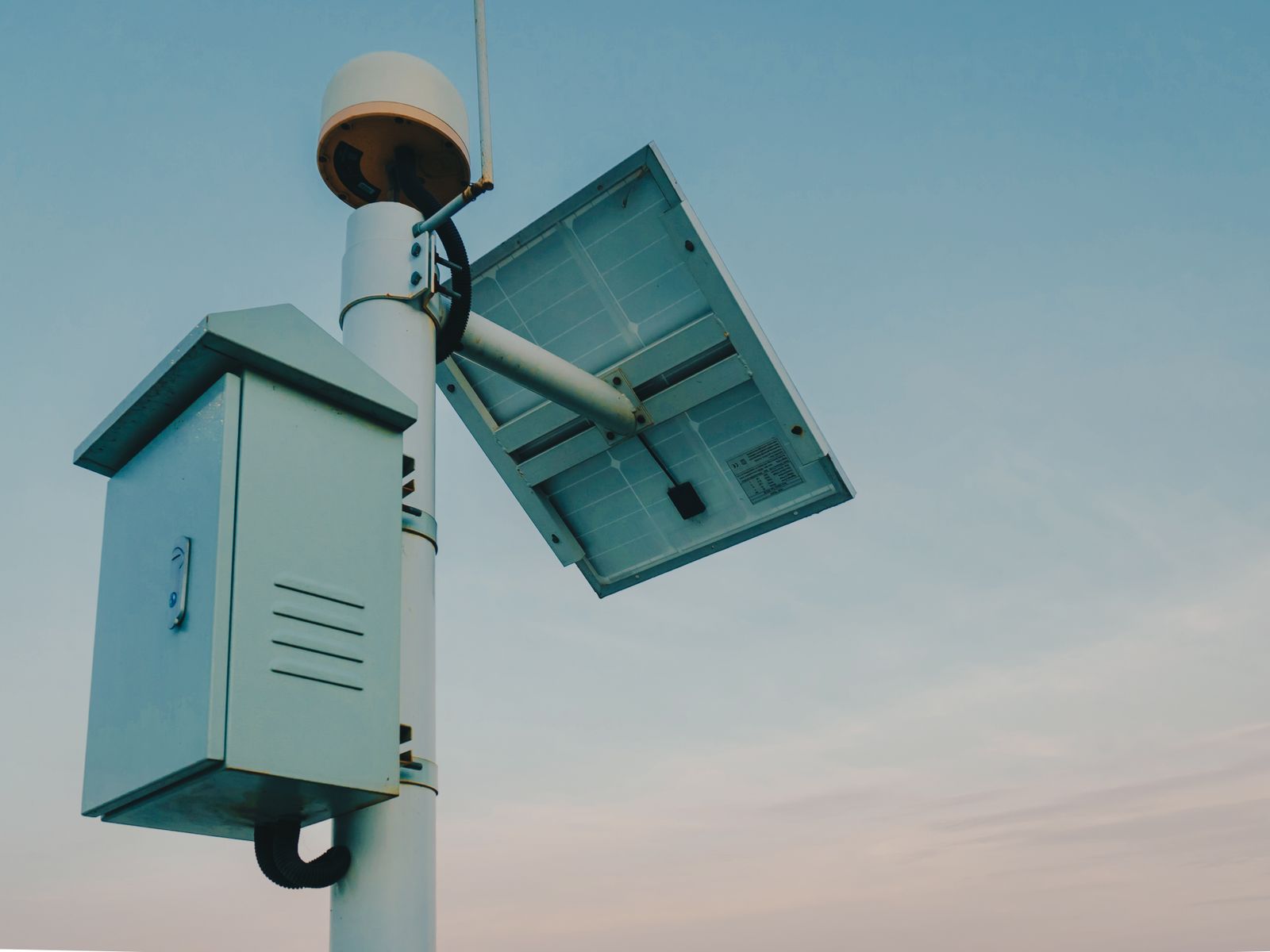
Cellular Solar Security Camera Troubleshooting: Fixing Signal Loss and Battery Drain
Yes. When a cellular camera drops below -105 dBm RSSI, the modem enters continuous connection retries, drawing up to 3x more battery power and causing complete overnight shutdowns. Fix this failure mode by mounting the camera 10–12 feet high, angling the solar panel South at your latitude plus 15°, and enabling AI Human Filtering.
4G Signal vs. Solar Battery Diagnostic Flowchart
- Is the camera status displayed as 'Offline' in the mobile app? → Yes: Check physical status LED on camera body.. No: System is online. Verify motion alert AI sensitivity settings..
- Is the status LED blinking red or completely unlit? → Yes: Battery depleted (<5%). Charge via USB-C or inspect solar panel orientation.. No: Status LED is blue/amber. Signal loss detected. Proceed to cellular diagnostic..
- Is RSSI signal strength weaker than -105 dBm in app settings? → Yes: Cellular modem in power-drain retry loop. Relocate mount 10-12 ft higher or clear line of sight.. No: Carrier network handshake fault. Power-cycle device and verify 4G SIM data status..
Dual-Factor Diagnostic Matrix: Failure Modes, Causes, and Solutions
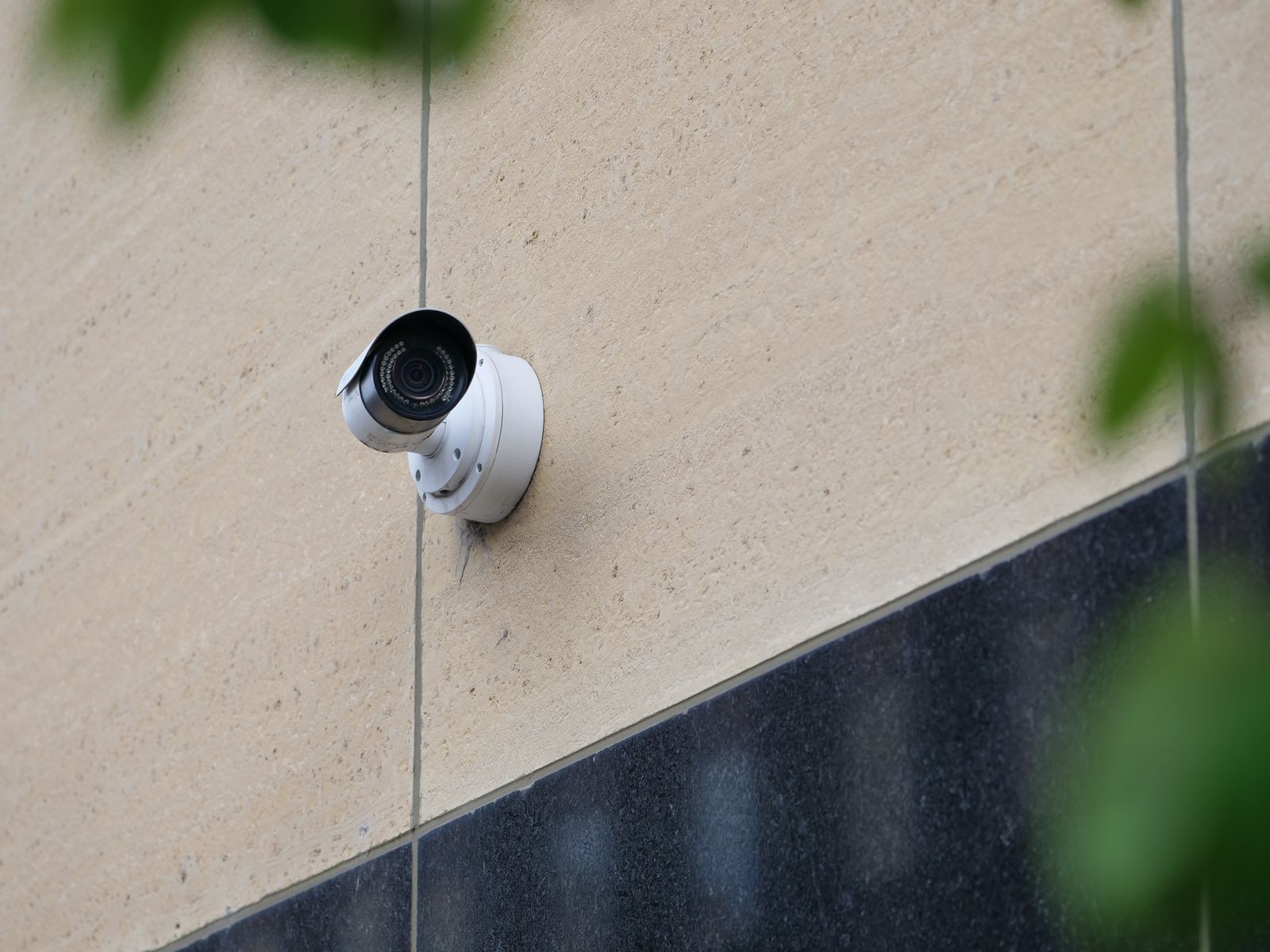
Photo by Giant Asparagus on Pexels
| Symptom | Primary Failure Mode | Root Cause | Corrective Action |
| --- | --- | --- | --- |
| Camera offline at 3 AM; online by 11 AM | Seasonal Battery Debt | Insufficient daytime panel exposure coupled with cold-weather capacity loss | Tilt panel South to latitude + 15°; reduce motion clip length to 10 seconds |
| Status light amber; video fails to load | Cellular Handshake Timeout | Signal drops below -110 dBm RSSI, forcing modem reset loops | Elevate mounting location 3–5 feet; clear tree branches in line-of-sight |
| Battery drops 20%+ per day under direct sun | Excessive PIR / AI Triggers | Unfiltered motion (leaves, shadows) waking 4G modem hundreds of times | Enable 'Human & Vehicle Only' AI filter; reduce PIR sensitivity to Medium |
| App reports 100% battery, but status is Offline | Network Disconnection | Carrier tower handoff drop or exhausted 4G data refill plan | Check 4G data plan balance; perform hard reboot via power toggle |
Identify exact symptoms across power and network layers to execute targeted field repairs.
Field Expert Advice: The Hidden Link Between Weak 4G Signal and Rapid Battery Drain
Most property owners assume overnight camera shutdowns are caused by bad solar panels or dead batteries. In 80% of off-grid field cases on US ranches, the root cause is weak cellular carrier signal.
When a 4G LTE camera operates in a weak coverage zone (-105 dBm to -120 dBm RSSI), the internal radio transmitter automatically boosts its RF power amplification output to reach the nearest tower. Simultaneously, if connection drops, the modem enters a aggressive reconnect loop. This continuous high-power radio state consumes up to 300% more energy than standard operation, draining a full battery overnight even if zero video clips were recorded.
Solar Panel Orientation and Latitude Tilt Angle Specifications
Proper seasonal panel tilt ensures maximum solar collection during short winter days.
Solar panel tilt must adjust for winter solar position based on latitude. At northern US latitudes like Montana or North Dakota (~45°N), the solar elevation angle drops to approximately 21.5° at the winter solstice, requiring a steep panel tilt of 60° (latitude + 15°) to maximize energy capture and prevent mid-winter battery depletion. In contrast, southern latitudes like Texas (~30°N) experience a winter solstice solar elevation of approximately 36.5°, where a 45° tilt provides optimal solar absorption.
Off-Grid Camera Field Optimization Checklist
- [ ] Verify cellular signal in app is better than -100 dBm RSSI before drilling permanent mount holes.
- [ ] Mount camera solar panel 10-12 feet above ground to clear foliage line-of-sight obstructions.
- [ ] Ensure solar panel faces true South (not magnetic South) with zero shadow cover between 10 AM and 3 PM.
- [ ] Set AI Detection filter to 'Human & Vehicle Only' to eliminate wind and foliage triggers.
- [ ] Format microSD card (up to 128GB) directly inside the camera app prior to off-grid deployment.
- [ ] Confirm 4G data plan trial is active and multi-carrier SIM auto-connect is enabled.
Decision Logic: Relocate Hardware vs. Adjust Camera AI Settings
- Does the camera lose power overnight while battery voltage drops steadily every day? → Yes: Is the solar panel shaded between 10 AM and 3 PM?. No: Go to signal diagnostic step.
- Is the solar panel shaded between 10 AM and 3 PM? → Yes: Relocate solar panel to an unshaded position and tilt South at Latitude + 15°.. No: Excessive motion triggers are draining battery. Switch AI filtering to 'Human & Vehicle Only'.
- Is RSSI weaker than -105 dBm or does video buffering take longer than 15 seconds? → Yes: Mount camera higher (10-12 ft) or move 20 feet toward clear line-of-sight to carrier tower.. No: Network is stable. Power cycle camera to reset carrier tower handshake.
Mid-Page Action Protocol: Immediate Field Adjustments
Your decision: Identify if your camera failure is driven by poor signal retries (-105+ dBm) or solar shading.
Do this next: Execute the 5-step field test: check RSSI dBm in app, relocate panel to face true South, and lock AI detection to Human/Vehicle only.
Related resource: Off-Grid Solar Angle & Signal Optimization Guide
Deploy the Solar Watch Cam (Pack) for built-in multi-carrier auto-switching across Verizon, AT&T, and T-Mobile towers.
Execute these critical adjustments to restore camera stability before evaluating secondary network settings.
Core Takeaways for Off-Grid Security Reliability
Key rules for keeping remote 4G solar cameras operating 365 days a year without manual intervention.
Recommended Off-Grid Solar & 4G Hardware Solutions
For complete security on remote properties without Wi-Fi or electrical wiring, reliable hardware is essential.
Cellular RSSI Signal Strength & Power Consumption Matrix
| RSSI Signal Range (dBm) | Signal Quality | Modem Power Draw State | Daily Battery Impact | Recommended Action |
| --- | --- | --- | --- | --- |
| -50 dBm to -85 dBm | Excellent | Low Power / Sleep Optimized | 1% to 3% baseline drain | Optimal performance. No adjustment needed. |
| -86 dBm to -100 dBm | Fair / Acceptable | Moderate Transmission Draw | 4% to 8% baseline drain | Good for normal operation. Monitor winter battery levels. |
| -101 dBm to -108 dBm | Weak | High RF Amplification / Retry Loops | 15% to 25% rapid drain | Elevate camera height by 3–5 feet to improve signal line-of-sight. |
| -109 dBm to -120 dBm | Critical / Dead Zone | Continuous High-Power Search Mode | 50%+ daily drain (Shutdown) | Relocate system or switch to multi-carrier auto-connecting SIM. |
How cellular signal levels correlate with battery longevity and modem power state.
Seasonal Solar & Camera Inspection Schedule
Photo by Łukasz Klimkiewicz on Pexels
- Late Autumn (October / November) — Adjust solar panel tilt angle steep (+15° above latitude) for low winter sun path; wipe off fallen leaves and dust.
- Mid-Winter (January) — Inspect panel for snow accumulation or ice buildup; confirm low-temperature charging system is active.
- Early Spring (March / April) — Adjust solar panel tilt flatter for higher sun trajectory; trim spring foliage blocking line-of-sight to cell towers.
- Mid-Summer (July) — Clean pollen and dust from panel glass with damp cloth; verify PIR AI sensitivity is tuned for high ambient heat.
Side-by-Side: US Cellular Carrier Performance in Rural Off-Grid Zones
| Terrain / Property Type | Verizon 4G LTE | AT&T 4G LTE | T-Mobile 4G LTE | Multi-Carrier Auto-Switch |
| --- | --- | --- | --- | --- |
| Open Western Ranches & Plains | Strong long-range rural coverage | Moderate regional reach | Variable in deep rural zones | Optimal (Selects strongest tower) |
| Heavily Wooded Timber / Mountains | Good mid-range penetration | Strong woodland timber reach | Higher frequency attenuation | Optimal (Fails over on signal drop) |
| Agricultural Valleys & Bottomland | Moderate terrain shadow vulnerability | Strong low-band footprint | Expanding rural 4G footprint | Optimal (Eliminates single-carrier dead spots) |
Comparing cellular coverage behaviors across remote US terrain configurations.
5-Step Protocol to Field-Test 4G Signal & Solar Balance
Follow this step-by-step procedure directly on your property to solve signal and power drops.
Top 5 Mistakes That Cause Remote Security Cameras to Drop Offline
Avoid these common mistakes when installing 4G solar security cameras on off-grid properties:
Frequently Asked Questions About Remote Cellular Solar Cameras
What is the short answer on Cellular Solar Security Camera Troubleshooting? Yes. When a cellular camera drops below -105 dBm RSSI, the modem enters continuous connection retries, drawing up to 3x more battery power and causing complete overnight shutdowns.
How do you choose between the options in Cellular Solar Security Camera Troubleshooting?
Off-Grid Camera Field Optimization Checklist - [ ] Verify cellular signal in app is better than -100 dBm RSSI before drilling permanent mount holes.
What should you do next? Do this next: Execute the 5-step field test: check RSSI dBm in app, relocate panel to face true South, and lock AI detection to Human/Vehicle only.
Related Resources for Off-Grid Security
Explore additional expert guides for protecting remote acreage, farm gates, job sites, and unpowered outbuildings:
- How to Secure Remote Barns and Outbuildings Without Wi-Fi or Electricity
- Best Farm and Ranch Security Cameras: A Rural Property Buying Guide
- Cellular Solar Security Cameras vs. Trail Cameras: Which Is Best for Gate Security?
- Troubleshooting 4G Solar Security Camera Connectivity on Remote Work Sites
- 4G Cellular vs. Wi-Fi Security Cameras for Isolated Properties
Immediate Next Steps to Restore Continuous Off-Grid Protection
Your decision: Determine if your camera's offline status is caused by poor 4G signal retries (-105+ dBm) or lack of direct solar panel sunlight.
Do this next: Execute the 5-step field test: check dBm in the app, re-mount panel facing South tilted at latitude + 15°, and change AI motion detection to 'Human/Vehicle Only' at medium sensitivity.
Related resource: Download the Printable Off-Grid Camera Seasonal Maintenance & Angle Guide.
Upgrade to the Solar Watch Cam (Pack) featuring auto-switching multi-carrier 4G LTE (Verizon, AT&T, T-Mobile), 2K HD video, and uninterrupted solar power.
Take these actions to eliminate signal drops and enjoy hassle-free off-grid surveillance.
Cover photo by Matthew Jesús on Pexels.