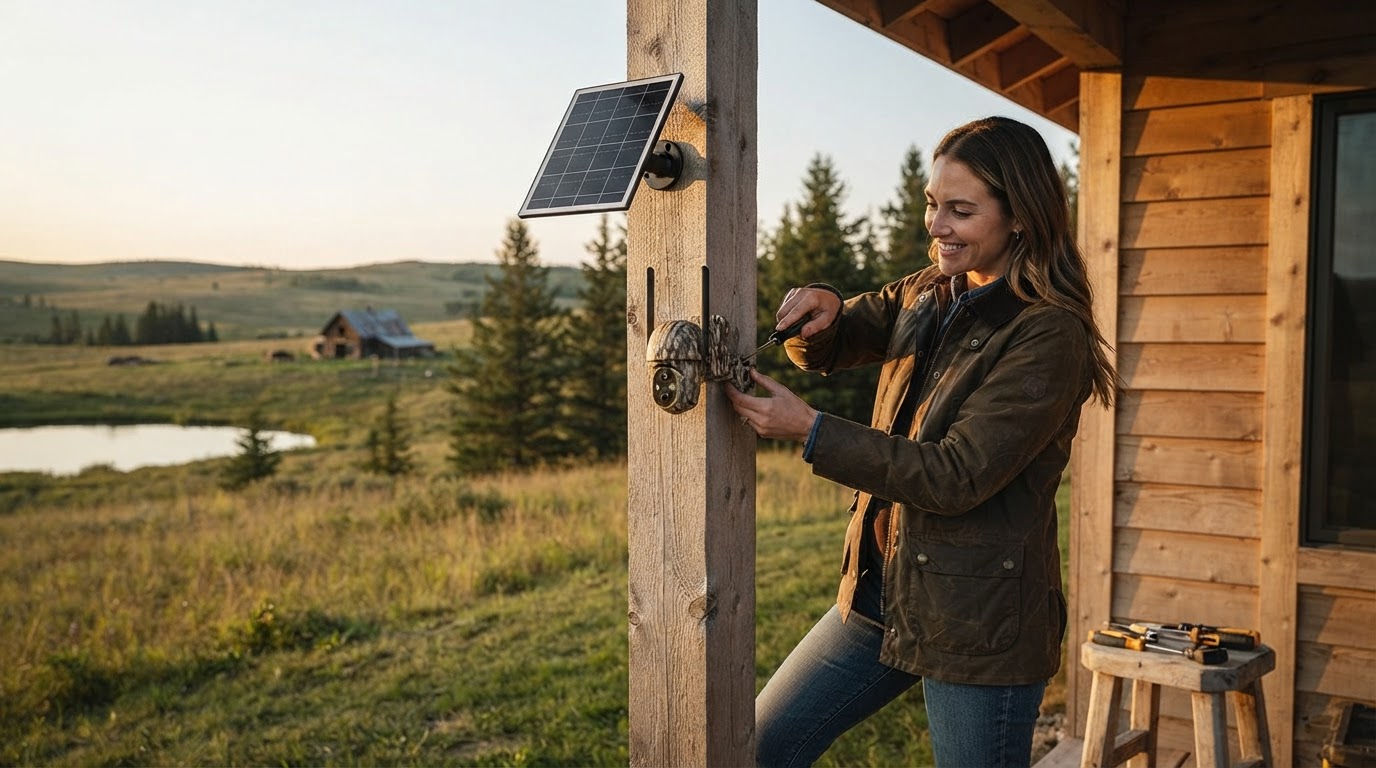
How to Install Off-Grid Security Cameras at Remote Properties
Installing security equipment at remote cabins, job sites, or farm buildings used to require hiring electricians and network technicians. With modern 4G solar cameras like the Solar Watch Cam, you can deploy full property protection in roughly 10 minutes without running power lines or configuring local Wi-Fi networks. For a complete strategy on remote protection, consult the main guide.
Step 1: Select an Unshaded Mounting Location
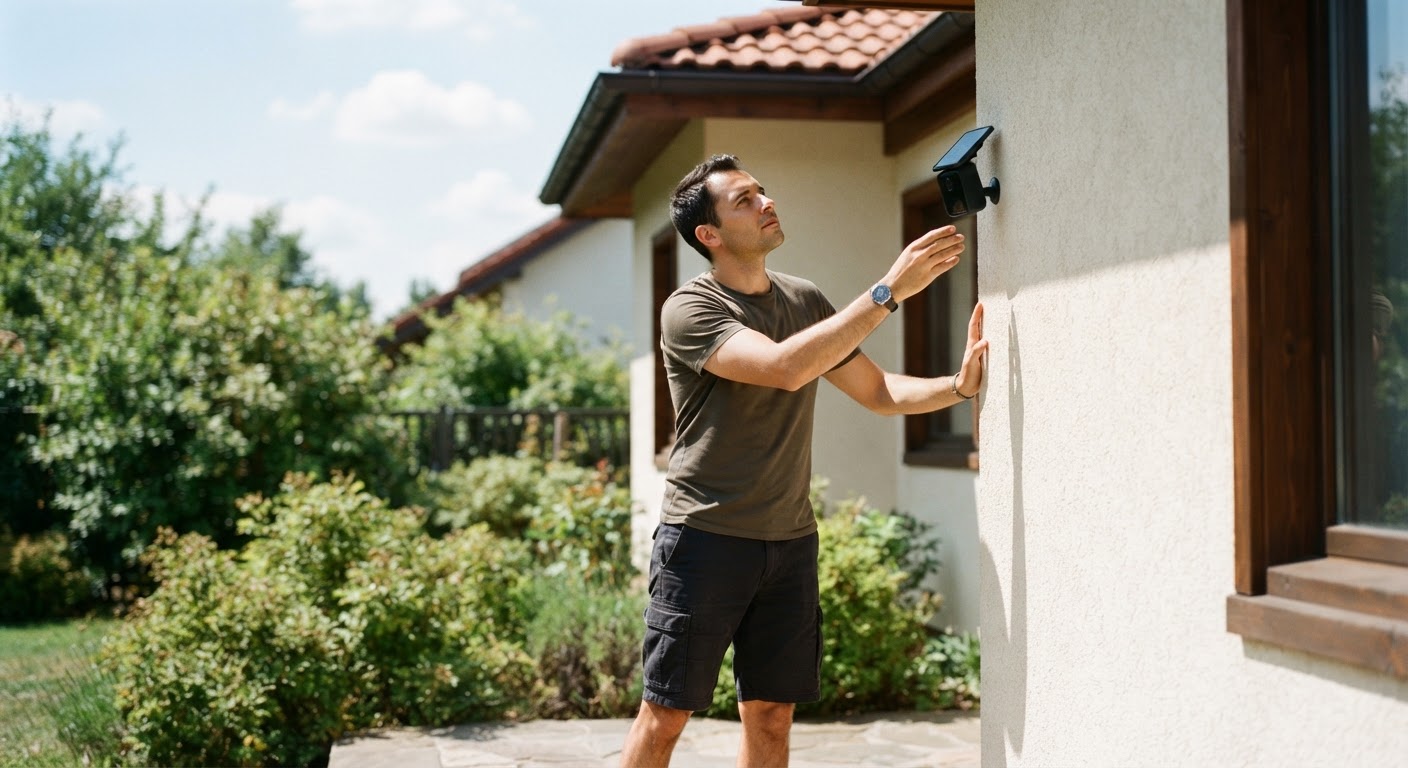
Choose an elevated mounting location (typically 8 to 10 feet above ground level) that provides a clear view of entry gates, driveways, or building entrances. Ensure the integrated or attached solar panel points toward southern skies to maximize daily sunlight exposure. Check that surrounding tree branches or roof eaves will not block direct sunlight from reaching the panel during peak daytime hours.
Step 2: Mount the Bracket and Solar Panel Assembly
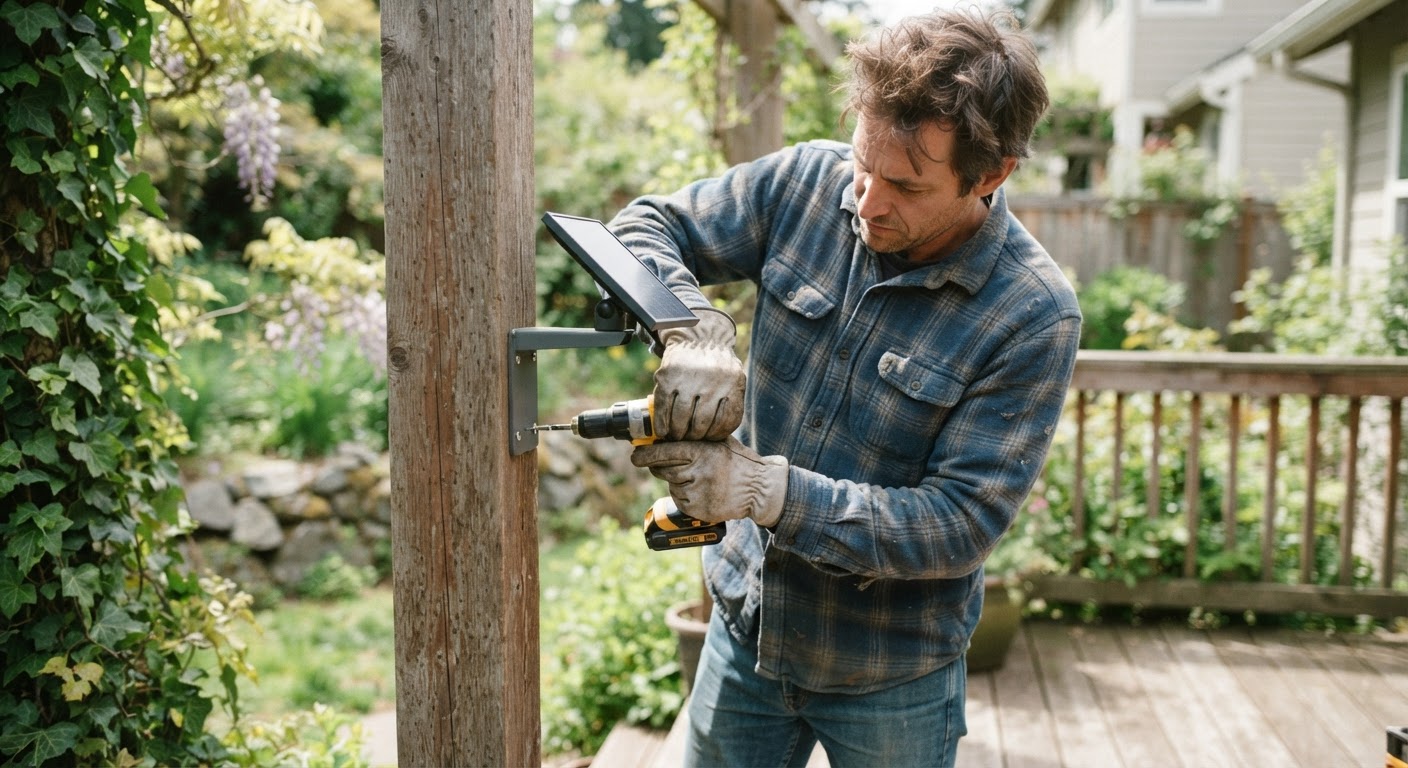
Secure the heavy-duty mounting bracket to a wooden post, exterior wall, or pole using the included hardware. Because the unit features an IP65 weather-proof rating built to withstand extreme US weather conditions from -4°F up to 122°F, it can be mounted directly in exposed areas subject to rain, snow, or dust storms. Fasten the camera securely to the bracket and adjust the 360-degree pan-and-tilt angles toward your desired monitoring area.
Step 3: Insert Optional Local Storage and Activate 4G Data
Open the sealed protective port door on the device. Insert a micro-SD card up to 128GB (sold separately) if you desire local backup video storage alongside cloud recordings. Ensure the pre-installed cellular card is seated properly. The unit automatically connects to available 4G LTE cellular networks from major US providers like Verizon, T-Mobile, or AT&T straight out of the box without manual activation hassles.
Step 4: Configure Smart AI Detection and Share Access
Download the mobile app on your smartphone and scan the unique device code to establish a link. Activate the 7-day free trial for 4G data refill service (required for ongoing cellular transmission). Custom-tune the smart AI filter so you receive push notifications specifically for human, vehicle, or animal motion while ignoring wind-driven leaves. Finally, grant live-view permissions to up to 4 trusted family members or crew members so your property remains monitored 24/7.
Read the full guide: How to Secure a Remote Cabin Without Internet: The Ultimate Off-Grid Guide