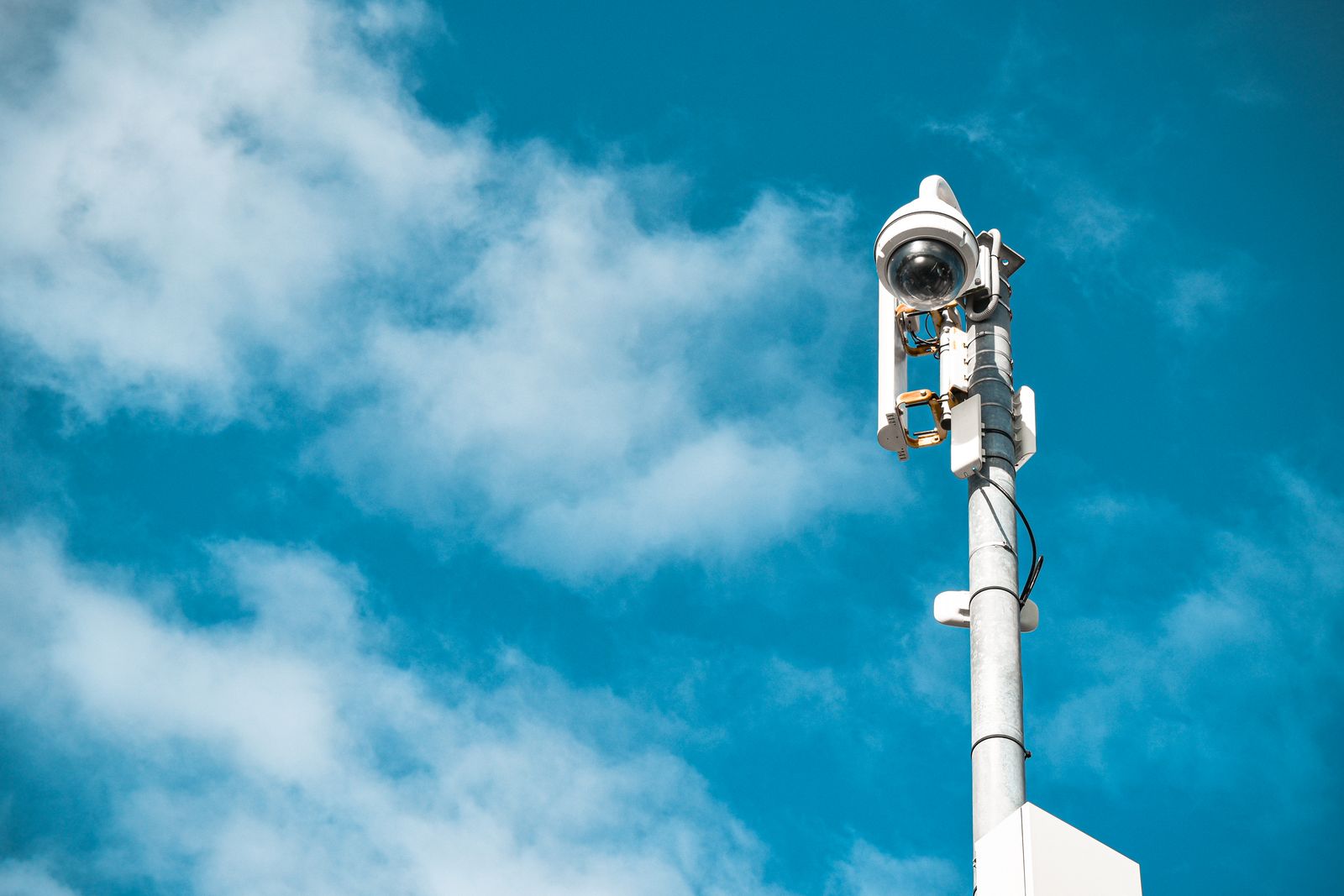
4G LTE Data Refills and US Carrier Compatibility: Frequently Asked Questions
4G LTE data refills and US carrier compatibility are the two questions that keep a solar camera online after install: you must reload the SIM before the bucket hits zero, and the camera must speak the carrier that actually covers the pin. Solar Watch Cam is a cellular solar security camera with a 10,000 mAh battery; mount it 8–10 feet high, then treat refills and compatibility as operations, not afterthoughts. Frequently asked questions below assume you will check the coverage map.
Direct Answer: How 4G Solar Camera Carrier Compatibility Works
Compatibility means the camera’s LTE bands and SIM profile match a US carrier that has service at the mount. A logo on a box is not coverage. Open Verizon, AT&T, and T-Mobile maps at the GPS pin, then use a supported SIM. Refills keep that SIM authorized.
Decision Support: Choosing the Right Cellular Setup for Off-Grid Land

Photo by Jan van der Wolf on Pexels
If one map is clearly lit, use that carrier. If maps split across a ranch, prefer a multi-carrier IoT SIM. If no map shows service, 4G is the wrong backhaul. Do not pick a winner from a national ad.
Featured Hardware: Solar Watch Cam System
Solar Watch Cam uses 4G LTE, solar charging, and a 10,000 mAh battery. Compatibility and refills are part of the system, not extras. Mount 8–10 feet so the modem sees sky.
Troubleshooting 4G Cellular Connections & Data Refills
Offline after a quiet month is often an empty plan, not a dead camera. Check balance, APN, and whether the refill posted. Then phone-test at 8–10 feet. If the phone is also blank, the coverage map—not the refill portal—is your next stop. See the how 4G cellular security cameras work guide.
Side-by-Side: Multi-Carrier IoT SIM vs. Standard Retail Phone SIM
| Factor | Multi-carrier IoT SIM | Retail phone SIM | | --- | --- | --- | | Purpose | Cameras / IoT | Handsets | | Refills | Camera/app or IoT portal | Phone plan app | | Roaming / switching | Often designed in | Varies; may lock | | Compatibility | Matched to device profile | May fail APN | | Off-grid ops | Built for unattended sites | Easy to let expire | | Coverage | Still map-dependent | Still map-dependent |
Immediate Steps to Deploy Your 4G Camera Off-Grid
Activate the supported SIM, confirm the coverage map, mount 8–10 feet, then set a refill reminder. Follow how to install off-grid security cameras so power and radio are both live.
Recommended Off-Grid Camera Configurations
One camera, one SIM, one map that works. Extra buildings get extra SIMs or a documented shared plan. Keep ICCIDs in the property folder.
Core Takeaways on 4G Data Refills & Network Compatibility
Refills are calendar work. Compatibility is map work. Frequently asked questions get shorter when those two are done.
Pre-Deployment Connectivity & Signal Checklist
- [ ] Check Verizon, AT&T, and T-Mobile coverage maps at the pin
- [ ] Confirm the SIM type the camera documents
- [ ] Activate before you climb
- [ ] Phone-test at 8–10 feet
- [ ] Save ICCID / PUK
- [ ] Set a refill reminder 7 days before expiry
- [ ] Enable AI alerts to spare data
- [ ] Confirm 10,000 mAh charging in sun
Common Errors That Interrupt Cellular Camera Service
Frequently Asked Questions: 4G LTE Data Refills & Carrier Compatibility
How do 4G LTE data refills work?
You add data through the SIM or camera account before the bucket is empty. Calendar it.
Which US carrier is compatible?
The one whose coverage map and bands match your camera at that pin. Check all three major maps.
Can I refill after the camera goes offline?
Often yes, but you already missed events. Refill early.
Do I need home Wi-Fi for refills?
No. You refill from any internet-connected phone. The camera stays on cellular.
Will a multi-carrier SIM fix a dead valley?
Only if another carrier is actually there. Maps first.
Deep-Dive Off-Grid Security Guides
Read the off-grid solar security camera FAQ for power habits and the cellular vs satellite remote security cameras comparison if no LTE map lights up.
What to do next
Screenshot the three US carrier coverage maps at your mount, load a supported SIM into the Solar Watch Cam, and put data refills on a calendar. Compatibility is a map check; uptime is a refill habit.
Cover photo by Ilman Muhammad on Pexels.