How to Safely Share Live Camera Feeds with Farm Crews and Family Without Leaking Data
Safely share live camera feeds with farm crews and family without leaking data by using one master account and limited sub-users—not a group chat full of passwords. A Solar Watch Cam is a cellular solar security camera with a 10,000 mAh battery; mount it 8–10 feet high, then invite people as viewers. Multi-user access fails when everyone is an admin.
The 1-Master Rule for Safe Multi-User Camera Access
One person owns the master login, billing, and SIM. Farm crews and family get sub-accounts with live view only. If someone leaves the crew, you revoke one user—you do not rotate a shared password that leaked data to a group text.
Core Principles of Off-Grid Multi-User Security
Photo by Star Zhang on Pexels
Least privilege. Named users. Fast offboarding. No public links. 4G bandwidth is a shared well: extra live streams drain the plan and the 10,000 mAh pack.
Master vs. Sub-Account Permission Capabilities Matrix
| Capability | Master | Farm crew sub | Family viewer | | --- | --- | --- | --- | | Live view | Yes | Yes | Yes | | Two-way audio | Optional | Usually no | Rarely | | Settings / SIM | Yes | No | No | | Invite users | Yes | No | No | | Delete footage | Yes | No | No | | Share further | Yes | No | No |
Master Admin vs. Guest Permission Hierarchy & Sharing Flow
Master invites → guest accepts → guest sees assigned cameras only → master revokes on the last day. Do not email a password. Do not tape a QR code in the shop. See the off-grid cabin security FAQ for household patterns that still leak if everyone is admin.
Multi-User Access & Data Stream Troubleshooting
If a crew member cannot open live camera feeds, check invite status, app login, and whether too many people are streaming at once on 4G. Leaking data often looks like “just send the password.” Fix the account model, not the video codec.
Delegation Decision Tree: Choosing the Right User Access Level
- Family who only need to see the driveway: viewer.
- Farm hand who should not talk through the speaker: viewer.
- Spouse who pays the SIM: master or co-master if the app allows.
- Contractor on a two-week job: time-boxed guest, then revoke.
Farm Hand & Contractor Access Onboarding/Offboarding Checklist
- [ ] Keep a single master account
- [ ] Invite named emails/phones only
- [ ] Grant live view, not settings
- [ ] Disable two-way audio for crews unless required
- [ ] Ban shared passwords and group-chat logins
- [ ] Revoke on the last workday
- [ ] Audit the user list monthly
- [ ] Confirm 8–10 foot mounts still prevent physical theft of the camera
Expert Field Tip: Managing 4G Bandwidth During Multi-User Streams
Cap concurrent live views. Ask family to use event clips first. One 4G radio cannot be a TV station. Pair this with the how 4G cellular security cameras work guide.
Next Steps for Securing Your Off-Grid Property Access
Write the master owner on paper, invite subs, revoke ghosts. Then lock physical access with 8–10 foot mounts.
Evaluating Access Control Frameworks for Remote Ranches & Job Sites
Shared logins fail. Per-user invites scale. If a ranch uses seasonal crews, treat camera access like a gate key: numbered, logged, returned.
Recommended Off-Grid 4G Security Solution
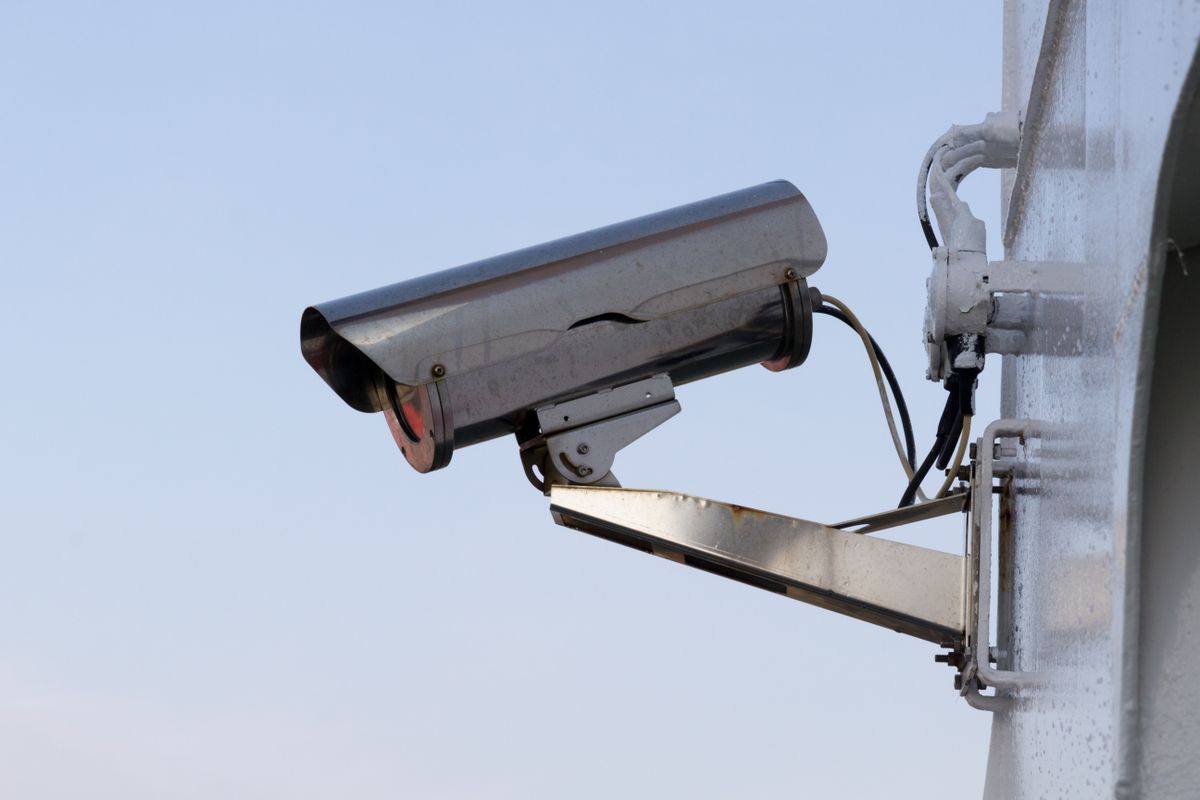
Solar Watch Cam pack: cellular solar, 10,000 mAh, one master, many viewers. Job-site cameras still need the same 1-master rule.
In-Depth Guide: Encrypted 4G Multi-User Access Architecture
The phone talks to a cloud relay over encrypted sessions; the camera does not become a public webcam. Sub-users inherit tokens, not your password. If you screenshot a live view into a public social post, you leaked data outside the architecture.
Security Risk Breakdown Across Common Sharing Scenarios
| Scenario | Risk | Control | | --- | --- | --- | | Family group chat password | Permanent leak | Named invites | | Ex-hand still logged in | Silent watch | Offboard same day | | Contractor screenshot | Public post | Policy + revoke | | Everyone has audio | Harassment / noise | Restrict talk |
5 Critical Security Mistakes Property Owners Make When Sharing Access
Related Privacy & Multi-User Guides
Use the how to secure a remote cabin without internet guide for physical layers, and the must-have features remote cabin security guide when you shop for sharing controls.
Frequently Asked Questions About Multi-User 4G Camera Access
How do I safely share live camera feeds without leaking data?
One master, named sub-users, no shared passwords.
Can farm crews have live view only?
Yes. That is the default.
Does sharing drain the 10,000 mAh battery?
Live streams do. Clips do less.
Should family get admin?
Usually no. One master is safer.
What if someone leaks a screenshot?
Revoke, rotate if needed, and stop public posting.
What to do next
Name one master, invite farm crews and family as viewers, and revoke anyone who does not need live camera feeds this week. Safely share without leaking data by never putting the Solar Watch Cam password in a group chat.
Cover photo by tommy picone on Pexels.