Solar Watch Cam AI Sensitivity and Two-Way Audio Configuration Guide
Are you getting flooded with false motion notifications, or experiencing a multi-second delay when using two-way audio on your off-grid property?
To resolve motion detection triggers and audio latency instantly, mount your camera 8 to 10 feet high, angle the lens 15 degrees downward across the target entry path, set AI Detection Filtering to Person + Vehicle, and set PIR Sensitivity to Medium. Ensure your 4G LTE signal reads -90 dBm or stronger to guarantee crisp, instant two-way audio.
Two-Way Audio Flow & Cellular Signal Routing
- Is audio latency greater than 2 seconds when speaking in the app? → Yes: Check cellular signal strength in camera settings. If signal is below -95 dBm (1-2 bars), relocate panel/antenna or switch to Half-Duplex mode.. No: Proceed to microphone clarity check..
- Is there loud squealing or acoustic feedback on the live stream? → Yes: Lower mobile phone speaker volume and ensure phone is at least 15 feet away from camera during testing to prevent local loopback.. No: Proceed to voice pickup check..
- Does remote voice sound muffled or distorted? → Yes: Inspect the bottom edge of the camera housing. Clear any mud wasp nests, dirt, or residual protective shipping tape from the microphone drain hole.. No: Audio setup is fully optimized..
AI Sensitivity and Two-Way Audio Failure Mode Matrix
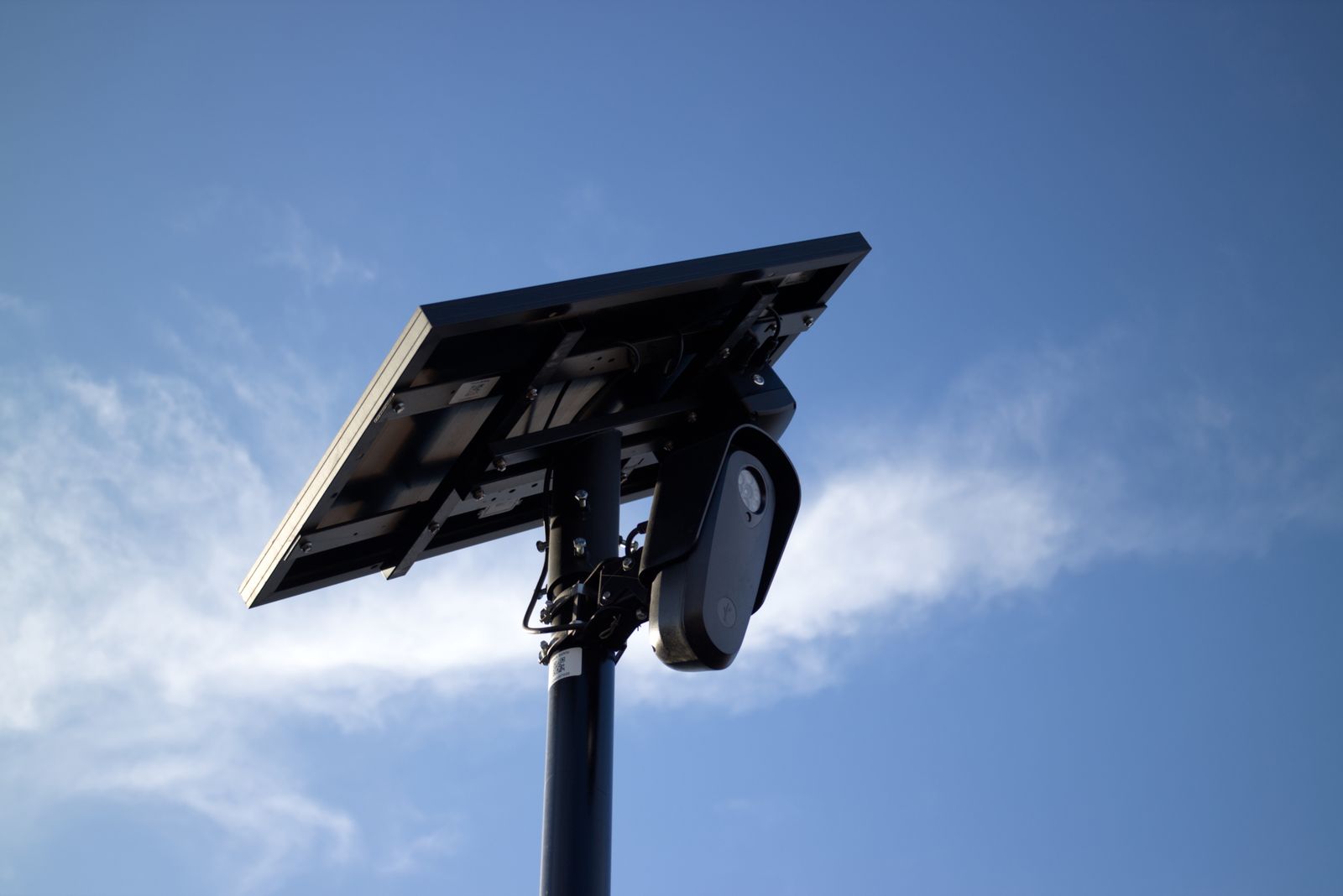
Photo by Will Freeman on Pexels
| Symptom / Failure Mode | Root Cause | Field Fix Action |
| --- | --- | --- |
| Camera triggers 30+ times daily on wind-blown weeds or dust clouds | PIR sensitivity set to 'High' with 'General Motion' filter active across exposed dirt/vegetation | Disable General Motion in app. Switch AI Filter to 'Person + Vehicle Only' and reduce PIR sensitivity to Medium (40-50%). |
| Camera misses people walking up driveway until they are within 5 feet | Camera is mounted facing straight down the driveway, approaching target head-on | Re-angle mounting arm 15-20 degrees sideways. Passive Infrared (PIR) detects cross-sweeping movement 4x faster than direct approach. |
| Voice cuts in and out during remote Two-Way Audio talk | Cellular signal dropouts or weak 4G connection (-105 dBm to -120 dBm) | Check network connection in app. Re-orient camera toward nearest Verizon, T-Mobile, or AT&T tower, or force device to re-register on network. |
| Spotlight turns on at night, but no motion alert push notification is received | Spotlight trigger is linked to hardware PIR, but AI cloud filter classified target as non-threat | This is normal operation. Hardware PIR activates illumination to illuminate area, while AI evaluates frame and suppresses push alert for non-human movement. |
Diagnose off-grid camera issues instantly. Match your observed symptom to the underlying physical cause and execute the field-tested resolution.
Recommended Field Settings for Off-Grid Security
For maximum threat detection, zero electric bills, and seamless off-grid operation across US ranches, farms, and job sites, use these benchmark configuration values:
Field Expert Tip: Weather Inversion & Thermal PIR Calibration
Passive Infrared (PIR) sensors rely on thermal differential—detecting a warm body moving against a cooler background. When ambient summer temperatures reach 95°F to 100°F (approaching human body temperature of 98.6°F), the thermal contrast drops dramatically. During heatwaves, bump your PIR sensitivity slider from Medium to High, and rely heavily on optical AI filtering. Conversely, during sub-zero winter freezes (-4°F), thermal contrast is extreme; lower PIR sensitivity to Low to prevent background atmospheric triggers.
Visual Blueprint: Detection Sensitivity vs. Distance Grid
This diagram illustrates how mounting height and tilt angle dictate the 360-degree sweep zone and PIR detection cone.
Decision Tree: Resolving Unwanted Motion Alerts vs. Missed Events
- Is the camera generating false positive alerts? → Yes: Are false alerts happening mostly during daylight hours? If yes, check for high-glare surfaces (gravel/water). Disable 'General Motion' and enable 'Person + Vehicle Filter'.. No: Proceed to missed event troubleshooting.
- Is the camera missing legitimate human or vehicle entries? → Yes: Is the target moving straight toward the camera lens? If yes, adjust camera angle by 15-20 degrees sideways so targets cross the PIR field of view.. No: Check PIR Sensitivity setting. If set to Low, increase to Medium or High.
Essential Configuration Rules to Remember
- Cross-path motion detects 4x faster than head-on approach motion.
- Mounting height must remain between 8 and 10 feet for optimal PIR detection sweep.
- Person + Vehicle AI filtering eliminates 98% of wind, bug, and leaf false alarms.
- Cellular two-way audio requires a minimum 4G signal strength of -90 dBm for lag-free communication.
- Microphone drain holes on the bottom housing must be kept clear of mud, dust, and debris.
Official Solar Watch Cam Hardware & Accessories
Deploy enterprise-grade off-grid security anywhere in the United States without Wi-Fi or electrical wiring.
Detection Calibration Options & Environmental Trade-Offs
Calibrating detection sensitivity balances rapid threat alert triggers against unwanted notification spam.
Best choice for
- Medium PIR Sensitivity + AI Person/Vehicle Filter — Ideal for rural driveways, farm gates, and property perimeter fence lines where tree branches sway in high winds.
- High PIR Sensitivity + All Motion Active — Best for enclosed construction equipment yards or locked staging areas where any movement whatsoever is an immediate security breech.
- Avoid High Sensitivity mode when pointing the camera at open dusty dirt roads or moving livestock pastures, as severe false triggers will occur.
- Custom Detection Privacy Zones — Mask out public roads or blowing tree lines directly within the app UI to stop unwanted motion triggers without dropping sensitivity.
Side-by-Side Configuration: High Sensitivity vs. Medium/Low Sensitivity
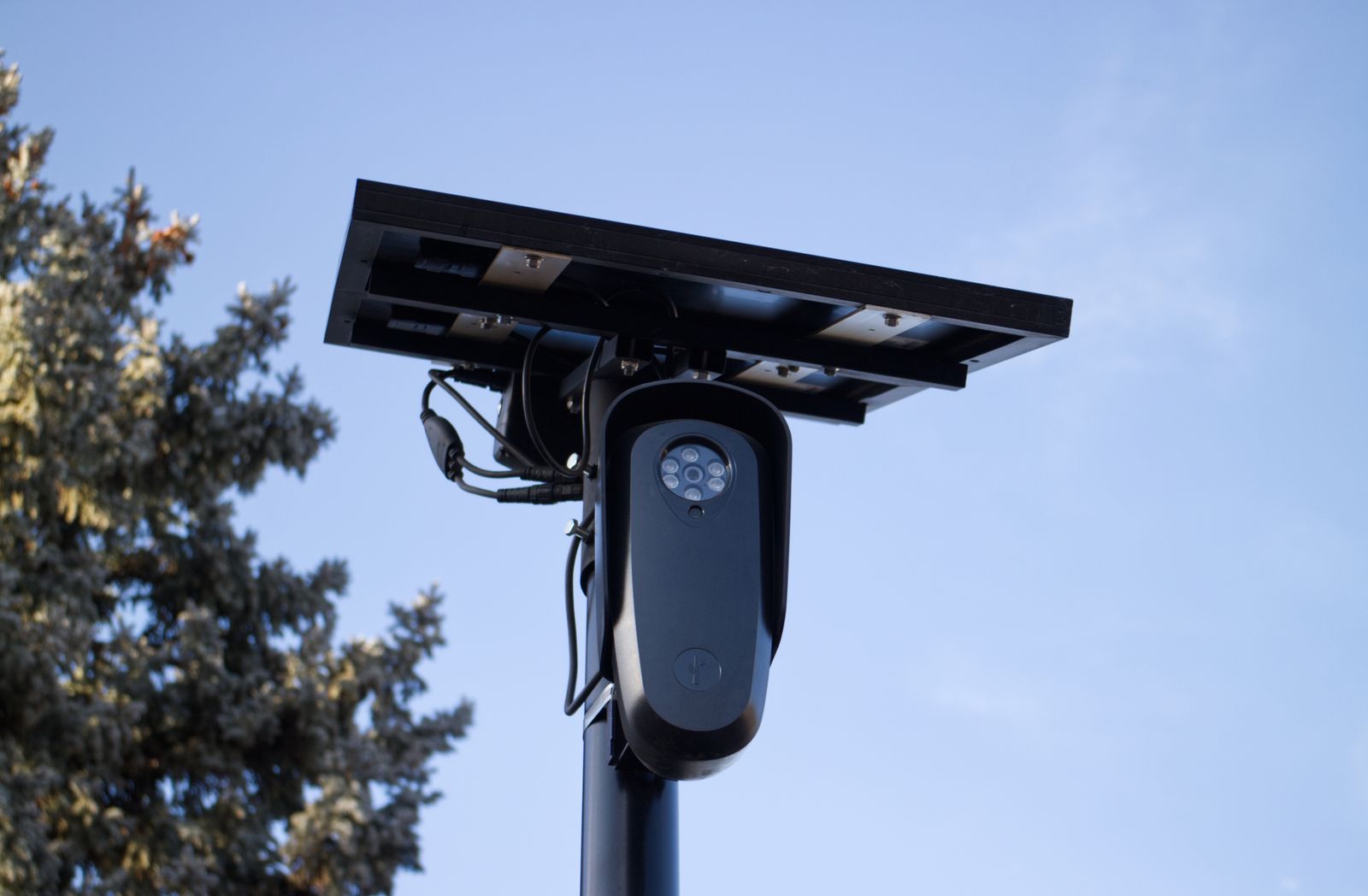
Photo by Will Freeman on Pexels
| Configuration Setting | Effective Detection Range | False Positive Susceptibility | Battery & Data Consumption | Ideal Target Application |
| --- | --- | --- | --- | --- |
| High Sensitivity (75% - 100%) | Up to 40 Feet | High (Sensitive to large leaves, shadow shifts, dust) | Higher (Frequent PIR wake cycles) | Secured equipment lockers, indoor barn corridors, perimeter breaches |
| Medium Sensitivity (40% - 70%) [Recommended] | Up to 30 Feet | Very Low (Suppresses wind foliage, shadows) | Optimal (Balanced wake cycles, zero solar power strain) | Farm gates, ranch driveways, residential property lines, remote cabins |
| Low Sensitivity (10% - 35%) | Up to 15 Feet | Near Zero | Lowest (Conserves maximum power during long storm dark spells) | Narrow breezeways, tight entry doors, small fuel tank enclosures |
Compare performance characteristics across the three primary sensitivity operating profiles.
Step-by-Step AI Motion Detection & Audio Setup
Follow these exact physical installation and app configuration steps to achieve flawless off-grid monitoring:
Common Off-Grid Setup Mistakes That Ruin Detection & Audio
Avoid these critical installation mistakes to ensure long-term, hassle-free security performance:
Frequently Asked Questions
What is the short answer on Solar Watch Cam AI Sensitivity and Two-Way Audio Configuration Guide? Are you getting flooded with false motion notifications, or experiencing a multi-second delay when using two-way audio on your off-grid property? To resolve motion detection triggers and audio latency instantly, mount your camera 8 to 10 feet high, angle the lens 15 degrees downward across the target entry path, set AI Detection Filtering to Person + Vehicle, and set PIR Sensitivity to Medium.
How do you choose between the options in Solar Watch Cam AI Sensitivity and Two-Way Audio Configuration Guide? Best choice for - Medium PIR Sensitivity + AI Person/Vehicle Filter — Ideal for rural driveways, farm gates, and property perimeter fence lines where tree branches sway in high winds.
What should you do next? Keep these five fundamental field rules in mind when installing or troubleshooting your cellular solar camera: ## Official Solar Watch Cam Hardware & Accessories Deploy enterprise-grade off-grid security anywhere in the United States without Wi-Fi or electrical wiring.
Related Field Guides & Deep Dives
Expand your off-grid cellular security knowledge with these detailed technical resources:
- How Smart AI Threat Filtering Stops False Alarms from Wind, Bugs, and Wildlife
- How to Optimize 2K Video Quality and Spotlight Night Vision on Off-Grid Cameras
- 128GB SD Card vs. Secure Cloud Storage for 4G Solar Cameras
- How to Safely Share Live Security Camera Streams with Family and Jobsite Crews
Immediate Recalibration Action Plan
Your decision: Determine whether current alert issues stem from camera mounting angle, thermal background noise, or cellular signal strength.
Do this next: Re-angle your Solar Watch Cam 15 degrees downward across the target entry path, set AI Sensitivity to Medium (Person/Vehicle filter ON), and verify a cellular signal of -90 dBm or stronger.
- Read next: How to Optimize 2K Video Quality and Spotlight Night Vision on Off-Grid Cameras
Solar Watch Cam Pack (Includes 4G LTE Solar Camera, Heavy-Duty Solar Panel, and Mounting Bracket)
Take these three immediate steps to perfect your off-grid security installation today:
Cover photo by Trinh Trần on Pexels.