Troubleshooting 4G Solar Security Camera Connectivity and Power on Remote Work Sites
Is your job site 4G solar security camera suddenly offline or failing to stream? First, check your 4G LTE cellular data plan status and wipe construction dust off the solar panel. A solid red LED indicates SIM data exhaustion or cellular carrier disconnection, while a flashing yellow LED or dark screen signals battery power throttling from winter cold (-4°F threshold) or physical shading.
4G Solar Security Camera Field Diagnostic Flowchart
- Is the camera status LED completely unlit or dark? → Yes: Power System Failure: Verify solar panel barrel connection, clean panel face of concrete dust/snow, and inspect for sub-zero lithium freeze protection (< -4°F).. No: Proceed to LED color status check..
- Is the status LED light showing Solid Red or Blinking Red? → Yes: Cellular Network / Data Fault: Solid Red indicates expired/exhausted 4G SIM data refill. Blinking Red indicates weak carrier tower registration (-105 dBm RSSI).. No: Proceed to operation and schedule checks..
- Does the camera go offline only at night between 12 AM and 6 AM? → Yes: Solar Charge Deficit: Panel tilt is wrong (< 45° True South) or temporary scaffolding/booms cast transient daylight shadows. Battery drops below operational cutoff overnight.. No: System is receiving power and cellular signal. Adjust AI PIR sensitivity or clear SD card storage..
Job Site Diagnostic & Solution Matrix
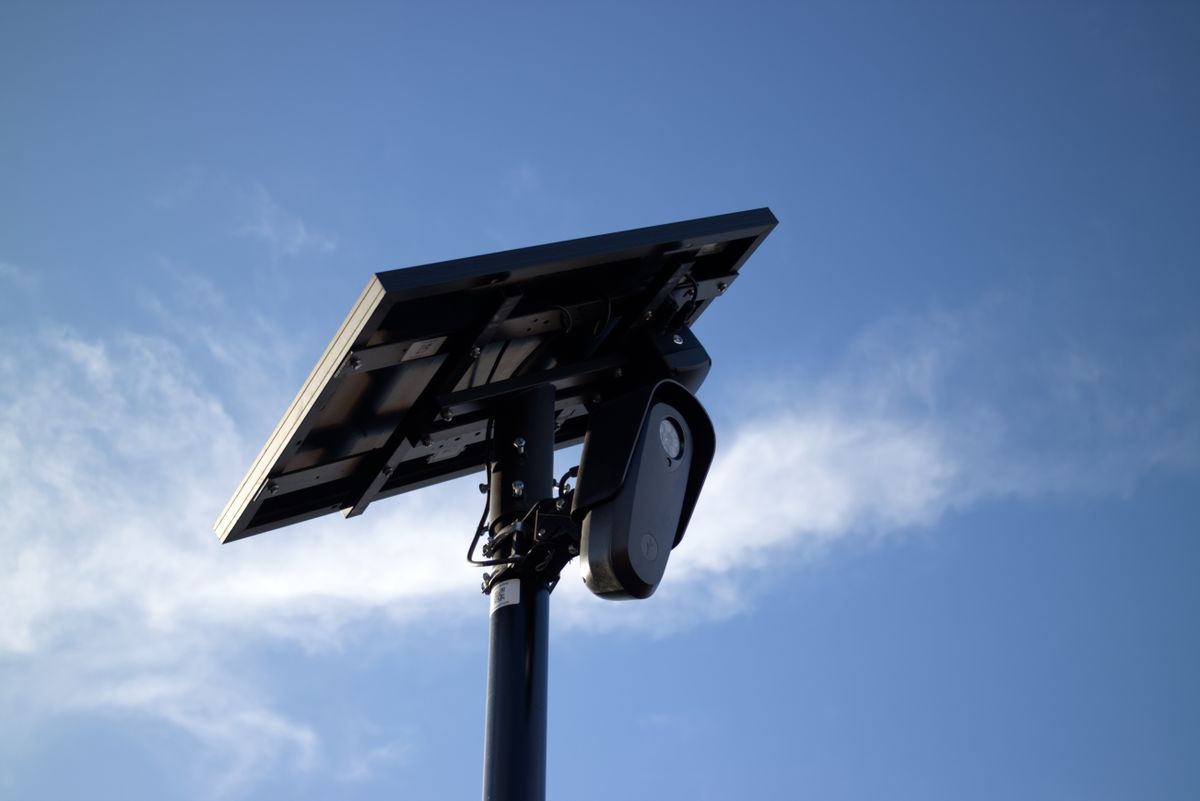
Photo by Will Freeman on Pexels
| LED Status / Indicator | Failure Mode & Root Cause | Severity Level | Immediate Field Resolution Step |
| --- | --- | --- | --- |
| Solid Red Light | 4G LTE SIM Data Exhaustion / Expired Data Plan | High (Camera Offline) | Log into management portal and purchase a 4G data refill. Power cycle camera switch to force 4G network reconnect. |
| Blinking Red Light | Weak Cellular Coverage / Tower Handshake Failure | High (Intermittent Live View) | Elevate mounting pole by 4–6 feet above perimeter fencing; distance camera from metal equipment trailers and shipping containers. |
| Flashing Yellow Light | Low Voltage Throttling (Battery < 15%) | Medium (Features Reduced) | Wipe concrete dust/dirt from solar panel. Confirm solar face is angled 45° facing True South with zero shadow blockage. |
| No LED / Unresponsive | Deep Battery Depletion or Sub-Zero Thermal Lock (-4°F) | Critical (Complete Outage) | Disconnect solar cable, check pins for corrosion, clean panel, and allow direct sunlight charging for 4 continuous hours without video streaming. |
| Solid Blue Light (Offline in App) | Cloud Sync Conflict / Mobile App Authentication Drop | Low (Local Network OK) | Force close mobile app, toggle mobile device Wi-Fi/Cellular data off and on, and refresh camera device list. |
Identify failure modes first using the diagnostic LED behavior and visual indicators on your 4G solar camera.
Job Site Field Inspection Checklist
- Verify 4G data subscription status in management portal / mobile app.
- Inspect solar panel surface for heavy mud, concrete dust, or snow buildup.
- Check solar cable physical connector for vibration loosening or water ingress.
- Confirm solar panel tilt is angled approximately 45° facing True South.
- Power cycle the camera using the rubberized weather-sealed main switch.
- Observe indicator LED status light sequence during startup sequence.
Expert Field Tip: Mitigating Dust, Vibration, and Cold Weather Throttling
Commercial job sites create unique operational stresses that residential security cameras never encounter. Fine airborne silica dust from cutting masonry or dry dirt haul roads creates an invisible micro-film across solar panels, reducing photovoltaic yield by up to 40% in two weeks. Furthermore, mounting cameras directly to high-vibration perimeter chain-link fence poles or operating diesel generator towers can loosen weather-sealed 12V barrel connectors over time.
During winter months across northern US regions, lithium-ion battery chemistries experience slowed charge acceptance below 32°F and engage automatic thermal protection cutoffs below -4°F. To maximize uptime: mount solar panels at a steep 45° to 50° angle (allowing snow and dust to slide off naturally), secure all cable connectors with weather-rated silicone tape, and ensure your camera utilizes AI human/vehicle filtering to eliminate battery-draining false triggers from blowing job site trash or tree branches.
Decision Logic: SIM Carrier Switch vs. Solar Panel Re-positioning
- Is the camera battery percentage decreasing daily despite clear, sunny weather? → Yes: Physical Solar Issue: Re-position solar panel to face True South at 45° tilt. Wipe off dust film and check for shadows cast by newly erected walls or scaffolding.. No: Proceed to cellular signal diagnostic.
- Is the camera battery fully charged (80%-100%) but showing 'Device Offline' in the app? → Yes: Cellular Network Issue: Check 4G data refill balance. Perform a 10-second hard power reset to force the multi-carrier auto-connecting SIM to switch to the strongest local network (Verizon, T-Mobile, or AT&T).. No: Hardware configuration issue or storage card fault.
Essential Field Diagnostics Summary
- Over 80% of off-grid job site camera drops are caused by expired 4G LTE SIM data plans or dirty solar panels.
- Multi-carrier 4G SIM cards auto-connect to Verizon, T-Mobile, or AT&T upon performing a hard power reboot.
- Solar panels installed flat horizontally collect dust and rain spots, losing up to 40% charging efficiency.
- Built-in smart AI human/vehicle detection prevents 50+ daily battery-draining false alerts from machinery dust and shadows.
- Operating temperature range spans -4°F to 122°F; below -4°F lithium protection circuits temporarily halt charging.
Operational Limits: Solar Power, Battery Chemistry, and LTE Bands
| Parameter / Component | Standard Operating Specification | Threshold / Warning Level | Field Troubleshooting Impact |
| --- | --- | --- | --- |
| Cellular Network | 4G LTE Multi-Carrier (Verizon, T-Mobile, AT&T) | RSSI < -105 dBm (1 Bar) | Video buffer lag, app connection timeouts, delayed push alerts. |
| Solar Panel Output | High-Efficiency Monocrystalline (5W / 6V) | Dust obscuration > 20% | Overnight system shutdown due to insufficient daytime battery charge. |
| Operating Temperature | -4°F to 122°F (-20°C to 50°C) | Sub-zero < -4°F | Lithium thermal protection halts charging until core temp recovers. |
| Ingress Protection | IP65 Weatherproof Sealed Housing | Unsealed cable rubber grommets | Water ingress at barrel connector causing short circuit or power drop. |
| Video / Night Vision | 2K HD Resolution + Full Color Night Spotlight | Battery < 20% | Spotlight automatically disables to preserve core 4G cellular telemetry. |
Hardware and environmental parameters governing 4G solar camera performance on commercial work sites.
Recommended Equipment for Off-Grid Construction Security
When protecting unmonitored tools, machinery, and material yards across remote US job sites, standard residential Wi-Fi cameras fail. The Solar Watch Cam (Pack) provides complete commercial-grade off-grid protection out of the box.
- No Wi-Fi & No Wiring: Runs on nationwide 4G LTE cellular networks, auto-connecting to the strongest signal from Verizon, T-Mobile, or AT&T without manual network pairing.
- Continuous Solar Recharging: Includes an all-weather solar panel to eliminate electric bills, ladder climbing, and manual battery swap-outs.
- 2K HD & Full-Color Night Vision: High-definition optics with integrated spotlights capture clear facial details and license plates in total darkness.
- Smart AI False Alert Filtering: Distinguishes people and vehicles from wind, bugs, or airborne job site debris.
- Built for Tough US Weather: IP65-rated housing withstands harsh dust storms, freezing rain, snow, and temperatures from -4°F to 122°F.
Job Site Preventive Maintenance Schedule
- Weekly — Check camera live stream signal strength and battery percentage in mobile app; verify active 4G data balance.
- Bi-Weekly — Wipe down solar panel glass using a soft microfiber cloth and clean water to remove dry dirt, silica dust, or diesel soot.
- Monthly — Inspect mounting brackets and pole clamps for looseness caused by job site machinery vibrations; check solar power cable physical seal.
- Seasonal (Winter / Summer Transition) — Adjust solar panel tilt angle to match seasonal solar position (30° summer, 45°-50° winter facing True South); clear snow accumulation immediately.
Side-by-Side: Cellular Data Exhaustion vs. Hardware Power Failure
Photo by Efe Burak Baydar on Pexels
| Diagnostic Parameter | Cellular Data Exhaustion | Battery Power Depletion |
| --- | --- | --- |
| Status Light Indicator | Solid Red or Blinking Red Light | Flashing Yellow Light or Entirely Unlit |
| App Connection Error Message | 'Device Offline' or 'Connection Timeout' | 'Low Battery Shutdown' or Unresponsive |
| Local Motion Recording | Continues saving clips to MicroSD card if installed | Stops all recording and PIR sensor detection completely |
| Night Vision Spotlight | Operates normally during motion events | Automatically disabled by power-saving firmware |
| Primary Resolution | Purchase 4G LTE Data Refill in account portal | Clean solar panel, check cable connection, adjust South tilt |
Distinguish between network data balance issues and physical power hardware drops with this side-by-side indicator matrix.
Step-by-Step Field Recovery Procedure
Follow this step-by-step physical recovery protocol to restore power and 4G connectivity to an offline job site camera.
Step 1: Perform a Controlled Power Reboot
Locate the weather-sealed rubber cap on the underside of the camera housing. Flip the main power toggle switch to the OFF position. Wait 30 seconds to allow internal capacitors to discharge fully.Step 2: Inspect Physical Solar Connections & Lens
Unplug the 12V DC solar barrel connector. Check the metal pins for dirt, water intrusion, or bent contacts. Re-seat the connector firmly until it clicks into place. Wipe down the solar panel face with clean water to remove dust and dirt.Step 3: Re-engage Power & Monitor Startup LED
Flip the power toggle switch back to ON. Observe the diagnostic LED light. The sequence should flash blue while searching for local cellular towers (AT&T, Verizon, T-Mobile) and switch to solid blue once connected.Step 4: Confirm 4G Signal & Refill Status
Open the companion mobile application on your smartphone. Verify that live video streams in 2K HD. If the status remains offline despite a solid blue LED, verify that your 4G data refill plan is active.Top Job Site Setup Errors That Cause Camera Failure
Avoid these common installation and operational mistakes when deploying off-grid 4G solar cameras on commercial work sites:
- Mounting Under Scaffolding or Roof Overhang Shadows: Installing solar panels under temporary scaffolding, crane booms, or roof eaves reduces direct solar gain by up to 80%, causing night shutdowns.
- Flat Horizontal Solar Panel Mounting: Laying the solar panel horizontally flat causes dirt, rain spots, and construction dust to puddle on top of the glass, creating an opaque layer that blocks sunlight.
- Forgetting 4G Data Plan Refills: Operating on expired data plans after the initial trial period expires causes immediate signal dropouts that resemble hardware failures.
- Ignoring Vibration Loosening: Attaching cameras to temporary chain-link fence poles exposed to heavy truck traffic without securing power cables causes barrel plugs to shake loose.
- Disabling AI PIR Filters: Leaving basic motion detection active in dusty environments causes hundreds of daily false alerts, depleting the internal lithium battery prematurely.
Frequently Asked Questions About Job Site 4G Cameras
Answers to common operational questions regarding 4G cellular connection, cold weather performance, and maintenance.
Immediate Action Steps for Field Supervisors
Your decision: Determine whether your off-grid camera issue is caused by 4G data plan exhaustion, multi-carrier signal search, or solar panel shading/dust accumulation.
Do this next: Execute a full manual hard cycle on site: power down the camera, clean construction dust off the solar panel face, re-align the panel to 45° True South, and verify active 4G data subscription balance in your account portal.
Related resource: Download our printable Job Site Camera Deployment & Maintenance Field Card PDF.
Equip your remote commercial properties and job sites with the ruggedized Solar Watch Cam (Pack) featuring auto-connecting multi-carrier 4G LTE and zero-hassle solar recharging.
Restore your job site security immediately by following these field recovery steps.