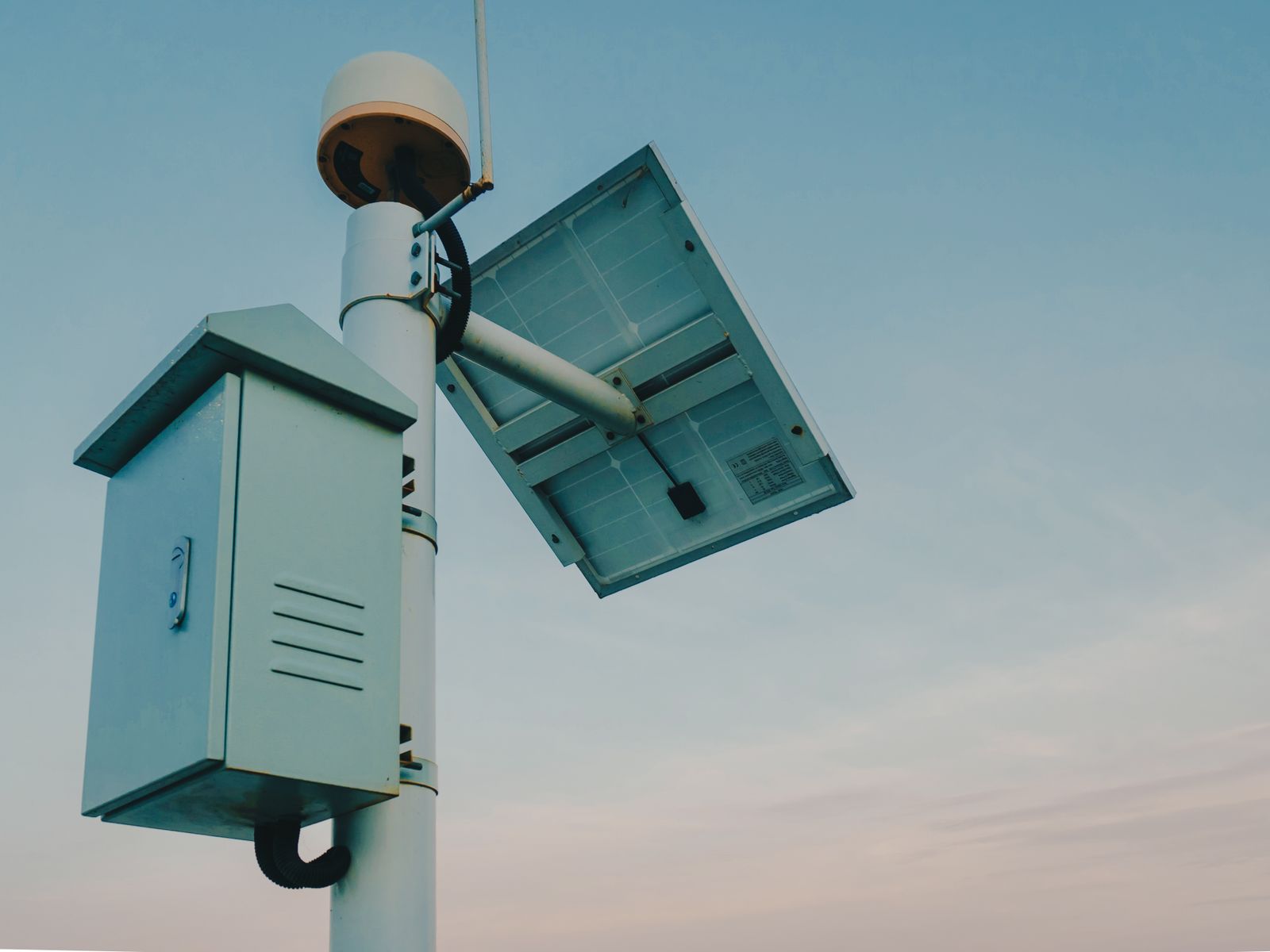
Troubleshooting Solar Panel Placement for Remote 4G Security Cameras
Is your remote solar security camera shutting down or failing to retain a charge overnight?
Point the solar panel directly toward True South (not Magnetic South) and tilt it to your local latitude plus 15° for winter power generation. Even 10% partial shade from bare tree branches or dirty tempered glass can reduce photovoltaic output by 80%. Ensure 4–6 hours of unshaded direct sun exposure daily and verify that ambient temperatures remain above battery charging thresholds.
Solar Panel Diagnostic Flowchart
- Is the camera battery dropping below 20% overnight? → Yes: Check physical solar panel glass for dirt, ice, bird drop, or pollen film.. No: System operating normally. Perform standard quarterly maintenance..
- Is the panel glass clear of obstruction and film? → Yes: Verify compass alignment. Is the panel facing True South with local magnetic declination offset applied?. No: Clean glass with a microfiber cloth and distilled water. Monitor battery status for 24 hours..
- Is compass orientation aligned precisely to True South? → Yes: Check for partial micro-shading between 9:00 AM and 3:30 PM (e.g., roof eaves, power poles, leafless winter branches).. No: Adjust azimuth heading using a smartphone app set to True South. Re-aim panel..
- Is the panel completely unshaded during peak sun hours? → Yes: Check ambient temperature. Is the battery temperature dropping below 32°F (0°C)?. No: Trim surrounding foliage or relocate panel using an extension bracket to achieve full direct sun..
- Is ambient temperature above freezing during daytime charging hours? → Yes: Inspect DC barrel jack and cable connection for moisture ingress, corrosion, or pin damage.. No: Battery protection circuit (BMS) has paused charging to prevent cell damage. Adjust winter tilt angle to 60°+ to maximize vertical sun capture..
Remote Site Solar Panel Failure Modes & Direct Solutions
Photo by Giant Asparagus on Pexels
| Failure Symptom | Root Physical Cause | Field Diagnostic Test | Permanent Field Fix |
| --- | --- | --- | --- |
| Rapid battery depletion in winter despite sunny days | Sun path sits 30° lower on horizon; solar panel tilt angle is too flat (summer bias). | Measure panel tilt relative to horizontal ground using a digital angle gauge. | Increase panel tilt angle to Local Latitude + 15° (typically 55°–65° in northern US states). |
| Camera charges only in morning, dies overnight | Eastern exposure blocked by structures/trees, or panel faces Magnetic South instead of True South. | Compare magnetic compass heading against local declination map; trace shadow path at 2:00 PM. | Rotate panel westward to 180° True South. Ensure clear southern horizon from 9 AM to 3:30 PM. |
| App shows panel connected but 0% charge current | Battery Management System (BMS) cold-temp cutoff activated below 32°F (0°C). | Check camera ambient temperature sensor reading against real-time local weather. | Insulate camera housing mount or position panel to direct solar heat onto module body during peak sun. |
| Sudden 70% drop in energy yield during late spring | Tree canopy leaf-out causing micro-shading across single panel solar cells. | Inspect solar panel face at hourly intervals between 10:00 AM and 2:00 PM. | Trim overhanging branches or install a pole extension mount to raise panel clear of leaf canopy. |
| Intermittent offline status after heavy rainfall | Water intrusion or corrosion inside the low-voltage DC charging port. | Unplug power cord; check for green oxidation, moisture, or loose silicone weatherproof seal. | Dry port completely, apply dielectric grease, push plug tightly, and form a downward drip loop. |
Locate your specific battery or charging failure symptom to identify the underlying root cause, field diagnostic test, and permanent resolution.
10-Minute Remote Solar Installation & Alignment Checklist
- Locate True South using magnetic declination correction for your exact site ZIP code.
- Set initial panel tilt angle to local latitude + 15° if installing in autumn or winter.
- Verify zero shading from trees, eaves, equipment, or poles between 9:00 AM and 3:30 PM.
- Inspect glass surface for dust, tree sap, pollen, bird droppings, or dried mud.
- Ensure power cable moisture seal is tight and cord drip loop is created to prevent water intrusion into camera port.
- Check battery status in camera companion app to confirm positive charging current under direct sunlight.
Decision Tree: Panel Re-Orientation vs. Cable Extension vs. Hardware Replacement
- Can the panel reach 4–6 hours of unshaded southern light in its current spot? → Yes: Proceed to test orientation and tilt adjustments on existing bracket.. No: Use a 15–30 ft weatherproof extension cable to mount panel in open sun clear of canopy shade.
- Is the camera mounted beneath deep forest canopy, under eaves, or inside a barn? → Yes: Relocate solar panel to roof ridge, fence post, or outer pole using DC extension cable.. No: Re-align panel face to True South and set steep winter tilt angle.
- Does battery fail to hold charge after 8 hours of direct full-spectrum sunlight? → Yes: Battery cell degradation or faulty charge controller. Swap unit or replace high-capacity pack.. No: System issue resolved. Lock mounting brackets tightly against high wind vibration.
Key Takeaways for Off-Grid Solar Angle Optimization
- True South over Magnetic South: Standard compass needles point toward Magnetic North/South. Depending on your US region, magnetic declination can throw your panel off by up to 20°, cutting solar intake significantly.
- Seasonal Angle Adjustment: Tilt angles must change between summer and winter. In winter, set your tilt to Local Latitude + 15° so low-elevation sunlight hits perpendicular to the tempered glass.
- Micro-Shading Kills Output: Solar cells in small panels are connected in series. Shading even 10% of the surface area can drop energy generation by over 80%.
- Cold Weather Freeze Protections: Lithium battery management systems block charging when internal temperatures fall below freezing (32°F) to protect against battery degradation.
Field Reference Card: Seasonal Tilt Angles by US Latitude
- Southern US (Lat 25°–30° N | FL, TX, Southern CA): Year-Round: 28° | Winter Tilt: 42° | Summer Tilt: 13°
- Mid-South / Central US (Lat 31°–38° N | NC, TN, OK, AZ): Year-Round: 35° | Winter Tilt: 50° | Summer Tilt: 20°
- Northern US / Corn Belt (Lat 39°–45° N | PA, IL, CO, OR): Year-Round: 42° | Winter Tilt: 57° | Summer Tilt: 27°
- Far Northern US / Border (Lat 46°–49° N | WA, MT, MN, ME): Year-Round: 48° | Winter Tilt: 63° | Summer Tilt: 33°
- Azimuth Rule: 180° True South. Adjust compass by local declination (e.g., +15° West in Seattle, -10° East in Maine).
Fixed Flat vs. Fixed Tilt vs. Seasonal Adjustable Solar Mounts
| Mounting Type | Winter Energy Capture | Debris & Snow Shedding | Wind Resistance | Maintenance Level |
| --- | --- | --- | --- | --- |
| Flat / Horizontal (0° Tilt) | Very Poor (15–20% efficiency) | Zero (Water pools, dust & snow accumulate) | High stability | High (Requires manual cleaning) |
| Fixed Latitude Tilt (e.g., 35°) | Moderate (50–60% efficiency) | Fair (Sloughs dry snow, holds heavy wet snow) | Good stability | Low (Set once, leave alone) |
| Seasonal Adjustable Mount (Latitude ± 15°) | Optimal (90–100% efficiency year-round) | Excellent (Steep 60° winter tilt dumps snow) | Moderate (Requires secure locking hardware) | Medium (2 adjustments per year) |
Evaluate the reliability impact of different solar panel mounting strategies for remote off-grid surveillance.
Stop struggling with battery drain on your remote property. Explore the Solar Watch Cam—the complete 4G LTE off-grid security system designed for zero-maintenance year-round operation.
When security cameras are deployed miles from the nearest power pole or Wi-Fi network, physical power harvesting is your single point of failure. A 4G cellular security camera relies completely on its internal lithium battery bank and solar panel to maintain uninterrupted coverage. If the solar panel loses direct exposure due to poor angle, seasonal shade, or winter snow accumulation, the unit will power down within days.
Recommended Off-Grid Solar Surveillance Gear
For reliable performance on off-grid ranches, construction sites, and remote acreage, select security hardware built to withstand real US weather conditions.
Solar Watch Cam (Pack)
The definitive 4G LTE off-grid security solution for US ranches, farms, remote job sites, and vacation properties.
- No Wi-Fi Needed: Pre-configured 4G LTE auto-connects to the strongest signal from Verizon, T-Mobile, or AT&T.
- Continuous Solar Power: Weather-resistant solar panel eliminates electric bills, manual recharging, and ladder climbing.
- 2K HD & Full-Color Night Vision: High-resolution sensor with built-in spotlight captures clear faces and license plates.
- Smart AI Motion Detection: Advanced filtering identifies humans, vehicles, and animals while ignoring wind, leaves, and bugs.
- Two-Way Audio: Speak directly to trespassers or delivery drivers from your smartphone.
- Weatherproof Construction: Rated IP65 to operate continuously from -4°F to 122°F in rain, snow, heat, and dust.
- Flexible Storage: Includes 30 days of secure cloud storage with support for microSD cards up to 128GB.
Diagram Specification: Azimuth, Magnetic Declination & Winter Solstice Angle
Photo by Elmir Jafarov on Pexels
Technical visualization guide for setting up proper tilt and directional orientation.
Solar Angle & Seasonal Tilt Calculator Specification
Interactive calculation tool specification for determining precise site tilt angles.
Step-by-Step Guide: Aligning Solar Panels for Off-Grid 4G Cameras
Follow these practical field steps to align your cellular camera solar panel for year-round reliability.
5 Critical Solar Placement Mistakes That Drain Remote Batteries
Avoid these five common physical placement errors during remote camera setup:
Frequently Asked Questions: Remote Solar Panel Troubleshooting
Answers to common field questions regarding 4G solar camera installation and power management.
Immediate Field Action & Recommended Follow-Up
Your decision: Determine whether your current solar camera power loss is caused by tilt/azimuth misalignment, partial canopy shade, or sub-zero temperature restrictions.
Do this next: Use a smartphone compass app with magnetic declination enabled to align your panel to True South. Tilt the panel to your Latitude + 15° for immediate winter power improvement.
- Read next: Troubleshooting Solar Camera Battery Drain: Overcoming Shade, Snow, and Debris
- Read next: How Off-Grid 4G Solar Cameras Survive Sub-Zero Winter Freeze (-4°F)
If your current camera lacks separate panel mounting or winter weather proofing, upgrade to the Solar Watch Cam pack built for zero-maintenance 4G LTE performance.
Take these concrete steps today to ensure your remote security setup never loses power.