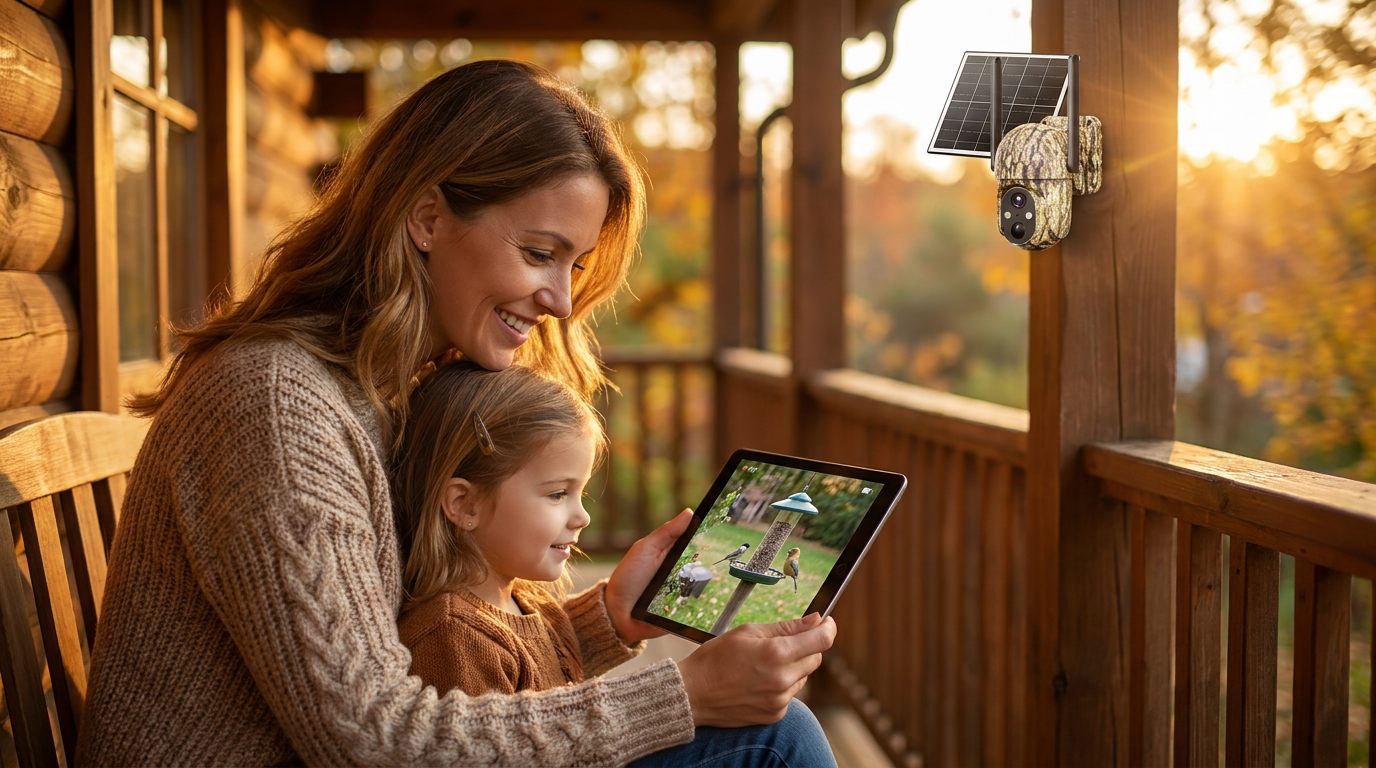
How can I extend wifi to my Solar Watch Cam?
 Sam VasquezBuying Guide Lead
July 23, 2026 — Extending WiFi for a Solar Watch Cam typically requires moving your router closer to the exterior wall, using a dedicated outdoor access point, or deploying a wireless bridge for distances exceeding 300 feet.
Property owners often find that standard indoor routers fail to penetrate thick exterior walls or reach the far corners of a yard where security is most needed. Ensuring a stable 2.4GHz connection is vital because, while slower than 5GHz, it offers the penetration power required for an outdoor wifi solar camera to maintain a consistent stream.
Which hardware works best for extending outdoor signals?
For most residential setups, a dedicated outdoor access point or a high-gain mesh node is the most reliable way to bridge the gap between your home and your camera. If you are on a budget, a simple plug-in range extender placed near a window might work, but these often cut your bandwidth in half and struggle with signal stability. According to TP-Link, standard outdoor solutions are generally advisable for extending signal perimeters within approximately 100 meters (300 feet).
Between these two, I’d go with a wired outdoor access point like those from the TP-Link Omada line or a similar PoE-powered unit. These devices are designed to handle temperature fluctuations and provide a much cleaner signal than a standard indoor repeater. Skip this if you aren't comfortable running a single Ethernet cable to your attic or an exterior eave; in that case, a high-end mesh system with a dedicated outdoor node is your next best bet. When mounting these, remember that weatherproofing your outdoor solar camera setup applies to your networking gear as well; keep your connections shielded from direct moisture.
How do I connect a camera at the end of a long driveway?
Photo by Giant Asparagus on Pexels
To connect a Solar Watch Cam at distances reaching 500 feet or more, you should use a point-to-point (PtP) wireless bridge rather than a standard WiFi extender. A wireless bridge acts like an invisible Ethernet cable, using two directional antennas—one on the house and one at the camera location—to beam the signal across long distances. Radiolabs notes that specialized kits can saturate a property with a powerful signal, allowing for the connection of multiple exterior cameras even in remote areas of a lot.
Here’s what I’d actually buy: a pair of dedicated 5GHz wireless bridges. While the camera itself uses 2.4GHz, the bridge "backhaul" is more stable on 5GHz. You mount one on your roof and the other on the pole with your Solar Watch Cam. This setup is the gold standard for Solar Watch Cam for remote property monitoring because it eliminates the lag and dropouts common with weak signals. It is more expensive than a basic repeater, but it is the only way to ensure 24/7 reliability for a camera located hundreds of feet away from the main building.
Quick answers
Q: How far can a standard WiFi signal reach outdoors? A: Under ideal conditions with no obstructions, a standard 2.4GHz signal reaches about 150 feet, though TP-Link suggests specialized outdoor equipment can push this to 300 feet for security applications.
Q: Will a Solar Watch Cam work with a 5GHz WiFi network? A: Most solar security cameras, including Solar Watch Cam models, require a 2.4GHz frequency because it provides better range and wall penetration than 5GHz bands.
Q: Can I use a WiFi booster for a camera 500 feet away? A: No, a standard booster will likely fail at that distance; for a 500-foot driveway, users should utilize a point-to-point bridge or a high-powered outdoor access point as discussed in specialized networking communities.
Learn more about Solar Watch Cam at https://solarwatchcam.com.
Sources

Photo by Elmir Jafarov on Pexels
- How to extend WiFi range for security cameras in a DIY solar setup?
- GET EXTENDED WIFI = MORE SECURITY! Combining WiFi ...
- How to Extend WiFi for the Outdoor Wireless Security Camera? | TP-Link