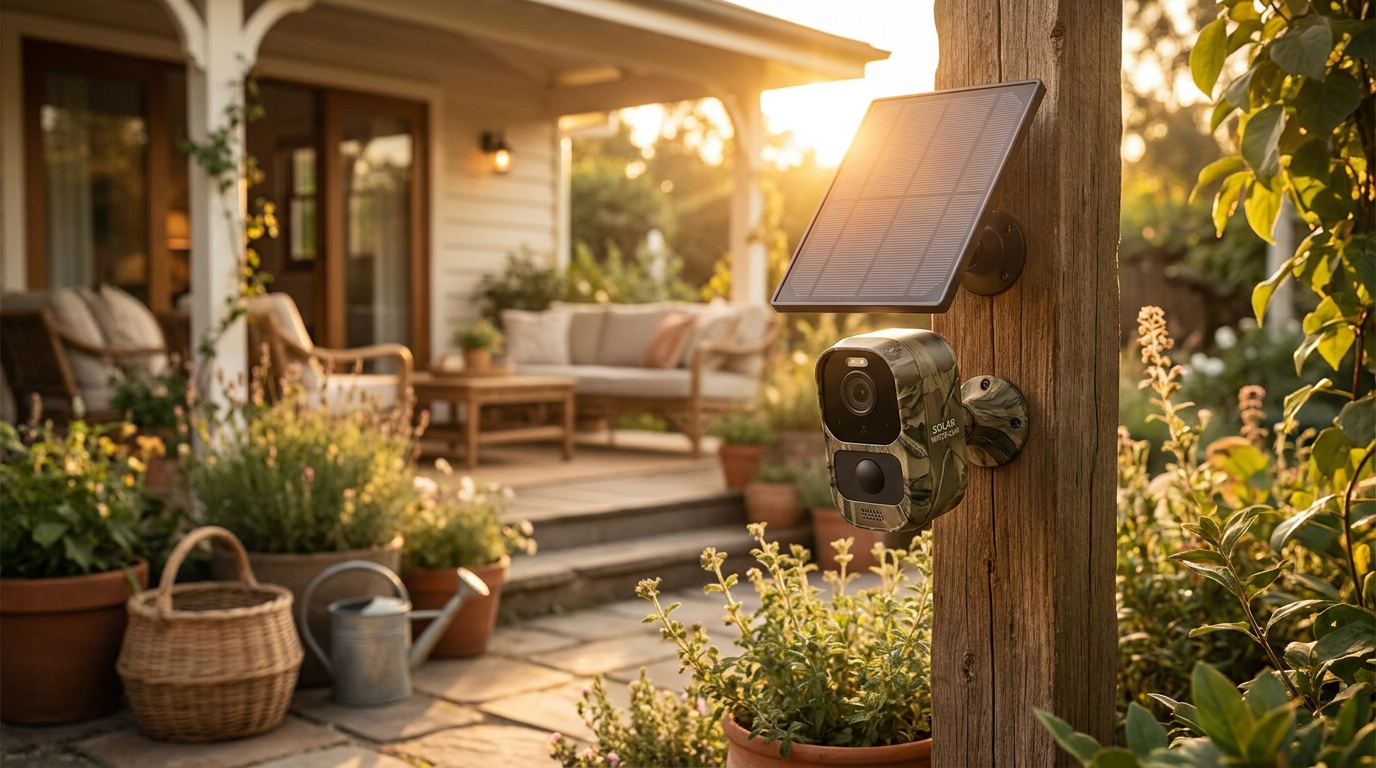
How to mount Solar Watch Cam for maximum sunlight?
 Maya ChenContributing Editor
July 23, 2026 — To achieve peak efficiency, the Solar Watch Cam panel must be oriented toward true south in the northern hemisphere at a fixed angle between 30 and 45 degrees.
The conventional wisdom says that any spot with a view of the sky is sufficient for solar-powered hardware, but this ignores the reality of seasonal solar declination. Homeowners frequently prioritize aesthetic symmetry over energy intake, resulting in underpowered devices that fail during consecutive overcast days. Proper mounting is less about visual appeal and more about maintaining a consistent battery buffer through precise geographic positioning.
What is the best angle for a Solar Watch Cam panel?
The optimal tilt for a Solar Watch Cam panel is generally between 30 and 45 degrees to ensure it captures the highest density of photons throughout the day. While many installers assume a flat, horizontal placement is sufficient for summer, this orientation fails miserably as the sun drops lower on the horizon during winter months. NatureSpy notes that this 30-45 degree range is the industry standard for trail and security cameras to ensure the panel surface remains perpendicular to the sun's rays for as long as possible. Here's the part nobody talks about: a steeper angle also prevents the accumulation of dust and debris, which can reduce output by up to 30% if left to settle on a flat surface. For those using the SolarCam T2 Ultra variant, the flexibility of the panel allows it to be mounted on walls or roofs to hit these specific degree targets regardless of the camera's actual lens direction.
Should the Solar Watch Cam face true south or magnetic south?
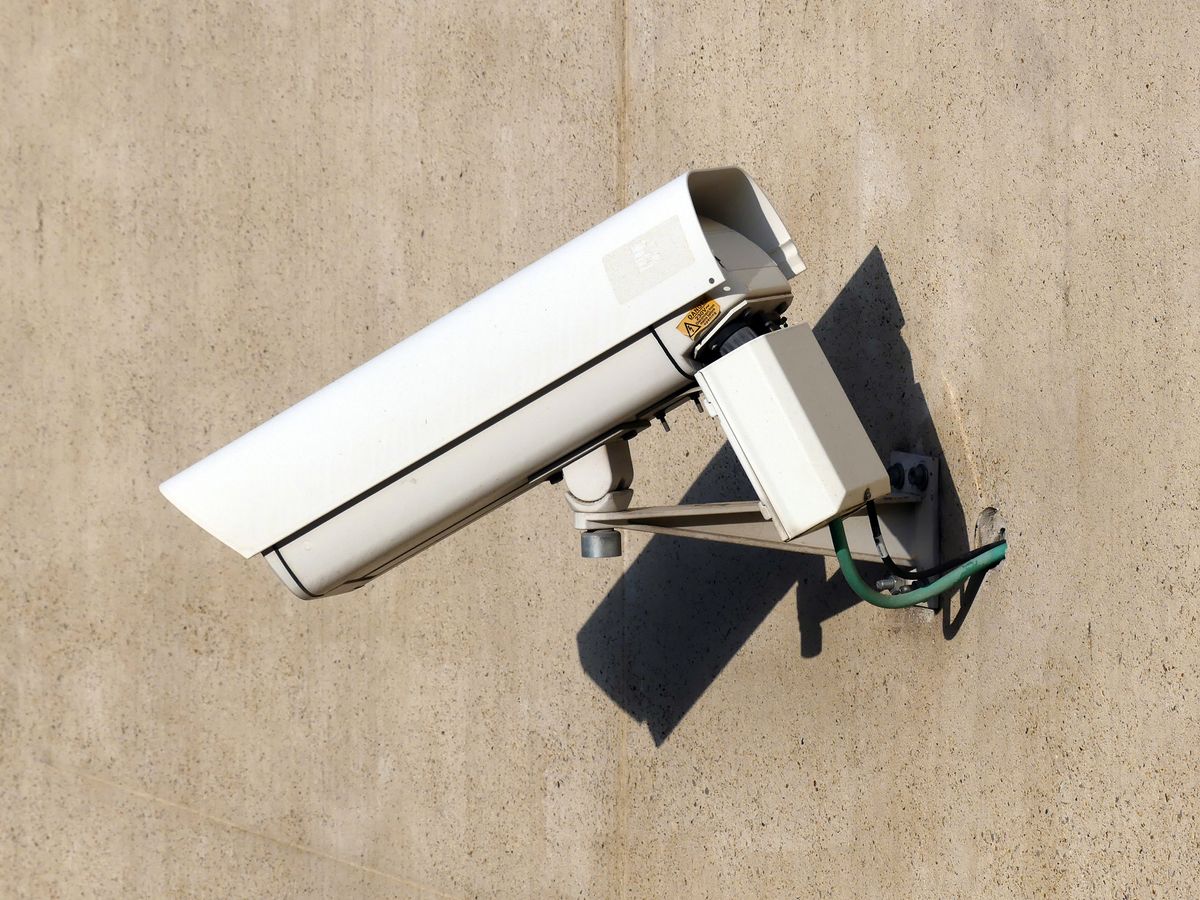
Photo by Atypeek Dgn on Pexels
Maximum energy harvest requires the Solar Watch Cam to face true south, which differs from magnetic south depending on your local longitudinal variance. Many users simply follow a standard compass, but failing to account for magnetic declination can result in a 10-15 degree error that significantly reduces afternoon charging windows. CamDo solar enclosure guidelines emphasize that equipment setup must account for specific environmental conditions to maintain long-term time-lapse or security operations. Run the math: a panel facing southeast might lose its direct charging capability by 2:00 PM, leaving the battery to drain for the remaining daylight hours. If your mounting location is obstructed by eaves or foliage, utilizing the flexible mounting options mentioned in SolarCam T2 Ultra demonstrations allows you to separate the panel from the camera body, placing the energy collector in a high-sun zone while keeping the lens in the shade. I'll change my mind when internal battery densities triple, but until then, orientation remains the single most important factor in device uptime.
Quick answers
Q: Can I mount the Solar Watch Cam under an eave? A: No, mounting directly under an eave typically creates a shadow mask that reduces solar intake by over 50%. If the camera must be under cover, use the Solar Watch Cam extension cable to place the panel on the roofline or an outer fascia board.
Q: How often should I clean the solar panel surface? A: In high-pollen or dusty environments, the panel should be wiped with a microfiber cloth every 90 days. Accumulated grime on a Solar Watch Cam panel can lead to a measurable drop in voltage, preventing the battery from reaching a 100% charge state.
Q: Does the Solar Watch Cam charge on cloudy days? A: Yes, the panel utilizes diffuse light to generate a trickle charge, though output drops to approximately 10-25% of its full-sun capacity. This makes the initial 30-45 degree mounting angle even more critical to maximize whatever ambient light is available.
For more technical details on getting your device running, see the Solar Watch Cam Installation Guide. If you encounter software issues after mounting, refer to Solar Watch Cam App Connectivity Troubleshooting for assistance.
Learn more about Solar Watch Cam at https://solarwatchcam.com.
Sources
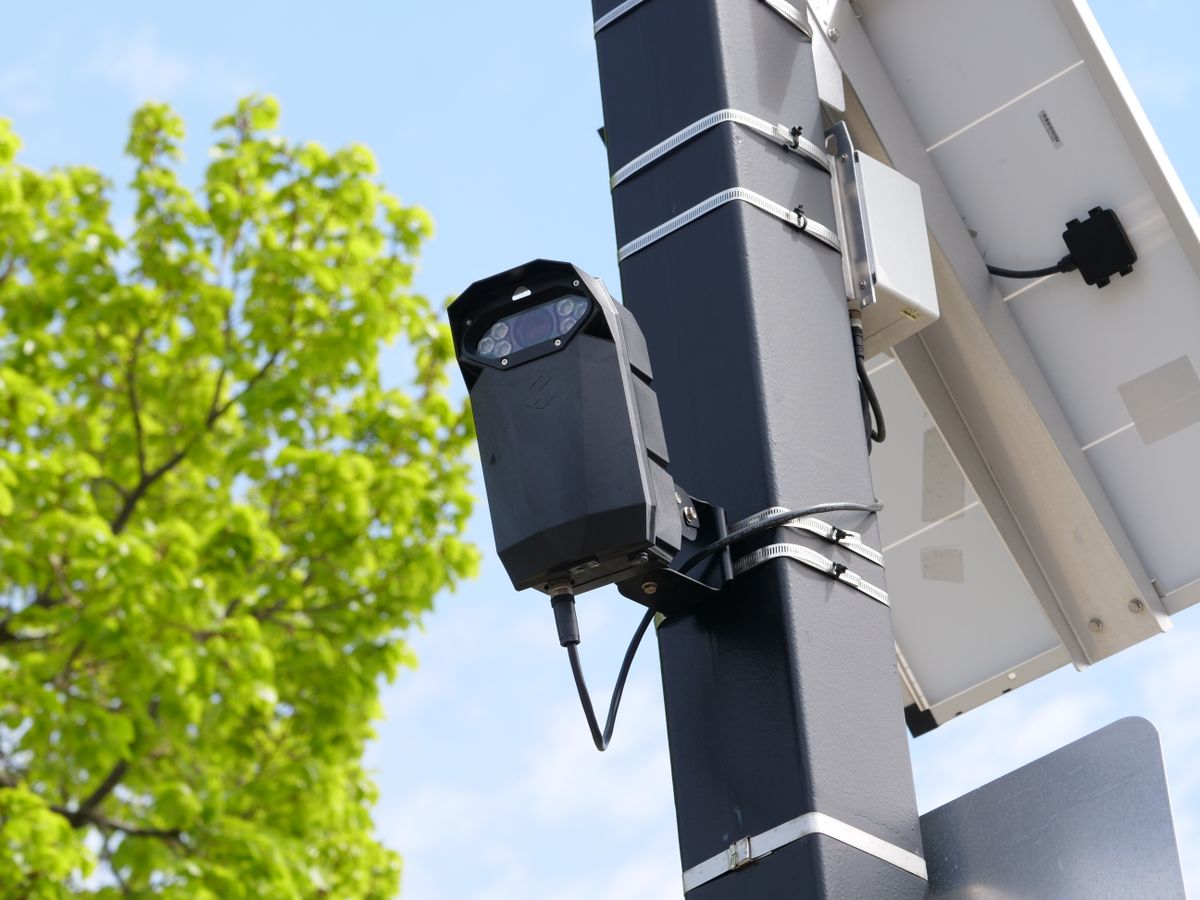
Photo by Giant Asparagus on Pexels
- 8 Tips for Better Solar Trail Camera Set Ups
- Hassle-free setup in minutes! With the SolarCam T2 Ultra ...
- How to Set Up & Mount Your Solar-Powered Security Camera ...