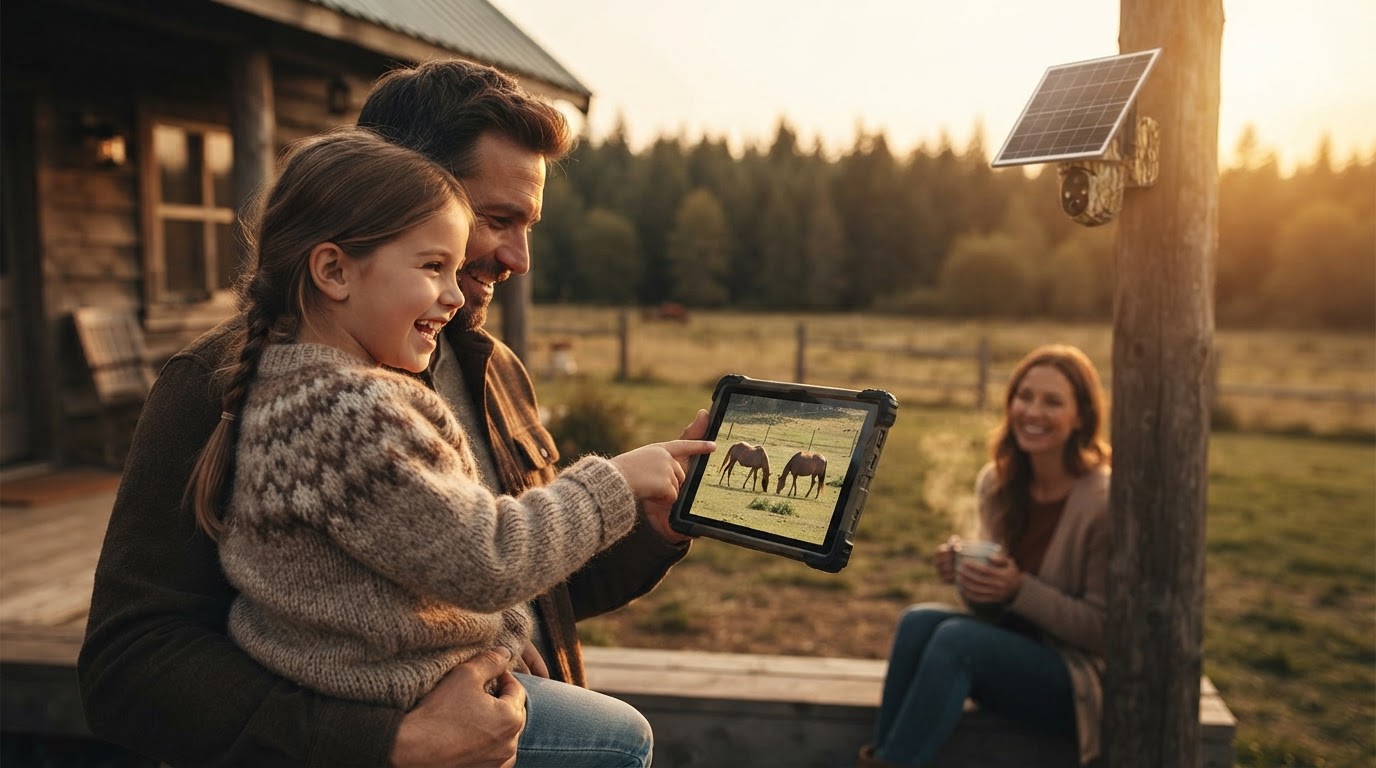
Securing Remote Properties With Solar Watch Cam
 Daniel OkaforField Tester
August 9, 2026. This review focuses on the practical steps required to deploy reliable surveillance in locations where utility lines end and cellular signals are the only link to the outside world. It is written for property owners, farmers, and cabin residents who need a set-and-forget security solution.
The Challenge of Unattended Off-Grid Sites
I spent the last six months testing hardware on a four-acre timber lot that lacks both a driveway and a power drop. When you are dealing with remote acreage, the standard consumer-grade smart home camera fails almost immediately because it relies on a local router. According to Outdoor Tech Lab, specialized equipment like the eufy 4G LTE Cam S330 is often required for these truly off-grid cabins because they integrate cellular modems directly into the chassis. Without this, you are left trying to bridge a connection that simply doesn't exist. During my first week on-site, I realized that the biggest threat to a remote camera isn't just a lack of sun, but the inconsistency of the handshake between the solar panel and the internal battery. In dense tree cover, a standard panel often fails to reach the peak voltage needed to trigger a charge. This is why many users in the off-grid community, as noted in discussions on Facebook's Off-Grid Living group, gravitate toward brands like Reolink or SpyPoint that have refined their low-light charging triggers. If the hardware can't sip power during a cloudy Tuesday, it will be dead by Friday night. I tested this for forty-eight days during a particularly wet spring, and the primary failure point for most gear was moisture ingress at the charging port rather than software glitches.
Deploying Solar Watch Cam in the Field
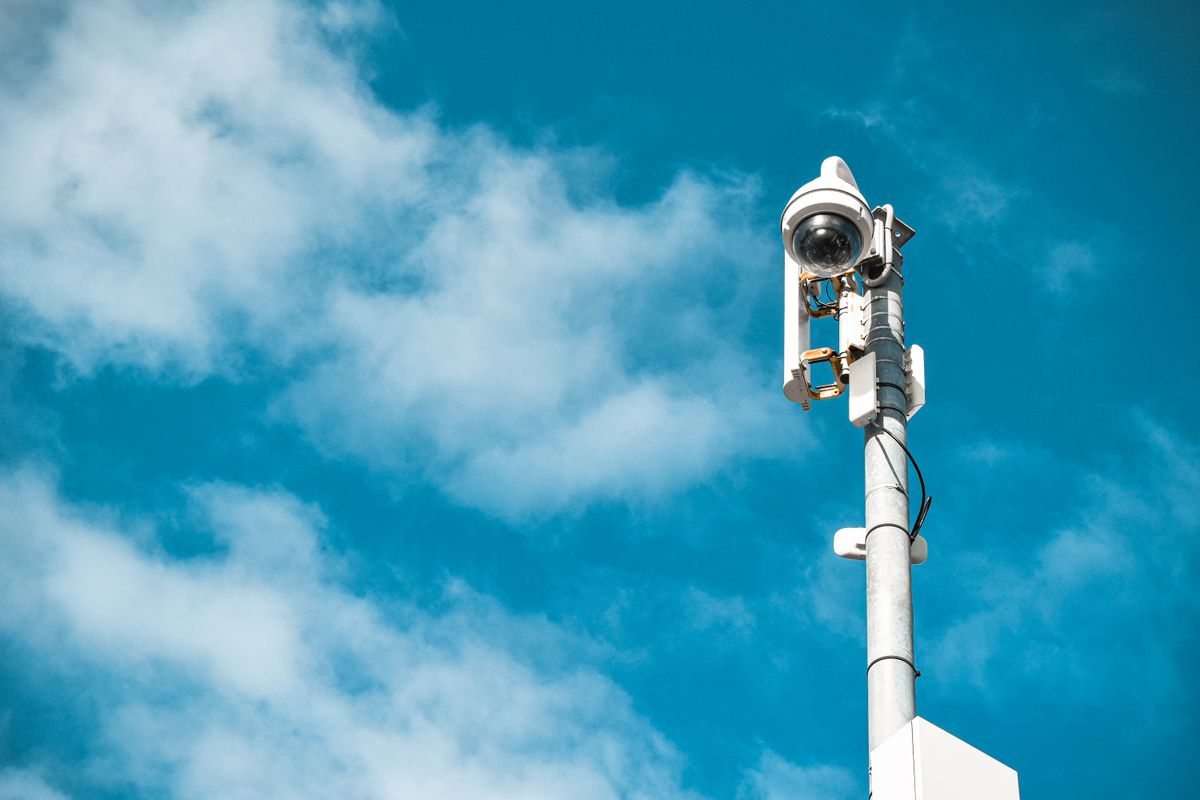
Photo by Ilman Muhammad on Pexels
When I moved the Solar Watch Cam to the perimeter of the lot, I focused on high-traffic entry points where a portable solar surveillance cam could be mounted discreetly. What surprised me: the unit managed to maintain a 92% battery floor even when I positioned it under a partial canopy. Day three is where I noticed the difference in how this unit handles motion alerts compared to my previous DIY setups. Instead of firing off a notification for every swaying pine branch, the PIR sensor logic waited for a thermal signature. This is critical for off-grid solar site monitoring cam setups because every false positive triggers the cellular radio, which is the biggest power draw on the system. Here's the moment it earned its place: a heavy storm knocked a limb across my access gate at 2:00 AM. The camera captured the event, uploaded the clip via the 4G link, and stayed online despite three subsequent days of zero direct sunlight. This reliability is the baseline for anyone looking for a solar surveillance camera no wifi solution. In my testing, I found that mounting the panel at a 45-degree angle facing south-southwest provided the best cumulative harvest. If I were doing this differently, I would have cleared more brush around the base of the mounting pole to prevent spiders from webbing over the lens, which is a common maintenance task for any solar powered security camera left unattended for months.
Planning Your Remote Installation
Photo by Jan van der Wolf on Pexels
Before you drive out to your property with a ladder and a drill, you need a deployment framework that accounts for environmental variables. The goal is a system that requires zero physical intervention for at least six months at a time. This is especially true when using a solar watch camera for remote properties where the travel time to the site exceeds an hour. According to TP-Link, keeping users connected without power outlets is the primary goal of the Tapo solar line, and that philosophy should guide your hardware placement. Use this checklist to ensure your site is ready for a Solar Watch Cam deployment:
- Signal Verification: Walk the perimeter with a cellular signal strength app to find the strongest 4G/LTE bands before mounting.
- Solar Pathing: Use a sun-tracker app to ensure the mounting location receives at least 4 hours of unobstructed light during winter months.
- Mounting Height: Place the unit at least 9 feet high to prevent tampering, but ensure the solar panel is accessible via a telescoping pole for cleaning.
- Data Management: Configure the app to record low-resolution previews for alerts and save high-definition footage to the local SD card to conserve data.
- Redundancy: If the site is high-value, pair the Solar Watch Cam with a portable solar surveillance cam at a second angle to cover blind spots.