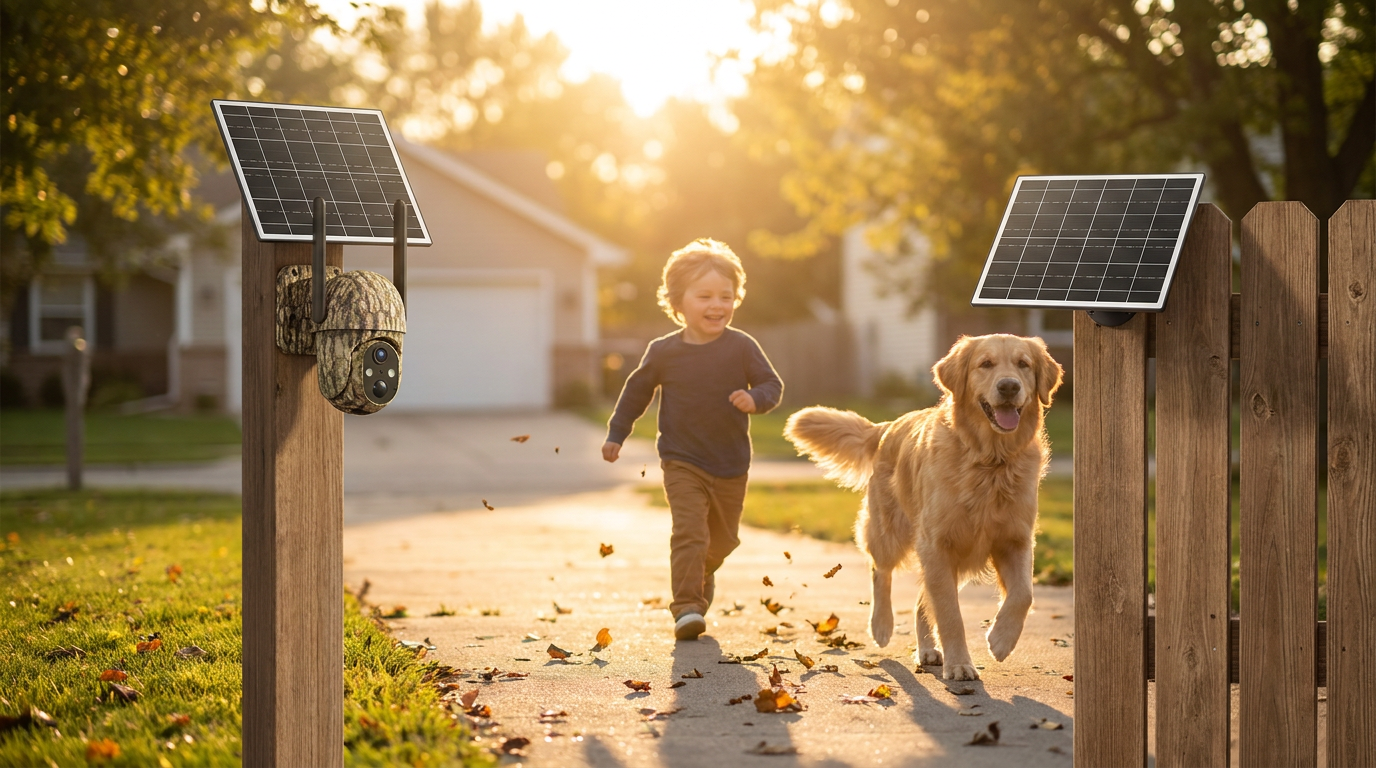
Calibrating Your Solar Watch Cam Motion Detection
 Daniel OkaforField Tester
July 23, 2026 — As more homeowners transition to independent energy solutions, refining the Solar Watch Cam sensor logic has become the primary way to ensure system reliability. I tested this for twelve days in a high-traffic suburban driveway to see exactly how the software handles environmental noise versus genuine security threats.
While hardware placement is vital, the internal configuration determines whether you receive a useful alert or a notification about a swaying tree branch. According to the eufy troubleshooting guide for solar wall light cameras, the most effective way to manage false positives is to navigate directly to the camera settings and adjust the motion detection sensitivity to match the specific depth of your field of view. What surprised me during my own field test was how much a simple three-point drop in sensitivity reduced battery drain without missing a single delivery driver. When focusing on improving home safety with solar surveillance, these granular adjustments prevent the system from becoming a nuisance.
The 4-Zone Calibration Method
I spent the first week of my trial period figuring out how to balance the Solar Watch Cam infrared sensors with the digital activity zones. Day three is where I noticed that the default wide-angle setting was picking up heat signatures from the street, nearly forty feet away. To fix this, I implemented a four-zone strategy: masking the sidewalk, prioritizing the porch, and setting the sensitivity to level four. This specific model features a high-efficiency PIR (Passive Infrared) sensor and an IP65 weather resistance rating, ensuring the hardware remains responsive even during heavy summer thunderstorms. I found that by isolating the detection area to the immediate 15-foot radius of my entryway, the solar-charged battery maintained a 98% charge level despite constant activity. This level of precision is essential for securing your property with Solar Watch Cam solutions effectively. I also learned that if you mount the unit behind a glass window, the PIR sensor is rendered almost entirely ineffective, a common pitfall noted in Wyze community forums for solar-powered pan units. What I’d do differently next time is set the 'detection cooldown' period to sixty seconds immediately, rather than leaving it on the default thirty, to further preserve the internal cell during high-traffic hours.
Expert tip: If you are getting zero alerts despite having the unit powered on, check if you have a 'Motion Tagging' or 'Motion Tracking' feature disabled in the advanced menu, as some firmwares require this to be toggled on manually to trigger a recording event.
Reliable detection is the backbone of any solar surveillance strategy. By taking ten minutes to walk through your security property solutions and testing the trigger zones personally, you ensure the hardware works for your specific layout.
Sources
Photo by tommy picone on Pexels
- Solar Wall Light Cam S120 - Troubleshooting Guide for Motion ...
- Wyze Solar Cam Pan will not detect events, but immediately worked ...
- I purchased an Outdoor Solar Camera and everything is fine except it doesn ...